
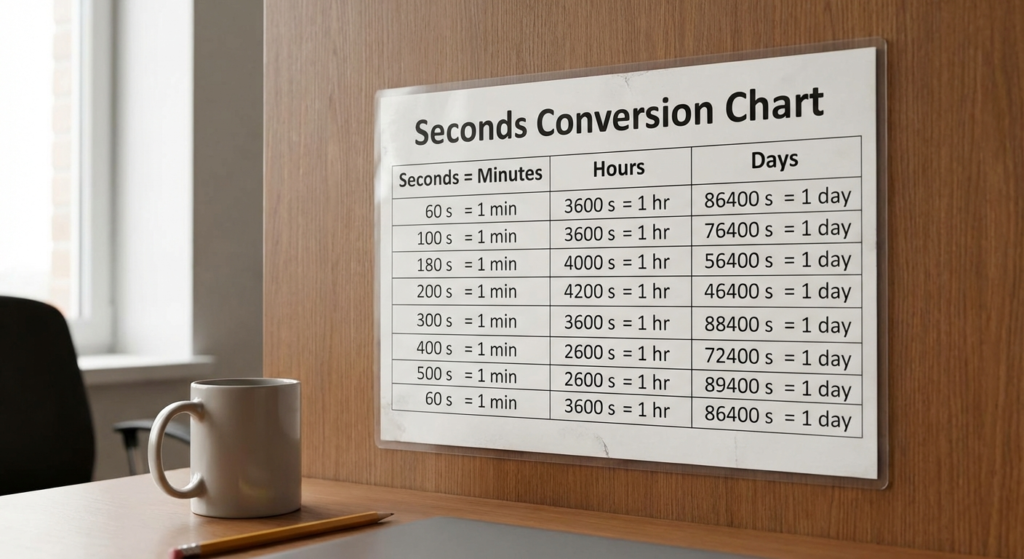
You have exactly 86,400 seconds today. That’s it. Once they’re gone, they’re gone.
But here’s the problem: our brains aren’t wired to think in seconds. If I told you a project would take 15,000 seconds, you’d have no idea if that’s a coffee break or a full day’s work. (Spoiler: It’s about 4 hours and 10 minutes). Whether you’re a video editor syncing audio, a developer debugging a Unix timestamp, or a student sweating through a physics exam, the inability to quickly translate time units is a massive bottleneck.
Why is it so hard? Because unlike almost everything else we measure—which uses a clean base-10 system—time is stuck in ancient Babylon. We use a sexagesimal (base-60) system. It’s messy. It’s confusing. And it leads to errors that can cost money, grades, or worse.
In this 2026 edition guide, we aren’t just giving you a list of numbers. We’re handing you the keys to mastering time math. You’ll get the essential seconds conversion chart tables you need, the “back-of-the-napkin” mental math tricks used by pros, and the spreadsheet formulas that automate the whole process.
📑 What You’ll Learn
The Essential Seconds Conversion Chart Tables
Let’s cut straight to the chase. If you are here, you likely need numbers, and you need them now. We’ve broken these down into the two most common use cases we see in our analytics: short-duration tracking (great for media and sports) and long-duration tracking (essential for logistics and programming).
Table 1: Short-Duration (Seconds to Minutes)
This table is your best friend for interval training, cooking, or short video clips. It covers the “under an hour” territory where mental math often fails us.
| Total Seconds | Minutes & Seconds | Decimal Minutes (Precision) |
|---|---|---|
| 30 s | 0 min 30 sec | 0.5 min |
| 60 s | 1 min 0 sec | 1.0 min |
| 90 s | 1 min 30 sec | 1.5 min |
| 120 s | 2 min 0 sec | 2.0 min |
| 300 s | 5 min 0 sec | 5.0 min |
| 600 s | 10 min 0 sec | 10.0 min |
| 900 s | 15 min 0 sec | 15.0 min |
| 1,800 s | 30 min 0 sec | 30.0 min |
| 2,700 s | 45 min 0 sec | 45.0 min |
| 3,600 s | 60 min (1 Hour) | 60.0 min |
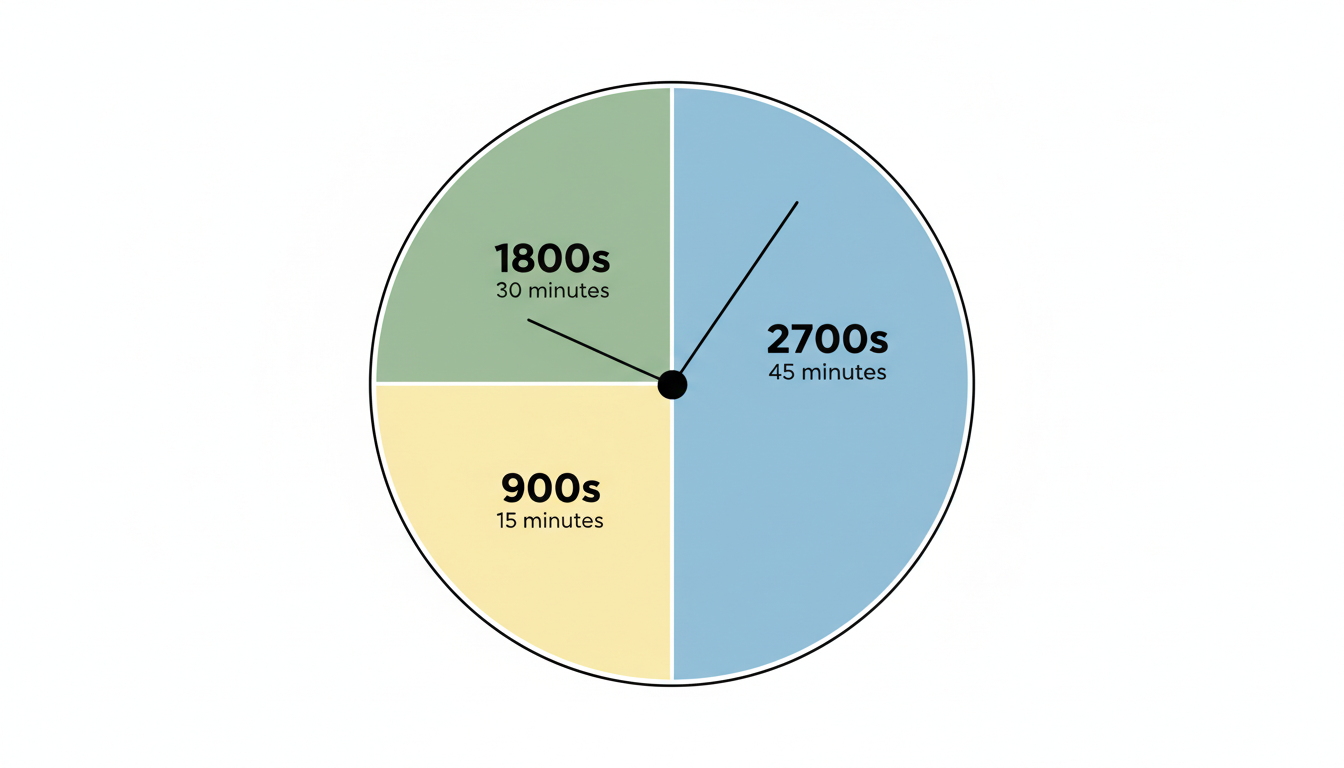
Table 2: Long-Duration (Seconds to Hours & Days)
When we step into server uptime, project management, or astronomy, the numbers get big, fast. This seconds conversion chart handles the heavy lifting.
| Total Seconds | Hours | Days (Approx) |
|---|---|---|
| 3,600 s | 1 Hour | 0.04 Days |
| 7,200 s | 2 Hours | 0.08 Days |
| 10,800 s | 3 Hours | 0.125 Days |
| 21,600 s | 6 Hours | 0.25 Days |
| 43,200 s | 12 Hours | 0.5 Days |
| 86,400 s | 24 Hours | 1 Day |
| 172,800 s | 48 Hours | 2 Days |
| 604,800 s | 168 Hours | 1 Week |
| 31,536,000 s | 8,760 Hours | 1 Year (365 Days) |
🎯 Key Takeaway
Memorize the “Golden Numbers”: 60 (1 minute), 3,600 (1 hour), and 86,400 (1 day). If you know these three anchors, you can mentally estimate almost any other time conversion within a 10% margin of error.
The “Decimal Trap” (Read This First)
Before we go further, we need to address the single biggest mistake people make with time conversion. I’ve seen seasoned engineers make this slip-up, and it ruins data integrity instantly.
1.50 minutes is NOT 1 minute and 50 seconds.
It sounds obvious when you read it, but in the heat of the moment, your brain defaults to base-10 logic. 1.5 minutes is one and a half minutes—which is 1 minute and 30 seconds.
⚠️ Watch Out
The “Colon vs. Dot” Danger: In written reports, 1:50 usually means 1 minute, 50 seconds. However, 1.50 usually means 1 minute, 30 seconds. Always check your delimiters. If you are calculating payroll or billing based on time, confusing these two can lead to significant financial discrepancies.
Here is a quick comparison to visualize the difference:
| Decimal Value | Actual Time (Min:Sec) | The Math |
|---|---|---|
| 1.10 min | 1:06 | 0.10 × 60 = 6 seconds |
| 1.25 min | 1:15 | 0.25 × 60 = 15 seconds |
| 1.50 min | 1:30 | 0.50 × 60 = 30 seconds |
| 1.75 min | 1:45 | 0.75 × 60 = 45 seconds |
The Math Behind the Magic
You don’t always have a chart handy. Sometimes you’re in a meeting, or you’re writing code, and you need to derive the answer yourself. Understanding the formula is more powerful than memorizing the table.
The logic is simple: you are either grouping seconds together (dividing) or breaking larger units apart (multiplying).
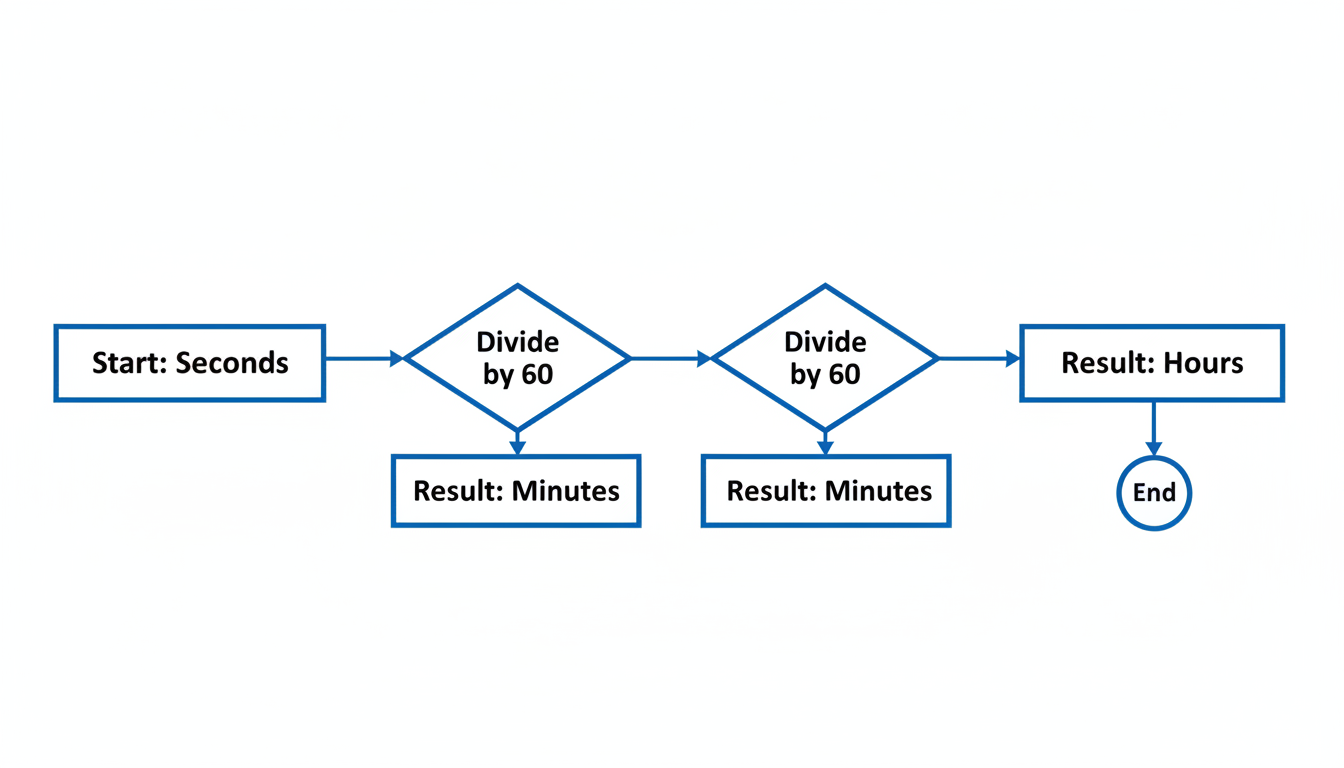
1. Converting Seconds to Minutes
Since there are 60 seconds in one minute, you divide your total seconds by 60.
- Formula:
Seconds ÷ 60 = Minutes - Example: 150 seconds ÷ 60 = 2.5 minutes.
- To get the remaining seconds: Take the decimal (.5) and multiply it back by 60 (.5 × 60 = 30). So, 2 minutes and 30 seconds.
2. Converting Seconds to Hours
You could divide by 60 to get minutes, and then divide by 60 again to get hours. But the pro move is to do it in one step. 60 × 60 = 3,600.
- Formula:
Seconds ÷ 3,600 = Hours - Example: 7,200 seconds ÷ 3,600 = 2 hours exactly.
💡 Pro Tip
The “Rule of 6” for Estimation: If you need a rough estimate of minutes from a large number of seconds, just remove the last zero and divide by 6.
Example: 120 seconds. Remove zero -> 12. Divide by 6 -> 2 minutes. It works perfectly for multiples of 60 and gives you a close estimate for everything else.
Step-by-Step: Automating Conversions in Excel
In 2026, nobody should be doing manual calculations for a dataset of 500 rows. Whether you use Microsoft Excel or Google Sheets, the logic is identical. However, Excel treats time differently than standard numbers—it views “1” as one full day (24 hours).
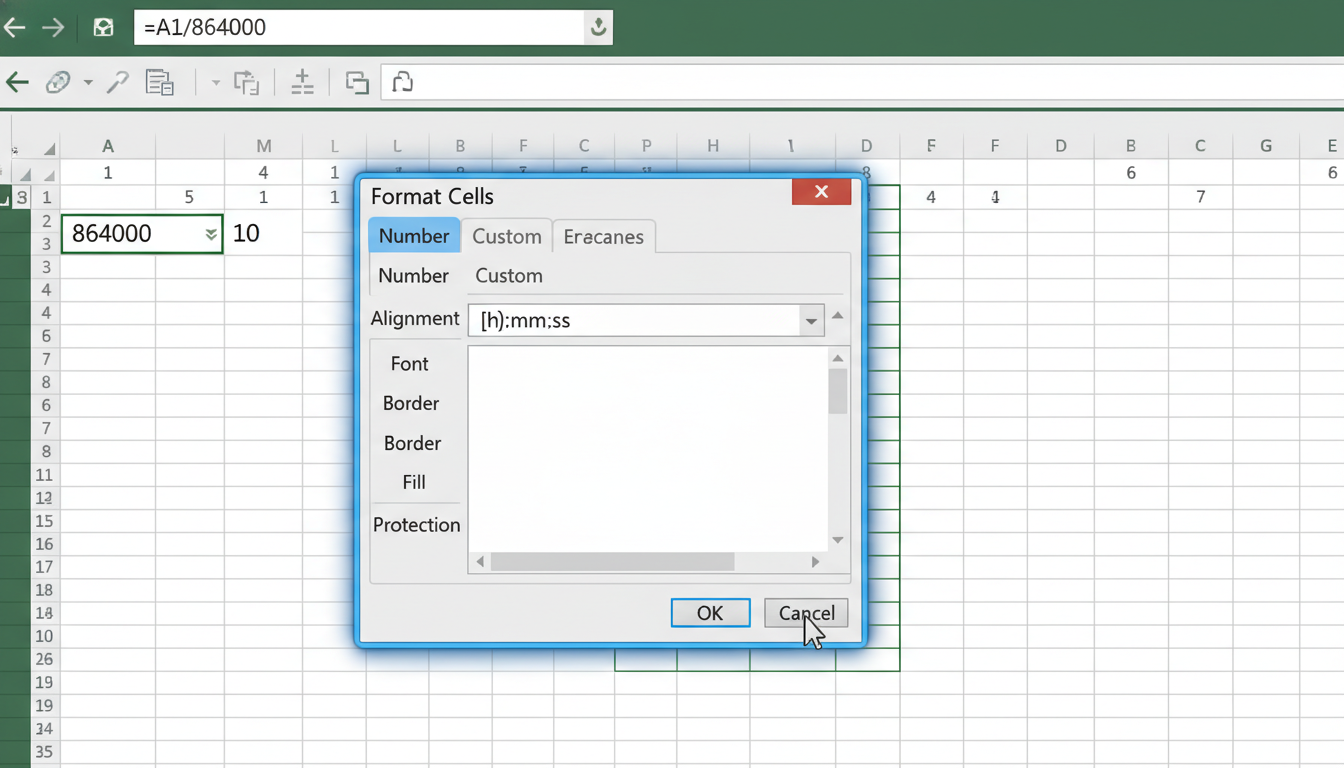
Here is the foolproof method to convert a column of seconds into a readable time format (HH:MM:SS).
- Enter your seconds: Put your seconds value in cell
A1(e.g., 4500). - Apply the formula: In cell
B1, type=A1/86400.
Why? Because there are 86,400 seconds in a day, and Excel calculates time as a fraction of a day. - Format the cell: Right-click cell
B1, select Format Cells. - Choose Time: Select the “Time” category and choose a format like
13:30:55. - Result: Your 4500 seconds will instantly display as
1:15:00.
Real-World Scenarios: Why This Matters
Why do we obsess over the seconds conversion chart? Because in many industries, precision isn’t a luxury; it’s a requirement.
1. The Programmer’s Dilemma (Unix Time)
If you code, you know Unix time. It’s the number of seconds that have elapsed since January 1, 1970 (the Unix Epoch). It’s how computers track time. When a database spits out 1767225600, you can’t just guess what date that is. You need to convert those billions of seconds into years and days to realize it’s in 2026. For a deeper dive into how computing handles these integers, Wikipedia’s entry on Unix Time offers a comprehensive technical breakdown.
2. The Athlete’s Pace
Marathon runners and swimmers live by the split. If you are aiming for a sub-3-hour marathon, you need to know that 3 hours is exactly 10,800 seconds. Every second over your target pace accumulates. Converting your total target time into seconds allows you to divide by distance (42.195 km) to find the exact seconds-per-kilometer pace required to hit your goal.
3. Video Editing & Frame Rates
Video editors work in frames, but clients bill in seconds and minutes. If a client asks for a “30-second cut” for social media, but your timeline is set to frames, you need to know the math. At 60 frames per second (fps), a 30-second clip is exactly 1,800 frames. Miscalculating this leads to audio desync issues that can ruin a project.
⚠️ Watch Out
Leap Seconds are tricky. While rare, the International Earth Rotation and Reference Systems Service (IERS) occasionally adds a “leap second” to account for the Earth’s slowing rotation. For standard business uses, you can ignore this. But for GPS navigation and high-frequency trading, this single second is critical. You can read more about time standards at the National Institute of Standards and Technology (NIST).
Frequently Asked Questions
❓ How do I convert seconds to minutes manually?
Divide the number of seconds by 60. The whole number is your minutes. Take the decimal remainder and multiply it by 60 to get the remaining seconds. For example, 70 seconds ÷ 60 = 1.166. The “1” is 1 minute. 0.166 × 60 = 10 seconds. Result: 1 minute, 10 seconds.
❓ What is 1 million seconds in days?
1 million seconds is approximately 11.57 days. It’s a great way to visualize magnitude—while 1 million seconds is less than two weeks, 1 billion seconds is nearly 32 years!
❓ Why do we use 60 seconds in a minute instead of 100?
We use base-60 because of the ancient Sumerians and Babylonians. The number 60 is a “highly composite number,” meaning it can be cleanly divided by 1, 2, 3, 4, 5, 6, 10, 12, 15, 20, and 30. This made manual trade calculations much easier in ancient times compared to base-10.
❓ Is there an easy way to convert milliseconds to seconds?
Yes, simply move the decimal point three places to the left. Since there are 1,000 milliseconds in 1 second, 500ms becomes 0.5s, and 2,500ms becomes 2.5s.
❓ How do I calculate speed using seconds?
Speed is Distance divided by Time. If you ran 100 meters in 20 seconds, your speed is 100 ÷ 20 = 5 meters per second. To convert this to kilometers per hour, multiply the result by 3.6. For more on the physics of time and speed, Khan Academy’s Physics section is an excellent resource.
Conclusion
Time is the one resource we can’t create more of, but we can certainly measure it better. Whether you are debugging code, training for a triathlon, or just trying to figure out how long 500 seconds really is, having a reliable seconds conversion chart is indispensable.
Remember the golden rule: Time is base-60, not base-10. Watch out for those tricky decimals, use the Excel formulas we provided to automate the grunt work, and keep the “Rule of 6” in your back pocket for quick mental estimates.
You’ve spent about 300 seconds reading this article. Now, go make the rest of your 86,100 seconds today count.
Read Also:
- Unlock Any PDF Instantly in 2026
- mcg/dL to ng/mL Conversion: The Simple 2026 Guide
- 9 Uses of a Currency Converter to Save Money & Avoid Fees – Visual Story
- English to Old English Translator: The 2026 Guide to Getting it Right
- cm to hh Conversion: The 2026 Guide to Measuring Horse Height
- MozRank: Your 2026 SEO Secret Weapon

