
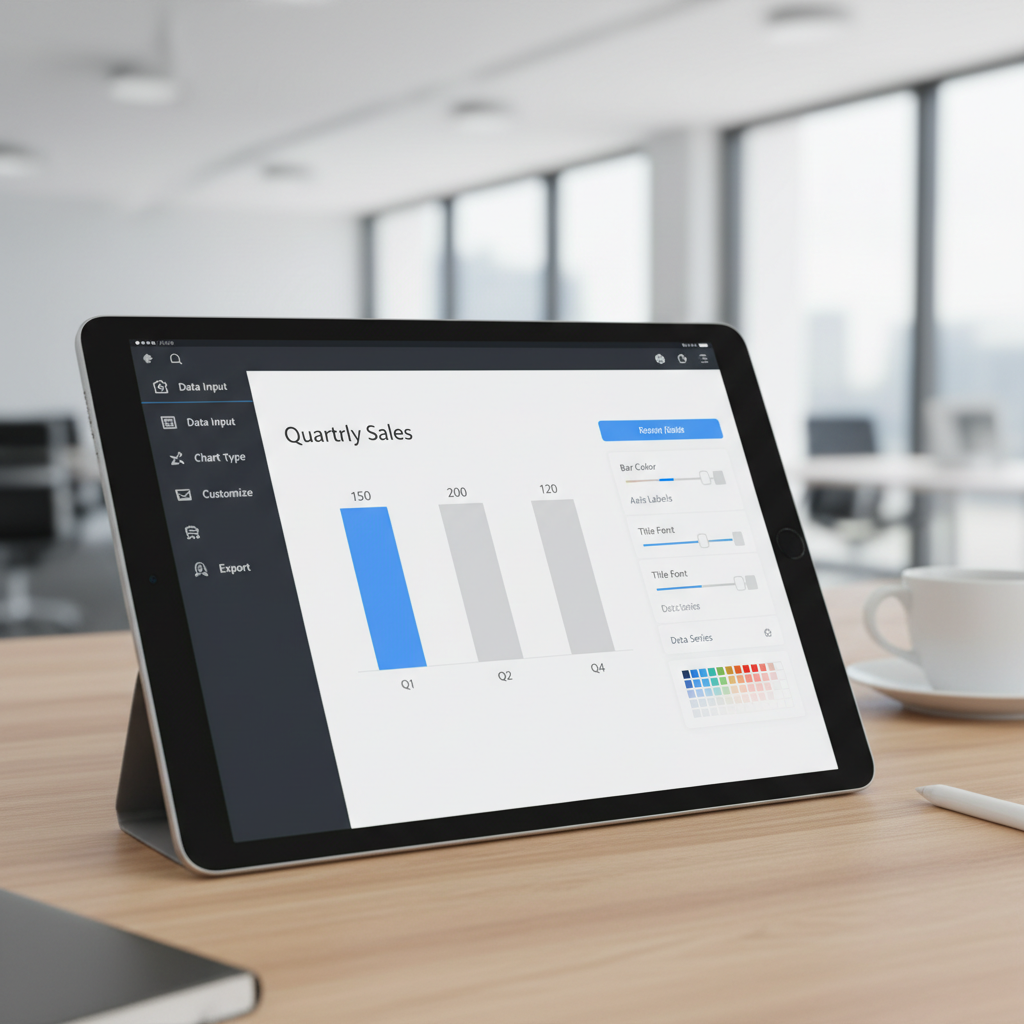
The Era of Visual Data: Why You Need to Make Bar Graph Online Free
In today’s fast-paced digital environment, data is everywhere. But raw numbers, trapped in rows and columns, rarely tell a compelling story. To communicate trends, compare categories, and drive home a point, visualization is key. And few tools are as universally effective as the bar chart. If you’ve ever felt overwhelmed by complex statistical software or restricted by proprietary tools, you’re in the right place. We will show you precisely how to make bar graph online free, transforming your datasets into visually appealing and insightful graphics in minutes.
The ability to quickly generate high-quality data visualizations is no longer a skill reserved for data scientists. Modern online tools have democratized this process, allowing anyone—from students and marketers to small business owners—to easily make bar graph online free. This guide breaks down the essential tools, design principles, and step-by-step process you need to master this vital skill, ensuring your data not only looks good but also communicates effectively.
Understanding the Power of Visualization Before You Make Bar Graph Online Free
Before diving into the tools, it’s crucial to understand why bar charts remain a pillar of effective communication. Bar charts use rectangular bars of varying lengths to represent numerical values, making direct comparisons between different categories straightforward and intuitive. They excel at showing changes over time, comparing volumes, and illustrating rankings.
Types of Bar Graphs and When to Use Them
While the basic concept is simple, bar charts come in several powerful variations, each suited for a specific analytical purpose:
- Vertical Bar Charts (Column Charts): Best for comparing distinct categories or showing changes over time (e.g., monthly sales figures).
- Horizontal Bar Charts: Ideal when category labels are long, as they allow for better readability, or when ranking items (e.g., top 10 most popular products).
- Stacked Bar Charts: Used to compare categories and simultaneously show the composition of each category. They illustrate how different parts contribute to a whole.
- Grouped Bar Charts: Excellent for comparing multiple variables across different categories side-by-side (e.g., comparing Q1 and Q2 sales across four different regions).
Choosing the right format ensures that when you make bar graph online free, the visualization immediately serves its analytical purpose without requiring extra explanation.
Essential Features When You Choose a Tool to Make Bar Graph Online Free
The market is saturated with online graphing tools. However, not all free tools are created equal. To ensure efficiency and professional results, look for platforms that offer a robust combination of ease of use and powerful customization options. Selecting the right tool is the first critical step toward mastering how to make bar graph online free successfully.
Intuitive Data Input
The tool must allow simple copy-pasting from spreadsheets (Excel, Google Sheets) or direct CSV uploads. Drag-and-drop interfaces are a major bonus for speed.
Customization Options
Look for control over colors, fonts, axis labels, and bar spacing. A professional graph requires more than just default settings; it needs branding and clarity.
Export Flexibility
The ability to export the final graph in multiple high-resolution formats (PNG, SVG, PDF) is essential for presentations, web use, and print materials.
Responsiveness and Mobile View
Ensure the graphs created are responsive, meaning they look good whether they are viewed on a desktop screen or embedded on a mobile website.
Step-by-Step Guide to Make Bar Graph Online Free Easily
Creating a professional bar graph using a free online creator follows a standardized, logical process. By adhering to these steps, you ensure both accuracy and aesthetic appeal.
1. Define Your Data and Goal
Before touching any software, clarify what you intend to communicate. Are you showing growth? Comparing market share? Your goal dictates the data structure and the type of bar chart you select. Collect your numerical data and corresponding categorical labels.
2. Select Your Online Bar Chart Generator
Choose a reliable, free online platform. Many tools offer a dedicated Bar Chart Generator that simplifies the visualization process. Once selected, navigate to the creation interface.
3. Input Your Data
This is where you load your numbers. Most tools provide a simple data table interface. Enter your categories (X-axis labels) and corresponding values (Y-axis values). If you are using a grouped or stacked chart, ensure your data is organized into appropriate series columns.
- Copy/Paste from Excel or Google Sheets.
- Verify the tool correctly identifies numerical vs. categorical data.
- Check for and correct any null values or outliers that might skew the visualization.
4. Configure the Chart Type and Axes
Select the appropriate bar chart type (vertical, horizontal, stacked). Label your X and Y axes clearly. The Y-axis should always start at zero in a bar chart to prevent visual distortion, a fundamental principle of data integrity. As renowned statistician Edward Tufte often stressed, “Graphical excellence is that which gives the viewer the greatest number of ideas in the shortest time with the least ink in the smallest space.”
5. Refine the Design and Aesthetics
This is the stage where you turn a functional chart into an impactful one. Focus on readability and visual hierarchy. Use color strategically—either to highlight a key data point or to differentiate distinct categories. If you need help selecting harmonious colors, using a dedicated color palette extractor can be immensely helpful.
6. Final Review and Export
Review the chart for clarity. Is the title concise? Are the labels readable? Export your finalized bar graph in the highest resolution format suitable for its destination (e.g., SVG for scalable web graphics, PNG for presentations).
Customization and Aesthetics: Beyond the Basic Bar
While the goal is to make bar graph online free quickly, neglecting design principles can negate the effort. A poorly designed chart can confuse the audience more than raw data. Focus on these advanced tips to ensure your graphs are truly effective.
Choosing the Right Color Scheme
Color choice is critical. Use contrasting colors for distinct categories and sequential colors (shades of the same hue) for data that represents a progression or intensity. Avoid using too many bright, unrelated colors, which can overwhelm the viewer. For guidance on effective color use in visualization, the Data Visualization Society offers extensive resources on best practices.
Minimizing Chart Junk
Chart junk refers to unnecessary visual elements that distract from the data (e.g., excessive grid lines, overly complex backgrounds, 3D effects). A clean, minimalist design improves comprehension. Only include elements that directly aid in understanding the data.
The Good Bar Chart
Clarity: Clear, concise title and properly labeled axes starting at zero.
Color: Uses a maximum of 3-5 distinct, purposeful colors.
Design: Minimal grid lines, no shadows or 3D effects.
The Great Bar Chart
Context: Includes a subtitle or annotation explaining the key takeaway or source.
Interactivity: Allows viewers to hover over bars for precise data points (if web-based).
Accessibility: High contrast ratios, ensuring readability for all users, including those with visual impairments.
Common Pitfalls to Avoid When You Make Bar Graph Online Free
Even with excellent tools, certain mistakes can undermine your data communication. Recognizing these pitfalls ensures your visualizations are always truthful and impactful.
1. Truncating the Y-Axis
As mentioned, bar charts must start the Y-axis (value axis) at zero. If you truncate the axis (start it, say, at 50), the visual difference between bars becomes wildly exaggerated, leading to misleading interpretations. This is one of the most common mistakes in amateur data reporting.
2. Using the Wrong Chart Type
While bar charts are versatile, they aren’t always the answer. If you are showing correlation between two continuous variables, a scatter plot is better. If you are showing parts of a whole where the total must equal 100%, a pie chart or a stacked bar chart is more appropriate. Always match the visualization type to the underlying relationship in the data.
3. Data Overload
Trying to cram too many data series or categories into a single bar graph leads to clutter. If you have dozens of categories, consider grouping them, using filtering, or breaking the data into multiple, smaller charts (small multiples). The goal is insight, not complexity.
For those frequently managing various online tools and weighing the advantages, understanding the differences between free and paid functionality is important. You might find our resource on Free vs. Paid Online Tools useful when deciding if an upgraded feature set is necessary for your long-term visualization needs.
The Future of Visualization: Beyond Static Bars
While static bar charts are powerful, modern online tools are increasingly offering interactive features. Look for generators that allow for tooltips, zooming, and filtering capabilities. These dynamic visualizations allow the end-user to explore the data at their own pace, significantly enhancing the depth of understanding. The shift towards interactive and accessible data presentation is well-documented in academic research on information design, emphasizing that successful communication requires engagement. For example, the principles outlined in studies regarding graphical perception highlight the measurable impact of clear visual encoding on decision-making, as detailed in journals like the Journal of the American Statistical Association.
Mastering how to make bar graph online free is an invaluable skill that bridges the gap between complex datasets and clear communication. By prioritizing clear data structure, adhering to fundamental design principles, and leveraging the powerful, free tools available today, you can consistently produce visualizations that inform, persuade, and drive action. The next time you face a mountain of data, remember that a well-crafted bar chart is your most effective tool for storytelling.
FAQs
Look for tools that prioritize ease of use (simple data input), offer robust customization (colors, fonts, labels), and provide high-resolution export options (PNG, SVG). Reliability and a clean, non-cluttered interface are also essential criteria.
Yes, absolutely. For bar charts, the numerical axis (Y-axis) must start at zero. Unlike line graphs, where the change in slope is the focus, bar charts rely on the proportional length of the bars to represent value. Truncating the axis visually exaggerates differences and misrepresents the data.
A stacked bar chart shows how different segments contribute to the total value of a single category (part-to-whole relationship). A grouped bar chart places bars side-by-side to compare the values of different categories or series across various groups, focusing on direct comparison rather than composition.
Most free online bar graph creators allow commercial use, but you must check the specific terms of service for the tool you choose. Generally, graphs created from your own data and exported as static images are free for commercial use, though some advanced features might be restricted behind a paywall.
Ensure accessibility by using high contrast between the bars and the background. Avoid relying solely on color to convey meaning (e.g., use patterns or labels). Also, provide clear, descriptive text labels and a concise title so users relying on screen readers can understand the context of the data being presented.
Read Also:
- The Ultimate Guide to Strong Password Tips: How to Create a Strong Password Examples That Ensure Digital Safety
- The Essential Pregnancy Weight Gain Chart Month by Month: A Comprehensive Guide for Expectant Mothers in India
- Analyzing the expected 8th Pay Commission Salary Slab and Fitment Factor Forecasts
- Mastering Your Health: Understanding the Blood Sugar Level Chart by Age 50 for Effective Diabetes Management
- 7 Ways an AI Background Remover Saves Your Content

