In today’s fast-paced digital landscape, mastering the art of productivity hinges on one critical skill: knowing how to choose online tools effectively. I’ve seen countless businesses, from scrappy startups to established enterprises, either thrive or struggle based solely on their software choices. Are you a freelancer drowning in administrative tasks? A small business owner wrestling with clunky systems? Or part of a larger organization battling data silos? The right online tools can be your secret weapon, transforming chaos into a streamlined operation. But here’s the deal: with thousands of SaaS (Software as a Service) platforms vying for your attention, the paradox of choice is very real. Selecting the wrong tool isn’t just a financial blunder; it’s a drain on time, a breeding ground for frustration, and a barrier to growth. I’ve seen it happen time and again.
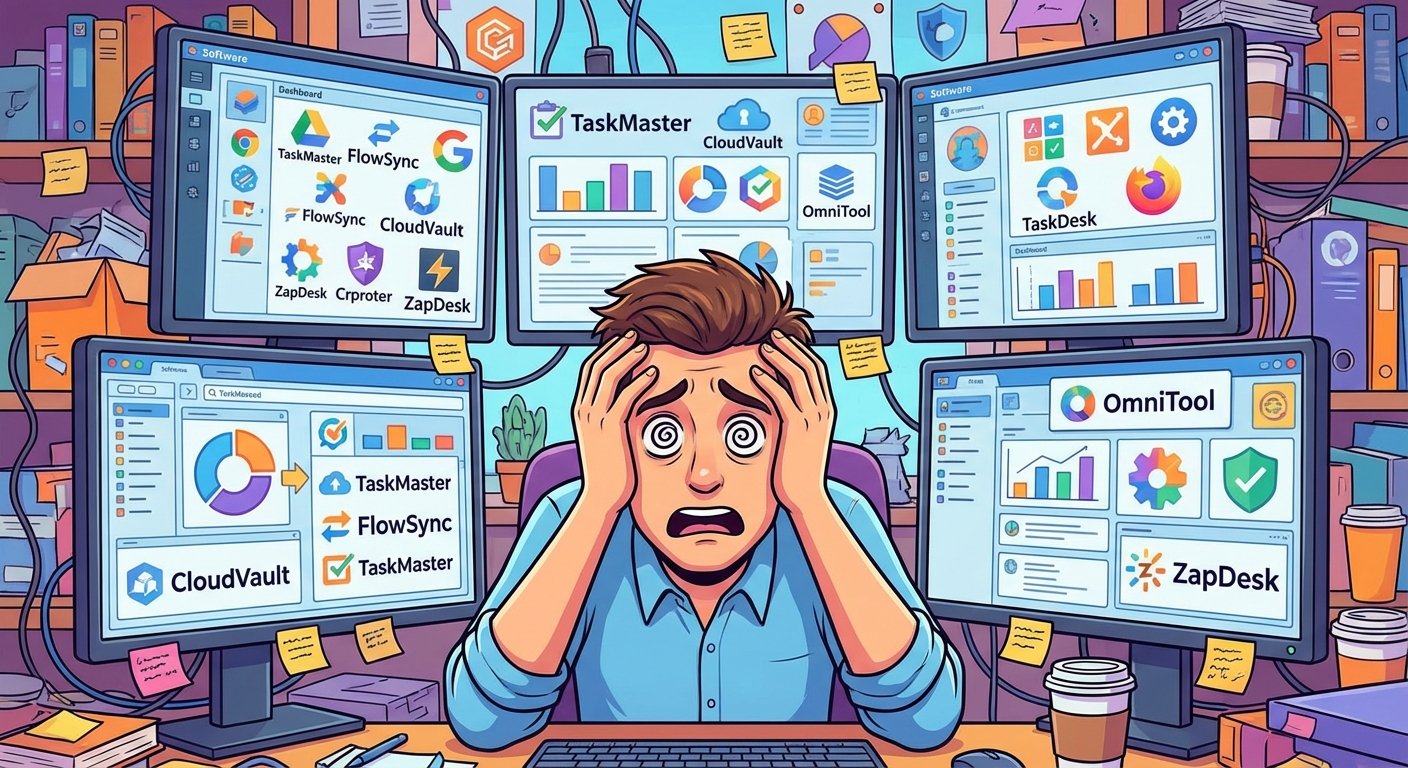
This comprehensive guide isn’t just another list of software recommendations. It’s a deep dive into a professional framework I’ve honed over two decades for evaluating software. I’ll walk you through identifying your core needs, dissecting features that truly matter, and making confident decisions about which platforms deserve a place in your daily workflow. By the end, you’ll not only know how to choose online tools, but you’ll also understand how to build a tech stack that propels your business forward.
The Critical Importance of Knowing How to Choose Online Tools
Think about it: the average company now juggles dozens, if not hundreds, of different applications. According to a 2023 report by Blissfully, the typical organization uses 341 SaaS applications. That’s a staggering number! When you understand how to choose online tools strategically, you’re not just selecting software; you’re building the very infrastructure of your business. A well-chosen tool should act as a force multiplier, amplifying your efforts and enabling you to achieve more with less. Conversely, a poorly chosen tool becomes a deadweight, demanding constant maintenance, frustrating workarounds, and ultimately hindering your progress.
Research from Harvard Business Review (2018) has shown that the cognitive friction caused by constantly switching between mismatched tools can lead to a significant drop in performance – as much as a 20% reduction in cognitive ability. That’s like working with one hand tied behind your back! Therefore, the selection process must be intentional, deliberate, and laser-focused on your specific needs. It’s not about chasing the flashiest features; it’s about ensuring those features integrate harmoniously into your existing habits and technical ecosystem. In my experience, a simple, well-integrated tool will always outperform a complex, feature-rich one that creates more problems than it solves.
Efficiency Gains
The right tool automates repetitive tasks, freeing up your brainpower for high-level strategy and creative problem-solving. Imagine reclaiming hours each week simply by automating mundane tasks – that’s the power of efficient software.
Data Centralization
Properly selected tools ensure that information flows seamlessly from one department to another without manual data entry. No more emailing spreadsheets back and forth! Centralized data leads to better insights and faster decision-making.
Cost Optimization
By following a strict selection process, you avoid “subscription creep”—paying for features you never use or tools that overlap. I’ve seen companies waste thousands of dollars on redundant subscriptions – a costly mistake that’s easily avoidable.
A Step-by-Step Framework: How to Choose Online Tools for Your Team with Confidence
Choosing a tool shouldn’t be a spur-of-the-moment decision influenced by a slick social media ad. It demands a structured, methodical approach. Over the years, I’ve developed a framework that consistently delivers optimal results. Follow these steps, and you’ll make informed choices every time, building a tech stack that’s both powerful and efficient.
1. Define the Problem – Crystal Clear – Before You Even Glance at a Solution
This is where most people go wrong. Before you even Google “best project management software” or “top CRM solutions,” take a step back and articulate the *specific* problem you’re trying to solve. Are you losing track of tasks? Is communication breaking down within your team? Do you need specialized utilities for technical tasks? Get granular. For instance, if you’re a developer, you might realize you need a reliable way to handle data encoding. Understanding the specific need—like finding a user-friendly Base64 encoder and decoder—prevents you from being seduced by a bloated “all-in-one” developer suite when a simple, focused tool would perfectly suffice. What I recommend is writing down the problem in detail, including the pain points, the desired outcomes, and the key metrics you want to improve.
2. Technical Compatibility: Ensuring Seamless Integrations
No tool exists in a vacuum. Your new software must play nicely with your existing systems. When researching how to choose online tools, the “Integrations” page is your new best friend. Does it connect with Slack, Microsoft Teams, or whatever communication platform you use? Does it offer a Zapier or Make.com integration for automating workflows? If a tool forces you to manually export and import CSV files every day, it’s likely a relic of the past and not the right fit for a modern, streamlined workflow. I’ve personally walked away from otherwise promising tools simply because their integration capabilities were lacking.
According to a 2022 article in Forbes Business Council, scalability is intrinsically linked to how well your tech stack communicates. A tool that works flawlessly for a team of two might crumble under the pressure of a team of twenty if it lacks robust API support or collaborative features. Always think long-term and consider how your chosen tools will scale alongside your business.
3. Trial Period Deep Dive: Put It Through Its Paces
Never, ever commit to a tool without a thorough trial period. Most SaaS providers offer free trials, and this is your opportunity to put the software through its paces. Don’t just poke around; simulate your actual workflow. Invite your team to participate and gather their feedback. What I recommend is setting specific goals for the trial period and tracking your progress. Did the tool help you achieve those goals? Did it save you time? Did it improve collaboration? If the answer to any of these questions is no, move on.
How to Choose Online Tools That Respect Your Budget
Let’s face it: pricing is often the elephant in the room. However, the cheapest option is rarely the best value in the long run. When evaluating how to choose online tools based on cost, you need to consider the “Total Cost of Ownership.” This encompasses not only the subscription fee but also the time spent training your team, the potential downtime during the transition, and any hidden costs associated with integrations or add-ons. I’ve seen companies get lured in by low initial prices only to be blindsided by unexpected expenses down the road.
- Freemium Models: These are fantastic for initial testing, but be cautious of essential features locked behind high-tier paywalls. Ask yourself: can you truly achieve your goals with the free version, or will you inevitably need to upgrade?
- Per-User Pricing: This can become prohibitively expensive as your team expands. Explore flat-fee alternatives if you have a large workforce or anticipate significant growth.
- Annual vs. Monthly: Most vendors offer a substantial discount (often around 20%) for annual billing. However, only commit to an annual plan after a successful 30-day trial and a clear understanding of your long-term needs.
Don’t forget the power of free tools! For certain tasks, you don’t need a paid subscription at all. Tools River offers a wide array of free, high-quality utilities that can save you money and streamline your workflow. For instance, if you’re a content creator looking to project your earnings, using a free YouTube money calculator is far more efficient than subscribing to a complex financial modeling platform. Explore these free options before committing to a paid solution.
User Experience and the Dreaded Learning Curve
A tool is only as effective as the people who use it. If the interface is cluttered, the navigation is confusing, or the logic is counter-intuitive, your team will find creative ways to avoid it. During your trial period, pay close attention to the “Time to Value.” How long does it take from the moment you log in to the moment you achieve a tangible result? If the setup process takes weeks, requires extensive training, or necessitates constant troubleshooting, you might be looking at a tool that’s too complex for your current needs. I’ve learned that simplicity often trumps complexity when it comes to user adoption.
Intuitive Design
Does the layout make sense? Can a new user find basic functions without consulting a 50-page manual? A clean, intuitive design is crucial for user adoption.
Mobile Accessibility
In today’s remote-first world, having a functional mobile app or a responsive web interface is non-negotiable for most workflows. Your team needs to be able to access their tools from anywhere, at any time.
Customer Support
Scour review sites for mentions of support responsiveness. When things inevitably break, you need a support team that answers in hours, not days. A responsive support team can save you countless headaches.
Future-Proofing Your Stack: How to Choose Online Tools for Long-Term Growth
Your needs today will undoubtedly evolve over the next two years. When you’re learning how to choose online tools, you must consider the product roadmap. Is the company actively developing new features? Do they listen to user feedback and incorporate it into their product development cycle? A stagnant tool is a liability. You want to partner with software providers that are committed to innovation and staying ahead of industry trends. I always check the company’s blog, social media channels, and public forums to gauge their level of activity and responsiveness.
Data portability is another crucial factor to consider. If you decide to migrate to a different platform in the future, how easy will it be to extract your data? Avoid “vendor lock-in” by choosing tools that support standard export formats like JSON, SQL, or even well-structured Excel files. The ability to easily move your data gives you the flexibility to adapt to changing needs and avoid being trapped by a single vendor.
“The goal of technology is not to give us more things to do, but to remove the friction from the things we already do.” — This sentiment perfectly encapsulates why the selection process should be more about eliminating inefficiencies than simply adding more features.
Common Mistakes to Avoid When Choosing Online Tools
I’ve seen so many businesses stumble when choosing online tools. Here are some of the most common pitfalls to avoid:
- Ignoring the Learning Curve: A powerful tool is useless if your team can’t use it effectively.
- Focusing Solely on Price: The cheapest option isn’t always the best value.
- Neglecting Integrations: Make sure your tools play nicely with each other.
- Failing to Define Your Needs: Start with the problem you’re trying to solve, not the tool you want to use.
- Skipping the Trial Period: Always test before you invest.
Conclusion: Making the Final, Informed Decision
Choosing the right online tools is a delicate balancing act between functionality, cost, user experience, and future scalability. By clearly defining your problems, rigorously testing tools against a strict set of criteria, and avoiding common pitfalls, you can build a workflow that feels effortless and empowers your team to achieve their best work. Remember that the best tool is often the simplest one that effectively gets the job done. Don’t hesitate to leverage specialized, free utilities for specific tasks while investing in premium platforms for your core business operations. The key is to be intentional, strategic, and always focused on solving your specific problems.
Frequently Asked Questions About Choosing Online Tools
While features are undoubtedly important, seamless integration is often the most critical factor. If a tool can’t seamlessly share data and workflows with your existing ecosystem, it will inevitably create more work than it saves in the long run. Prioritize tools that offer robust API integrations or connect with popular automation platforms like Zapier or Make.com.
Not necessarily. While popular tools often have a proven track record and a large community of users, they are typically designed for the “average” user. If your workflow has unique or specialized requirements, a niche or less widely known tool might serve you much better than a market leader. Don’t be afraid to explore alternatives and find a tool that perfectly fits your specific needs.
It’s a best practice to perform a comprehensive tool audit at least every six months. During this audit, check for unused user seats, identify overlapping features between different applications, and ensure you are still receiving sufficient value for the price you are paying. This regular review will help you optimize your tech stack and avoid unnecessary expenses.
This decision depends heavily on the complexity of your workflows and the depth of functionality you require. All-in-one tools can reduce context switching and simplify your tech stack, but they often have “shallow” features that may not meet the needs of power users. Specialized tools offer more granular control and depth but require robust integrations to keep data synchronized across different platforms. Evaluate your needs carefully and choose the approach that best balances simplicity and functionality.
During a free trial, focus on simulating your real-world workflows and gathering feedback from your team. Ask questions like: How intuitive is the interface? Does it integrate seamlessly with our existing tools? Does it save us time and improve our efficiency? What are the limitations of the free version? How responsive is the customer support team? By addressing these questions, you can make a more informed decision about whether the tool is a good fit for your organization.