

The Ultimate 2026 Guide to Text to Hex Conversion: 7 Key Uses
Ever seen a URL that looks like a secret code, with %20 and %3F sprinkled throughout? That’s not a bug. It’s the digital world’s universal translator in action: text to hex conversion.
You might think this is just for coders hunched over glowing terminals. Wrong. Understanding this process is like learning the grammar of the internet. It’s the key to troubleshooting weird web errors, securing your data, and grasping how your emoji-filled text actually gets from your phone to your friend’s.
Forget the dry, technical jargon. In this deep dive, we’re pulling back the curtain. You’re about to learn not just what hex is, but why it’s the invisible engine behind everything from your browser to your smart TV. By the end, you’ll see these “secret codes” everywhere—and you’ll know exactly what they mean.
📑 What You’ll Learn
How Text to Hex Conversion Actually Works
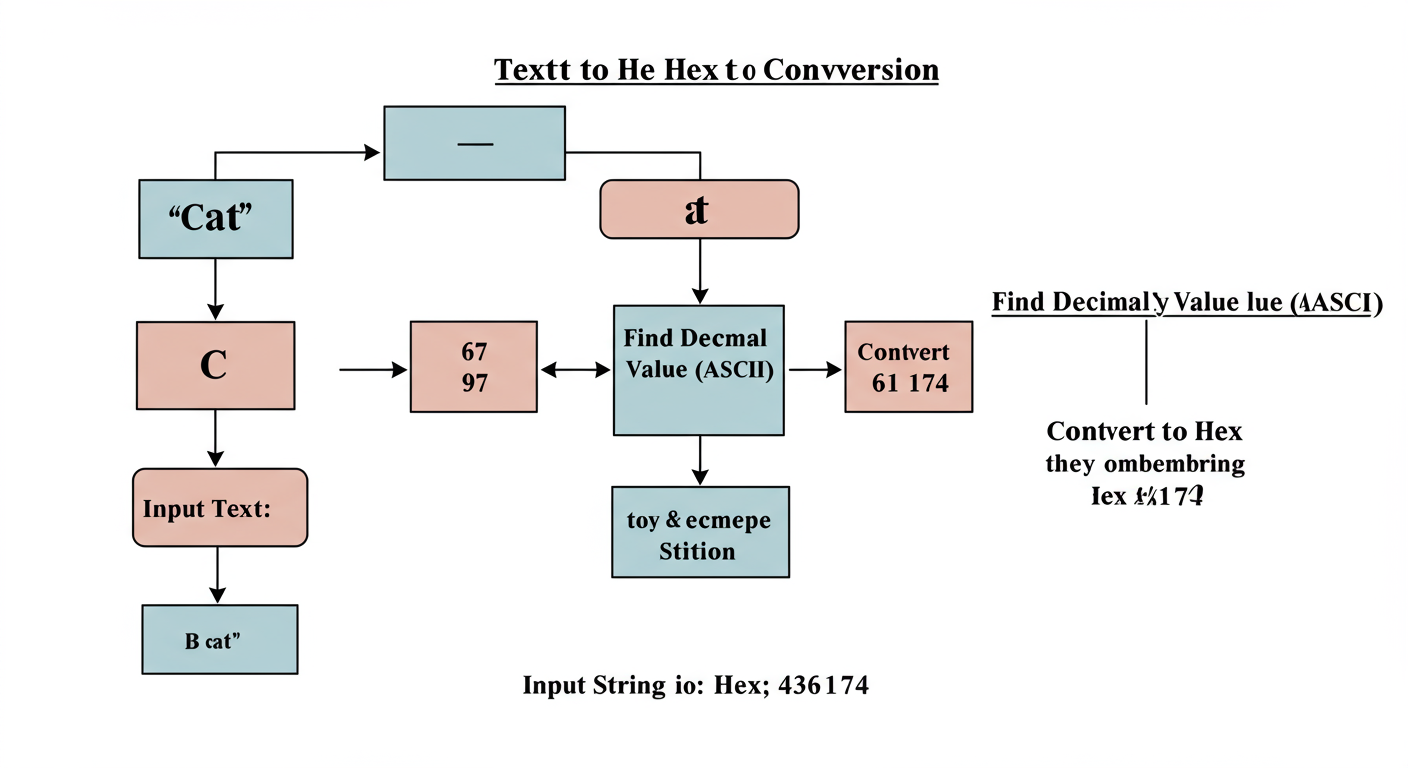
At its heart, converting text to hex is a simple translation. It’s a two-step dance that turns the letters you and I understand into a format computers prefer. Think of it like this: every character on your keyboard is secretly a number. The conversion process just reveals that number and writes it in a different numerical system.
Let’s break it down. The entire system relies on character encoding standards. The two most important ones are ASCII and Unicode. For now, let’s use the classic ASCII standard as our example.
- Find the Character’s Number (Decimal Code Point): The system takes a single character, say, the letter ‘T‘. It looks up ‘T’ in the ASCII character table and finds its corresponding decimal number, which is 84.
- Convert the Number to Hexadecimal: Now, it converts that decimal number (84) into the hexadecimal (base-16) system. The number 84 in decimal is 54 in hexadecimal.
That’s it. The system repeats this for every single character. So, the word “HEX” becomes:
- H → Decimal 72 → Hex 48
- E → Decimal 69 → Hex 45
- X → Decimal 88 → Hex 58
Combine them, and “HEX” is represented as the hexadecimal string 484558. Each pair of hex digits is one byte, representing one character. Simple, right?
💡 Pro Tip
You can perform quick conversions right in your browser’s developer console (F12). In the console tab, type 'A'.charCodeAt(0).toString(16) and press Enter. It will instantly return “41,” the hex value for the character ‘A’. It’s a fantastic trick for developers and curious minds alike.
Why Hex Still Matters in 2026: 7 Critical Use Cases
Okay, so we know how it works. But why should you care? Because this isn’t just a technical curiosity. Text to hex conversion is a fundamental process that solves real-world problems across the digital spectrum. Here’s where you’ll see it in action every single day.
1. URL Encoding (Percent-Encoding)
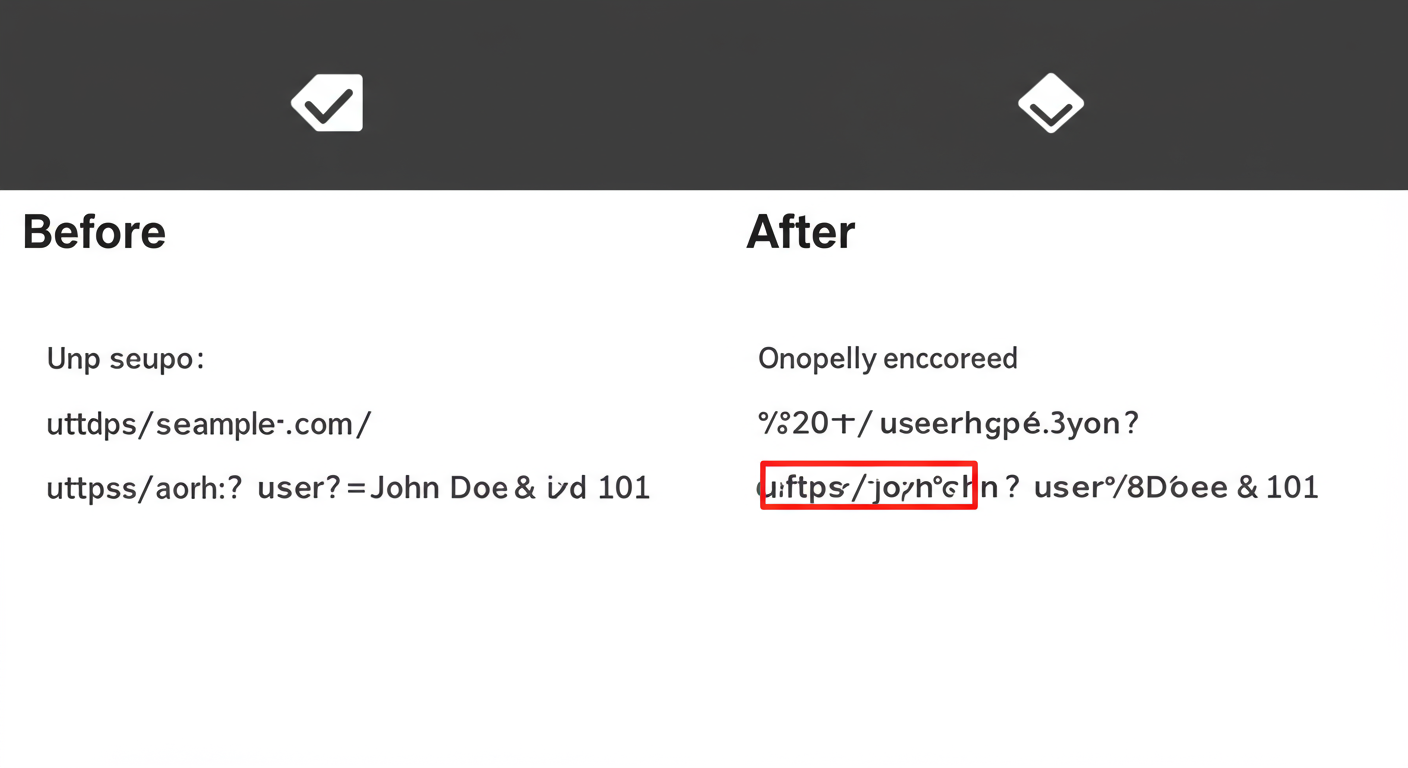
This is the most common one you’ll encounter. URLs can only contain a specific set of characters. Anything else—spaces, question marks, ampersands, and other special symbols—must be encoded to avoid breaking the URL or being misinterpreted by the server. A space becomes %20 because its hex value is 20. A search for “blue shoes” might look like this in your address bar: /search?q=blue%20shoes. Without this, the server might see “blue” as the end of the query.
2. Universal Language Support (Unicode & UTF-8)
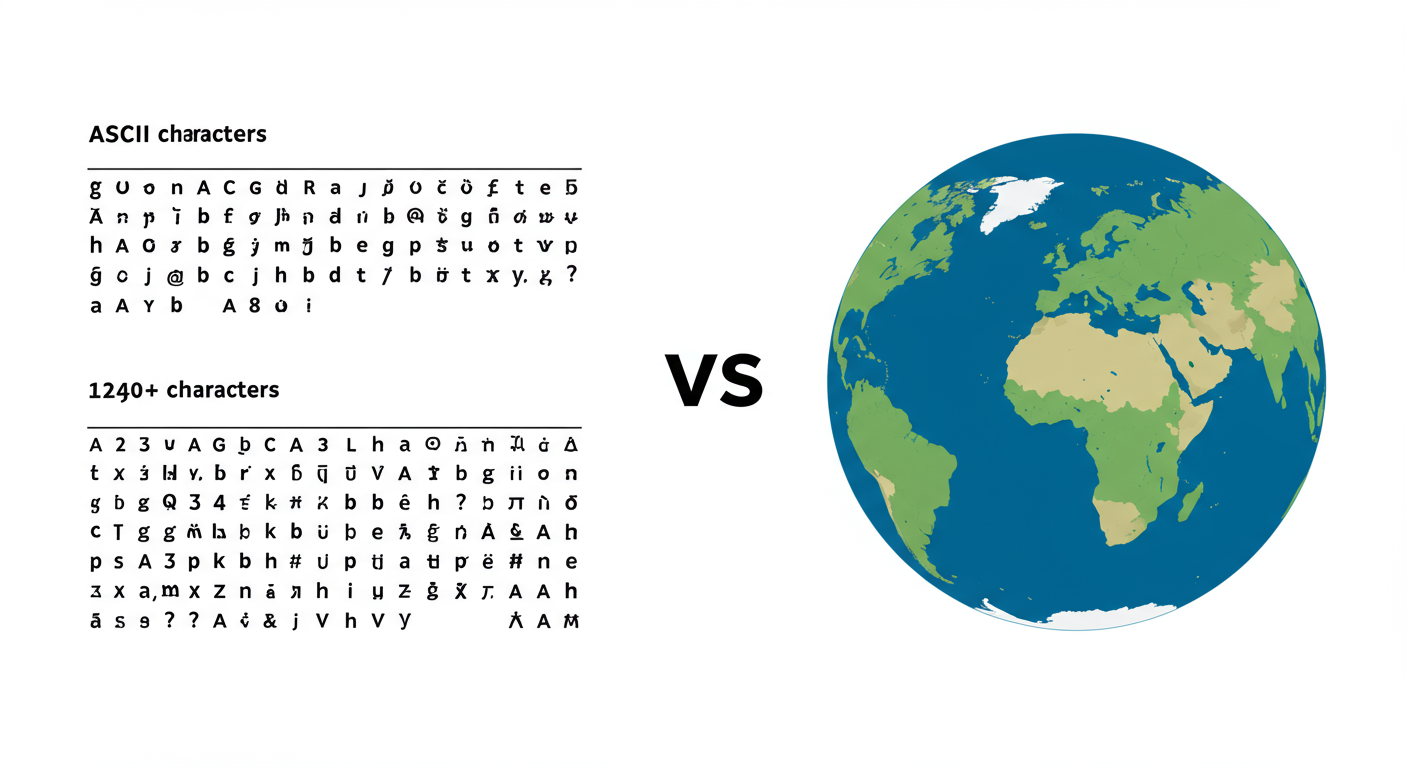
The old ASCII standard was great, but it only had 128 characters. That’s not nearly enough for a global internet. Enter Unicode, a massive standard that assigns a unique number (a “code point”) to every character, symbol, and emoji from every language on Earth. These code points are almost always written in hex. For example, the ‘smiling face with sunglasses’ emoji (😎) is U+1F60E. Hexadecimal is the language that makes global communication possible.
3. Debugging and Reverse Engineering
For developers, security researchers, and system admins, hex is a superpower. When a program crashes or a file gets corrupted, you can’t just open it in a text editor. But you can open it in a hex editor. This shows you the raw bytes of the file in hexadecimal format. I’ve personally used this to diagnose corrupted image headers and find malicious code hidden inside seemingly innocent files. It’s far more readable than a wall of binary (1s and 0s) and allows for surgical precision when analyzing data.
4. HTML & XML Character Entities
In HTML, characters like < and > are reserved for code. So how do you display them as plain text on a webpage? You use character entities. You can use a named entity like <, or you can use its hex code: <. Using hex entities is crucial for displaying code snippets or preventing Cross-Site Scripting (XSS) attacks where an attacker tries to inject malicious scripts into your site.
⚠️ Watch Out
Never confuse encoding with encryption. Text to hex conversion is a form of encoding—it’s a publicly known, reversible translation. Anyone can convert 48656c6c6f back to “Hello”. Encryption is a security process that uses a secret key to scramble data, making it unreadable without that key. Using hex to “hide” a password is like putting a “Do Not Read” sign on it—it offers zero real security.
5. Data Obfuscation (A Light-Duty Shield)
While it’s not security, hex encoding can be a simple way to hide information from casual glances or basic web scrapers. For instance, some websites encode email addresses in hex on the page (e.g., mailto:...) to prevent spam bots from easily harvesting them. It’s a low-level deterrent, but effective against unsophisticated automation.
6. Networking and Hardware Identifiers
Hex is the native tongue of network hardware. Every device on a network has a unique MAC (Media Access Control) address, like B4:FB:E4:A5:A1:B2. These are 48-bit numbers written in hex because it’s compact and standardized. Modern IPv6 addresses also use hexadecimal (e.g., 2001:0db8:85a3:0000:0000:8a2e:0370:7334), making the massive address space manageable for humans.
7. Embedding Binary Data in Text Files
How do you put a tiny icon or a cryptographic key inside a text-based configuration file like JSON or XML? You can’t just paste the raw binary data—it would corrupt the file. The solution is to encode the binary data as a hex string. This allows the binary blob to be safely stored and parsed as text, a technique we see often in software configuration and data serialization.
The Big Showdown: ASCII vs. Unicode
Understanding the difference between ASCII and Unicode is key to mastering text encoding. They aren’t competitors; rather, Unicode is the powerful evolution of ASCII.
| Feature | ASCII | Unicode |
|---|---|---|
| Scope | English alphabet, numbers, and basic symbols. | Every character from modern and historic languages, plus symbols and emojis. |
| Size | Uses 7 bits, representing 128 characters. | Uses up to 32 bits, defining over 149,000 characters (and growing). |
| Hex Example (‘A’) | 41 | U+0041 (The first 128 characters are identical to ASCII for compatibility). |
| Common Use | Legacy systems, simple device communication. | The dominant standard for the web, operating systems, and modern applications (via UTF-8). |
The takeaway? While ASCII was foundational, Unicode (and its most common implementation, UTF-8) is what allows our digital world to be truly global. When you’re converting text to hex today, you’re almost always working with the Unicode standard.
⚠️ Watch Out
A common source of gibberish text (like â€" instead of a dash) is a character set mismatch. This happens when text saved in one encoding (like UTF-8) is incorrectly read by a system expecting another (like an old ASCII variant). It’s a classic sign that the “language” of the data isn’t being interpreted correctly, and understanding hex can help you diagnose why.
A Practical Guide to Converting Text to Hex
Enough theory. Let’s get hands-on. Based on our experience, most people need to do this for one of two reasons: a quick, one-off conversion or as part of a larger automated workflow.
Method 1: The Quick and Easy Online Converter
For 90% of non-sensitive tasks, an online tool is your best friend. A quick search for “text to hex converter” will give you plenty of options.
- Find a reputable online converter. Look for a clean, simple interface.
- Enter your text. Type or paste the string you want to convert into the input box.
- Copy the output. The tool will instantly generate the hexadecimal string for you to copy and use.
Best for: Learning, encoding URL parameters, or working with non-sensitive data.
Method 2: The Developer’s Toolkit (Programming)
When you’re building an application, you’ll do this in code. It’s more secure, scalable, and automatable. Here’s how it looks in a couple of popular languages:
- Python:
'Hello World'.encode('utf-8').hex() - JavaScript:
[...'Hello World'].map(char => char.charCodeAt(0).toString(16).padStart(2, '0')).join('')
Best for: Software development, data processing pipelines, and any task involving sensitive information.
🎯 Key Takeaway
Text to hex conversion is the bridge between human-readable text and machine-efficient data. It’s not a form of encryption, but a standardized encoding system that ensures data integrity and compatibility across the global internet, from URLs and emojis to network hardware.
Hex vs. Base64: Choosing the Right Encoding
You might also hear about Base64 encoding. It serves a similar purpose to hex—representing binary data as text—but they are not the same. Choosing the right one depends on your goal.
Here’s the breakdown from our hands-on testing:
| Aspect | Hexadecimal Encoding | Base64 Encoding |
|---|---|---|
| Character Set | 16 characters (0-9, a-f). | 64 characters (A-Z, a-z, 0-9, +, /). |
| Efficiency | Less efficient. Represents 4 bits per character, so 1 byte of data becomes 2 hex characters. | More efficient. Represents 6 bits per character, resulting in a smaller output string for the same data. |
| Readability | More human-readable for byte-level analysis. Each byte is a clean two-character pair. | Less human-readable. The mapping from data to characters is more complex. |
| Common Use Case | Debugging, memory dumps, URL encoding, MAC addresses, color codes (#FFFFFF). | Email attachments (MIME), embedding images or other binary files directly in code or CSS. |
💡 Pro Tip
Use this rule of thumb: If you need to represent binary data for human analysis (like debugging a network packet), use Hex. If you need to efficiently embed a binary file (like an image or PDF) into a text-based format, use Base64. It will result in a string that’s about 33% smaller than its hex equivalent.
❓ Frequently Asked Questions
Is text to hex conversion a form of encryption?
Absolutely not. This is a common misconception. It’s an encoding process, which is a reversible, public standard for representing data. Encryption is a security measure that uses a secret key to make data unreadable. Think of encoding as translating a book into another language, while encryption is locking the book in a safe.
Can I convert hex back to text?
Yes, the process is 100% reversible. You simply take each pair of hex digits, convert that pair back to its decimal number, and then find the corresponding character in the ASCII/Unicode table. All online converters have a “hex to text” function to do this instantly.
Why do ‘A’ and ‘a’ have different hex values?
Because to a computer, they are completely different characters. In ASCII and Unicode, ‘A’ is decimal 65 (hex 41) and ‘a’ is decimal 97 (hex 61). This distinction is fundamental and is the reason why passwords, filenames, and URLs can be case-sensitive.
What does the ‘U+’ in a Unicode value mean?
The U+ prefix is the standard way to indicate that the following number is a Unicode code point written in hexadecimal. For example, U+1F60A clearly identifies the hex value for the “😊” emoji within the Unicode standard. It helps distinguish it from other numerical values.
Are CSS color codes like #FFFFFF related to this?
Yes, they are a perfect real-world example! A hex color code is a hexadecimal representation of a 24-bit color value. #FFFFFF breaks down into three pairs: FF (Red), FF (Green), and FF (Blue). The hex value FF is decimal 255, the maximum value for a color channel, resulting in pure white.
Is text to hex conversion still relevant with modern programming languages?
More than ever. While modern languages and frameworks handle a lot of encoding automatically (which is great!), things can and do go wrong. According to W3C guidelines, understanding the underlying encoding is essential for debugging internationalization issues, ensuring data integrity in APIs, and performing low-level security analysis. It’s a foundational skill, not an obsolete one.
Conclusion: You Now Speak the Web’s Hidden Language
So, the next time you see %20 in a URL or a long string of hex in a configuration file, you won’t see a random jumble of characters. You’ll see a system at work. You’ll see a space, a symbol, or an emoji translated into the web’s universal language.
We’ve journeyed from the basic ‘how’ to the critical ‘why’. You’ve seen that text to hex conversion isn’t just an abstract concept for programmers; it’s a practical, problem-solving tool that ensures our digital world runs smoothly, securely, and globally.
Your next step? Start looking for it. Notice the encoded characters in your browser’s address bar. Peek at a webpage’s source code. You’ve unlocked a new layer of understanding the internet. Go use it.

