
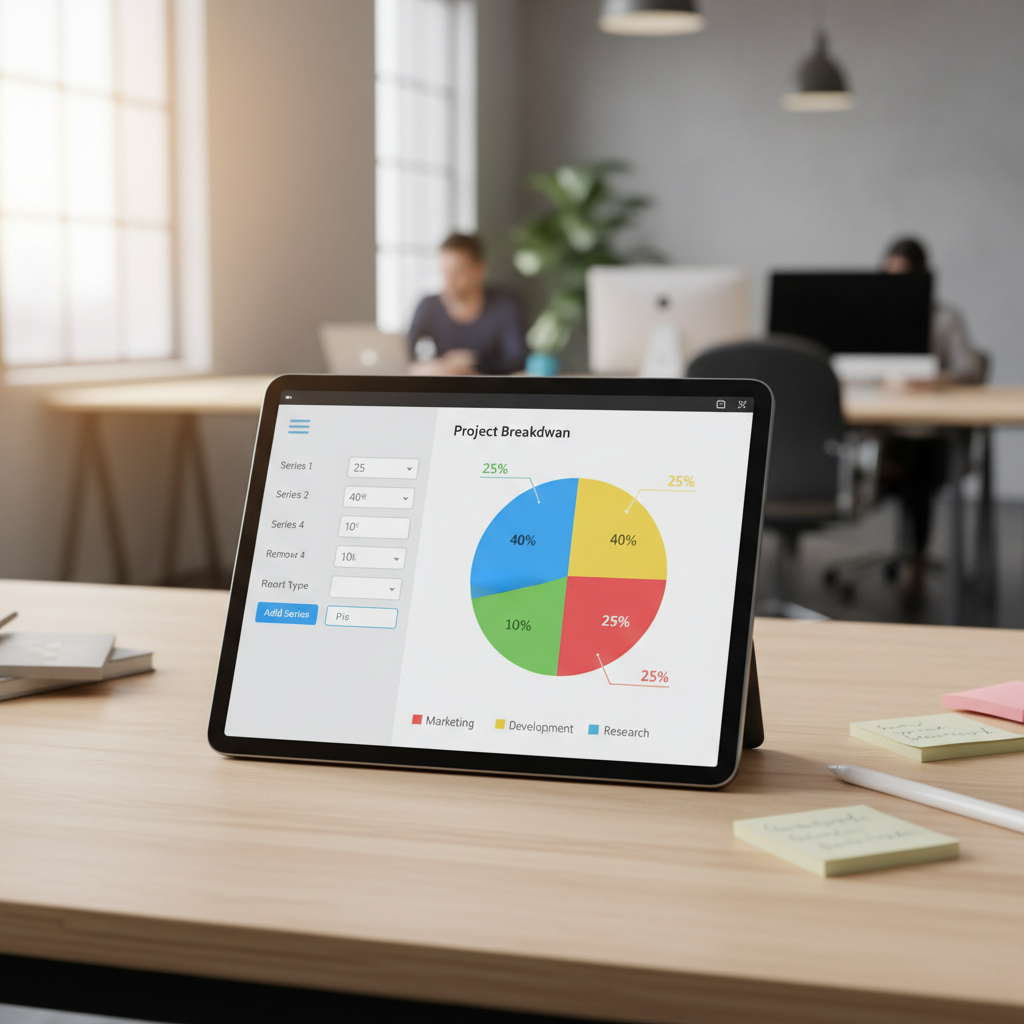
Why Visualizing Proportions Matters: The Power of the Pie Chart
In the age of information overload, raw data tables often fail to capture attention or convey immediate understanding. Data visualization transforms dense numbers into digestible, compelling stories. Among the foundational charts used for displaying proportional data, the pie chart reigns supreme when illustrating how segments contribute to a whole.
Whether you are presenting quarterly sales figures, analyzing demographic distribution, or breaking down survey responses, a well-executed pie chart provides instant clarity. However, manually creating these visualizations can be time-consuming and tedious, especially if you lack specialized software skills. Fortunately, the digital landscape is rich with intuitive platforms designed to help you create pie chart from data online quickly and accurately.
This comprehensive guide will walk you through the necessities of effective pie charting, help you choose the right tool, and provide actionable steps to transform your raw numbers into stunning, professional graphics that resonate with your audience.
Choosing the Right Tool to Create Pie Chart from Data Online
The first crucial step is selecting a reliable and feature-rich online pie chart generator. While spreadsheet programs like Excel or Google Sheets offer basic charting capabilities, dedicated online tools provide superior customization, better design templates, and seamless sharing options without the steep learning curve associated with complex software.
Key Features to Look for in a Pie Chart Maker
Not all online tools are created equal. To ensure your visualization process is efficient and your output is high quality, look for platforms that prioritize user experience and functionality. The best tools allow you to easily create pie chart from data online regardless of your technical expertise.
Intuitive Data Input
The maker should support multiple input methods, including manual entry, copy-pasting from spreadsheets, or uploading CSV/Excel files. Efficiency starts with effortless data transfer.
Advanced Customization
Look for controls over colors, fonts, labels, and legends. The ability to pull out (‘explode’) slices, add tooltips, and adjust chart size is essential for professional polish.
High-Resolution Export
Ensure the tool supports various export formats (PNG, JPG, SVG, PDF) and allows for high-resolution downloads suitable for print, presentations, and web use.
Interactivity and Sharing
For web applications, the ability to generate embed codes or interactive charts that display data on hover (tooltips) is a significant advantage.
The Anatomy of a Perfect Pie Chart
Before you even input your numbers, you must ensure your data is appropriate for this visualization type. Pie charts are best suited for displaying nominal or ordinal data where the total number of categories is small (ideally 2 to 6). If you have too many slices, the chart becomes cluttered and difficult to interpret, defeating the purpose of visualization.
- The Whole: The data must represent 100% of a defined category.
- The Slices: Each slice must be mutually exclusive (no overlap between categories).
- Labeling: Slices should be clearly labeled, either directly or via a legend, often including the percentage value.
As Edward Tufte, a pioneer in data visualization, often states, “The greatest data visualization is the one that forces the viewer to think about the substance rather than the methodology.” Choosing the right data set is the substance.
Step-by-Step Guide: How to Create Pie Chart from Data Online
Using a modern, dedicated online tool streamlines the entire process. Here is a practical workflow to effortlessly create pie chart from data online, ensuring accuracy and visual appeal.
- Select Your Data Source: Identify the specific categorical data set you wish to visualize. Ensure the categories sum up to a meaningful total (e.g., departmental budget allocations or market share percentages).
- Choose an Online Maker: Navigate to your preferred online chart generator, such as the powerful Pie Chart Generator.
- Input Your Data: Most tools provide a simple table interface. Enter your category names (labels) in one column and the corresponding numerical values (sizes) in the adjacent column. Many tools automatically calculate the percentages for you.
- Configure Basic Settings: Provide a clear, descriptive title for your chart. Check if the legend is displayed correctly and choose whether to display numerical values or percentages directly on the slices.
- Customize the Appearance: This is where you elevate your chart from functional to professional. Adjust the color palette to match your branding or presentation theme. Use contrasting colors to distinguish slices clearly. Consider using a 3D effect or exploding the most significant slice for emphasis.
- Review and Refine: Does the visual immediately communicate the main insight? Are the labels readable? Ensure that the largest slice starts at the 12 o’clock position and proceeds clockwise for optimal cognitive processing, a standard practice in data visualization best practices.
- Export and Share: Download the final chart in the required format (e.g., high-quality PNG for a report or SVG for scalable web graphics).
Customizing Your Visualization for Maximum Impact
Creating a chart is only half the battle; presenting it effectively is the goal. When you create pie chart from data online, leverage the customization features to enhance readability and storytelling. Avoid overly bright or clashing colors, which can distract the viewer from the data itself.
One common technique for emphasis is the ‘Exploded Slice.’ By slightly pulling the most important slice away from the center, you draw immediate attention to the dominant category, making your conclusion instantaneous. Additionally, using data labels positioned outside the chart with connecting lines can prevent clutter within smaller slices.
The Importance of Color Contrast
Use a color palette that is accessible and distinguishable, especially for those with color vision deficiency. Avoid relying solely on color to convey information; numerical labels are crucial backups.
Effective Labeling Strategy
Labels should be concise. If categories are long, consider using abbreviations and explaining them fully in the chart title or accompanying text. Ensure label placement doesn’t overlap.
When to Use a Donut Chart
A donut chart (a pie chart with a hole in the middle) is often preferred because the central space can be used to display summary statistics or key metrics, adding another layer of context without increasing visual complexity.
Avoiding Common Pitfalls When You Create Pie Chart from Data Online
While pie charts are intuitive, they are often misused, leading to confusing or misleading interpretations. Understanding these pitfalls ensures your visualization supports your narrative accurately.
Misusing Too Many Slices
Attempting to represent more than six or seven categories in a single pie chart results in tiny, indistinguishable slices. If you have extensive data, consider grouping small, related categories into an ‘Other’ segment, or switch to a bar chart, which is far better suited for comparing many distinct values. Bar charts leverage length, which humans are better at comparing than angles or areas.
Not Ordering the Slices
If the slices are not ordered logically (either by size, starting with the largest at the top, or by time/sequence), the chart lacks flow and requires the viewer to jump around to compare values. Always start your largest slice at the 12 o’clock position and arrange the rest in descending order clockwise. This adherence to convention greatly enhances readability, a principle championed by organizations dedicated to promoting clarity in communication. The Centers for Disease Control and Prevention (CDC) emphasizes clear data ordering in their visualization guidelines.
Comparing Multiple Pies
It is nearly impossible for the human eye to accurately compare the sizes of slices across two or more separate pie charts. If your goal is comparison across different time periods or groups, use stacked bar charts or multiple small bar charts instead of multiple pie charts.
The Role of Data Accuracy and Integrity
The core value of any data visualization tool is its ability to translate accurate input into reliable output. When you use an online tool to create pie chart from data online, you must ensure the integrity of the data you feed it. Garbage in, garbage out applies rigorously here. Double-check that your percentages truly total 100% and that the source data is cleaned and validated.
Furthermore, consider the ethical implications of visualization. By manipulating scale, perspective, or color, charts can unintentionally (or intentionally) mislead the audience. A transparent and well-labeled chart builds trust and ensures the audience focuses on the insights, not the potential manipulation.
According to the Data Visualization Society, prioritizing ethical design involves ensuring your visualization represents the data honestly, avoiding visual distortion that exaggerates differences, and providing context for the figures presented. Adhering to ethical visualization standards is paramount for professional data communication.
The Future of Online Charting Tools
The evolution of online pie chart makers points toward increased integration with AI and machine learning, allowing tools to suggest the best visualization type based on the input data automatically. We are also seeing greater emphasis on mobile-responsive charts and seamless integration with presentation software and cloud storage solutions.
These tools are moving beyond simple static image generation, offering dynamic, interactive dashboards accessible anywhere. This shift ensures that professionals across marketing, finance, and academia can access powerful visualization capabilities without needing enterprise-level software licenses.
Conclusion: Visualizing Your Data with Confidence
Creating professional, impactful pie charts no longer requires complex software or specialized design skills. By leveraging high-quality online tools, you can quickly create pie chart from data online, transforming tedious tables into engaging visual stories.
Remember to prioritize clear data input, adhere to best practices regarding slice count and ordering, and utilize customization features to enhance your message. Mastering these steps ensures your data visualizations are not just beautiful, but highly effective tools for communication and decision-making.
FAQs
Pie charts are ideal for displaying proportional data, specifically categorical or nominal data, where you want to show the percentage contribution of each category to a total whole (100%). Examples include market share, budget allocation, or survey response categories.
For maximum readability, it is generally recommended to limit a pie chart to 6 or 7 slices. If you have more categories, group the smallest ones into an ‘Other’ category or consider using an alternative visualization, such as a bar chart, which handles numerous categories more effectively.
Reputable online chart makers prioritize data security. Most free tools process data client-side (in your browser) or ensure that uploaded data is not stored permanently on their servers. Always check the platform’s privacy policy, especially if you are dealing with highly sensitive or proprietary information.
To ensure accessibility, use high-contrast color palettes (avoiding red/green combinations), provide clear data labels (percentages and values) directly on or next to the slices, and use descriptive titles and alternative text (alt text) if embedding the chart online.
A pie chart is a full circle divided into slices. A donut chart is similar but has a hole in the center. Donut charts are often preferred because the central space can be used for summary text or key metrics, and some researchers argue that comparing arc lengths (in a donut) is easier than comparing areas (in a pie).
Read Also:
- How to Easily Make Bar Graph Online Free: The Ultimate Guide to Data Visualization Success
- The Ultimate Guide: How to Create a Strong Password Examples and Expert Security Tips
- Unlock Optimal Health: Benefits and a Guide to how much water should i drink a day calculator
- Mastering Productivity: The Ultimate Eisenhower Matrix Template Online Guide
- Collage Hacks for Viral Visuals in 2026

