
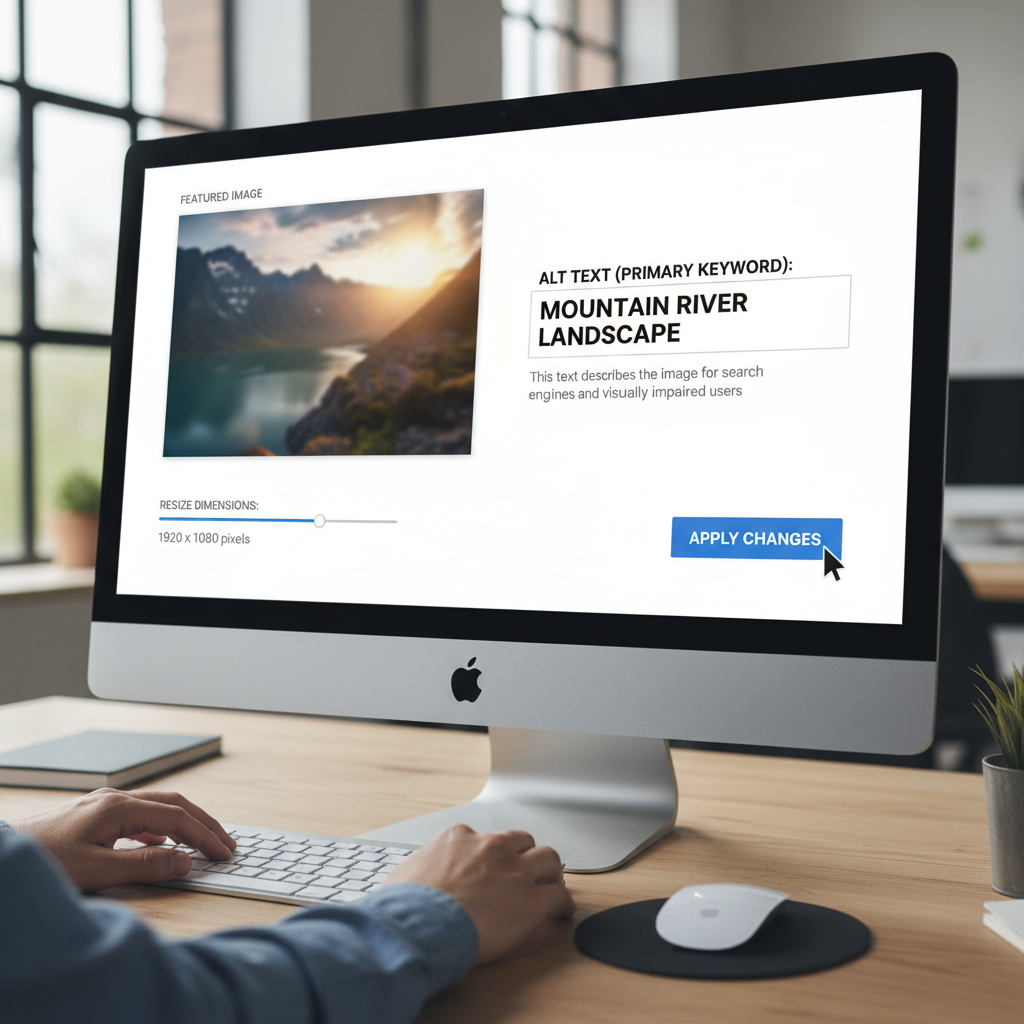
The Frustration of Compliance: Why You Need to Accurately Resize Image for Passport Photo Online
Applying for official documentation, whether it’s a new passport, a visa renewal, or an international travel permit, involves navigating a rigid set of rules. While taking a great photo is the first step, the real challenge lies in the technical requirements. If the dimensions, resolution, or file size are even slightly off, your application can be immediately rejected. This is why knowing how to accurately and efficiently resize image for passport photo online is a crucial skill in the digital age.
Many people assume a simple crop will suffice, but passport photos require precise adherence to specific height-to-width ratios and head size measurements. A dedicated online resizer ensures that you meet these strict guidelines without needing expensive photo editing software or trips to a professional studio.
Why Precision Matters: Understanding Passport Photo Requirements
Government agencies worldwide are incredibly stringent about photographic evidence. They aren’t just checking for clarity; they are checking for standardized biometric data embedded within the image. When you resize image for passport photo online, you are fundamentally adjusting the biometric anchor points used for identification.
Failing to meet these standards is the single most common reason for application delays. For example, the US Department of State specifies not only the overall 2×2 inch dimension but also requires the subject’s head to be positioned within a specific measurement range (usually 1 inch to 1 3/8 inches from the bottom of the chin to the top of the head).
Common International Passport Photo Sizes
The required dimensions vary significantly depending on the country or specific visa type. A versatile online tool must be able to handle these variations easily. Here is a brief look at some common requirements you might encounter:
United States Passport
Dimensions: 2 x 2 inches (51 x 51 mm).
Head Size: 1 inch to 1 3/8 inches (25 mm to 35 mm).
Schengen Visa (Europe)
Dimensions: 35 x 45 mm.
Head Size: Must occupy 70-80% of the vertical frame.
Indian Visa (OPI/PIO)
Dimensions: Usually 50 x 50 mm (2 x 2 inches), similar to US standards, but check specific application guidelines.
Australian Passport
Dimensions: 35 x 45 mm.
Head Size: 32 mm to 36 mm.
Choosing the Right Tool to Resize Image for Passport Photo Online
When searching for a solution to resize image for passport photo online, speed and accuracy are paramount. While generic photo editors can resize based on pixels, they often lack the crucial feature of dimension and ratio enforcement required for official documents. A specialized online resizer is designed specifically to handle these complex geometric requirements.
Key Features of a Reliable Online Resizer
Look for tools that offer more than just simple cropping. The best platforms provide predefined templates and automated checks to ensure compliance. If you need a trustworthy and efficient solution, consider using a dedicated Image Resizer that specializes in document photography.
Pre-set Templates
The tool should offer selectable templates for common countries (e.g., US, UK, Canada) so you don’t have to manually input dimensions.
Biometric Cropping Aids
Look for overlay guides that show exactly where the eyes, chin, and top of the head must fall within the frame, ensuring the head size percentage is correct.
DPI/Resolution Adjustment
The ability to automatically adjust the DPI (dots per inch) or PPI (pixels per inch) to meet printing standards, typically 300 DPI, is essential for high-quality printing.
File Size Compression
Many online applications have maximum file size limits (e.g., 240 KB). A good resizer should also be able to compress the file without losing critical visual quality.
Step-by-Step Guide to Resize Image for Passport Photo Online
The process of using a specialized online tool is surprisingly straightforward, turning a potentially complex task into a few simple clicks. Follow these steps to ensure your photo is ready for submission.
- Prepare Your Original Photo: Start with a high-resolution, unedited photograph taken against a plain white or off-white background. Ensure your expression is neutral and you are looking directly at the camera, as per official guidance.
- Upload to the Online Resizer: Navigate to your chosen resizing platform and upload the image file (usually JPEG format).
- Select the Document Type and Country: Choose the specific document you are applying for (e.g., “US Passport” or “Schengen Visa”). This automatically loads the required dimensions (e.g., 2×2 inches or 35×45 mm).
- Use the Biometric Guides to Crop: The tool will likely place overlay guides on your photo. Adjust the corners of the crop box so that your face aligns perfectly within the defined boundaries. This is the critical step to resize image for passport photo online correctly for head positioning.
- Review and Finalize Dimensions:
- Confirm the output dimensions (e.g., 600×600 pixels for a 2×2 inch photo at 300 DPI).
- Verify the file type and file size meet application standards.
- Download the Compliant Image:
“Compliance is non-negotiable in official documentation. Using an automated resizing tool drastically reduces the margin for error compared to manual cropping in generic software.”
Advanced Tips for Perfect Passport Photo Resizing
1. Resolution vs. Size
Don’t confuse physical dimensions (inches/mm) with digital resolution (pixels). Most online forms require photos to be 300 DPI (dots per inch) for printing clarity, even if submitted digitally. Ensure your resizer maintains or adjusts the resolution accordingly.
2. Check the Background Contrast
While the resizer handles dimensions, verify the background remains plain, uniform, and provides clear contrast with your head and hair. This ensures the biometric algorithms can accurately scan your features.
3. Utilize Verification Tools
After you resize image for passport photo online and download the file, use a secondary verification tool (some government websites provide these) to double-check dimensions, file type, and file size before submission.
Troubleshooting Common Issues When You Resize Image for Passport Photo Online
Even with advanced tools, users frequently encounter issues related to clarity, file type, and compression. Understanding these pitfalls can save you from a rejected application.
Dealing with File Size and Resolution
A common mistake is creating a photo that is dimensionally correct (e.g., 2×2 inches) but far too large in file size (e.g., 5 MB). This happens when the original source photo is extremely high resolution (e.g., 6000×4000 pixels).
While you want high quality, most government portals have a strict maximum limit, often around 240 KB or 600 KB. A good resizing tool should allow you to balance quality and file size. If the tool doesn’t automatically compress, you might need to use a separate compression feature to reduce the size without compromising the necessary 300 DPI resolution.
The Importance of Aspect Ratio Lock
When manually resizing, always ensure the aspect ratio is locked. Stretching or skewing the image to fit the required dimensions will distort your face and invalidate the photo. Specialized online passport photo resizers prevent this distortion by forcing the correct aspect ratio (e.g., 1:1 for 2×2 inch photos) during the cropping phase.
For official guidance on the strict requirements for biometric photos, it is always recommended to consult the issuing authority’s guidelines. For instance, the U.S. Department of State provides detailed Passport Photo Requirements covering everything from lighting to head size, which should inform your resizing strategy.
Ensuring Long-Term Compliance and Quality
Beyond meeting the minimum requirements, quality matters. A photo resized poorly—resulting in pixelation or blurriness—can still be rejected, even if the dimensions are technically correct. This is often an issue when users try to enlarge a small photo to meet the required size, a process that inevitably degrades image quality.
When resizing, always work “down” from a high-resolution source image, never “up” from a low-resolution one. This maintains the integrity of the pixels and ensures that when printed or viewed digitally, your photo is sharp and clear.
Furthermore, maintaining adherence to recognized global standards for image capture and processing, such as those established by the International Organization for Standardization (ISO), helps ensure broad acceptance. ISO standards, such as those relating to photographic quality and digital image integrity, often underpin the specific technical requirements set by national governments. You can learn more about these global benchmarks through authoritative sources like The International Organization for Standardization.
By relying on a dedicated tool to resize image for passport photo online, you remove the guesswork associated with manual editing. This approach ensures that the output file is not only dimensionally compliant but also adheres to the necessary file constraints, saving you time, effort, and the anxiety of potential application rejection. The minor time investment in finding the right online tool pays off significantly in the smooth processing of your official documents.
Conclusion
Successfully navigating the rigorous requirements of passport and visa applications starts with the photo. By choosing a specialized online resizer, you can guarantee that your image meets the necessary dimensions, head size ratios, resolution, and file size constraints without manual calculation errors. Always prioritize tools that offer biometric guides and country-specific templates to achieve seamless compliance and ensure your application proceeds without delay.
FAQs
The most common dimensions are 2×2 inches (51×51 mm), used primarily by the United States, and 35×45 mm, which is the standard size for the Schengen area, many European countries, and Canada. Always check the specific country’s requirements before resizing.
Yes. While some applications only list pixel dimensions, the underlying requirement is usually 300 DPI (dots per inch) to ensure high-quality printing. If your original photo is low resolution, resizing it to the correct dimensions without sufficient DPI will result in a blurry, unacceptable image.
File size limits vary, but typical maximums range from 240 KB to 600 KB for online government portals. If your resized photo is too large, you must use a compression feature within the online tool to reduce the file size without sacrificing the 300 DPI quality.
While you can use programs like Photoshop to resize, they require manual calculation of head size ratios and precise cropping, which is prone to error. Specialized online passport photo resizers are recommended because they use automated biometric guides and templates to guarantee compliance, making the process faster and more reliable.
If your photo is rejected, your application process will halt, causing significant delays. You will typically be notified with the reason for rejection (e.g., incorrect dimensions, poor contrast, wrong head size) and instructed to submit a new, compliant photo.
Read Also:
- The Ultimate Guide: How to Create a Strong Password Examples and Expert Security Tips
- The Definitive Guide: How to Calculate ROI on Marketing Campaigns Effectively
- The Ultimate Guide to Random Number Uses: Beyond the google random number generator 1-100
- Mastering Diabetes Management: Understanding the Blood Sugar Level Chart by Age 50
- Compound Interest Calculator Guide: How to Accelerate Your Wealth
- Material Math: Nail Your 2026 Project Budget
- Unlock Any PDF Instantly in 2026
- MozRank: Your 2026 SEO Secret Weapon

