
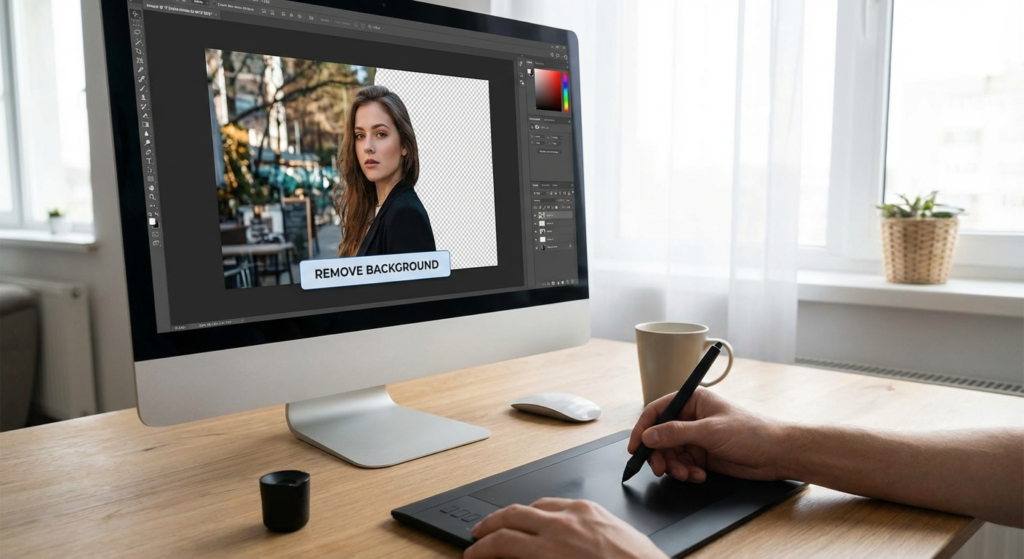
I still remember the hand cramps. Back in the early days of digital design, if you wanted to isolate a product from its background, you spent hours with the Photoshop Pen Tool, clicking point by point, zooming in to 400% to trace a single strand of hair. It was tedious, expensive, and honestly? A total nightmare.
Fast forward to 2026. If you are still manually tracing edges, you are wasting time. Period.
The game has changed completely. We aren’t just talking about “erasing” a background anymore; we’re talking about a fundamental shift in how we produce visual content at scale. Whether you run a high-volume e-commerce store or you’re building a personal brand on LinkedIn, an AI background remover is the difference between looking like a scrappy amateur and a polished professional.
In this guide, I’m going to walk you through exactly how this technology works, why it’s critical for your conversion rates, and seven specific ways you can use it to dominate your niche this year.
📑 What You’ll Learn
The Death of Manual Editing: A Cost Analysis
Let’s look at the math. In my agency days, we used to budget about 15 to 20 minutes of a retoucher’s time for a single complex product image (think: a bicycle with spokes or a model with curly hair). At a standard rate, that adds up fast.
Today, AI algorithms handle that same complexity in seconds. But it’s not just about speed; it’s about consistency. Humans get tired. We make mistakes after the 50th photo. AI doesn’t.
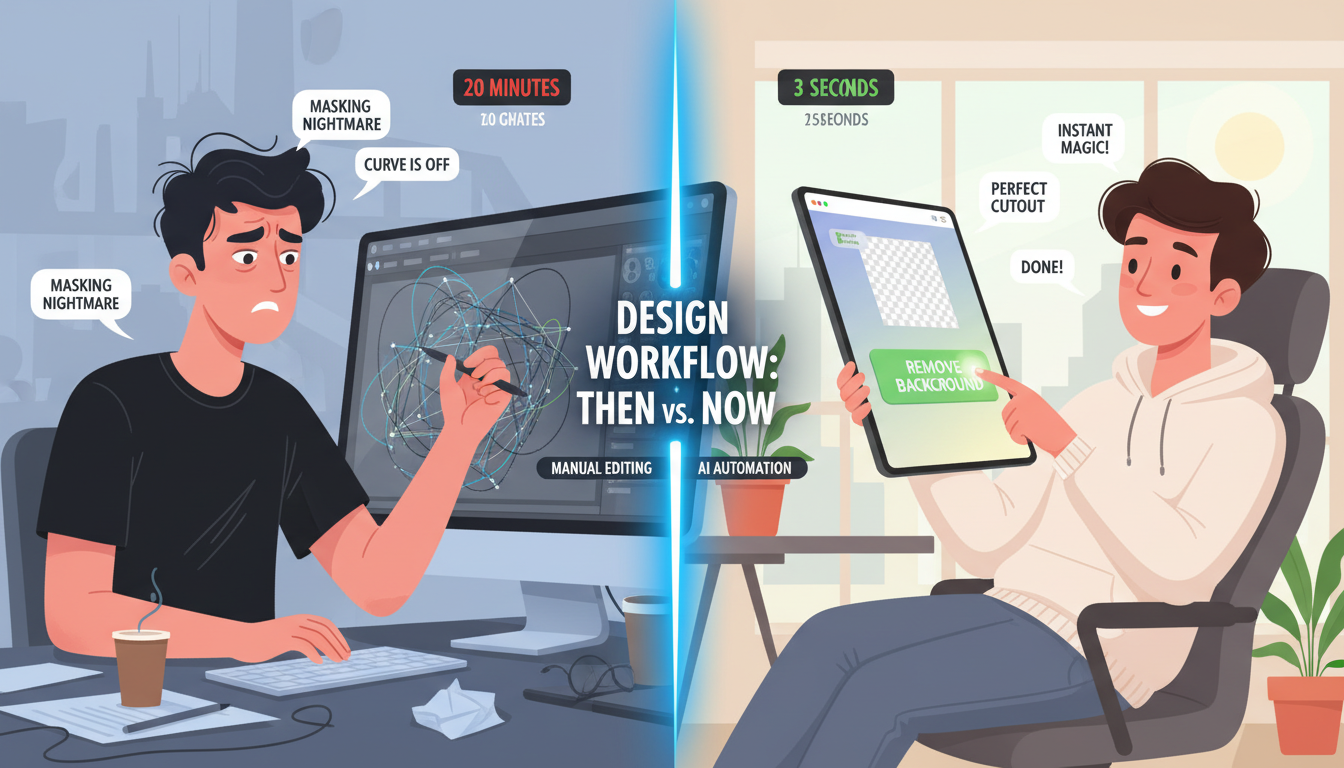
Comparison: The Old Way vs. The AI Way
I put together this breakdown to show you exactly what you’re saving. This isn’t hypothetical; this is based on real-world production workflows in 2026.
| Metric | Manual Editing (Pen Tool) | AI Background Remover |
|---|---|---|
| Time Per Image | 10–25 minutes | 3–5 seconds |
| Cost Per 100 Images | ~$500 (at $30/hr rate) | ~$0.20 – $5.00 (Subscription costs) |
| Consistency | Varies by designer fatigue | 100% consistent across batches |
| Hair/Fur Detail | Requires advanced masking skills | Automated strand detection |
| Scalability | Impossible to scale instantly | Process 1,000+ images in minutes |
🎯 Key Takeaway
Using an AI background remover isn’t just a shortcut—it’s a business asset. You are trading pennies for hours of skilled labor, allowing you to focus on strategy rather than pixel-peeping.
How the Tech Actually Works (Without the Jargon)
You might be wondering, “How does it know the difference between my shirt and the wall?”
It comes down to Computer Vision. Modern tools use deep neural networks trained on millions of “before and after” image pairs. According to research in computer vision, these models learn to identify semantic objects. They don’t just see pixels; they recognize “person,” “chair,” or “dog.”
In 2026, the tech has evolved to handle transparency gradients. This means the AI can distinguish semi-transparent objects—like a glass of water or a bridal veil—and keep the transparency while removing the background. That was virtually impossible for AI just a few years ago.
7 Ways an AI Background Remover Saves Your Content
Alright, let’s get practical. Here is how you apply this tech to actually make money and save time.
1. Crushing Amazon and E-commerce Standards
If you sell on Amazon, you know the rule: the main image must have a pure white background (RGB 255, 255, 255). If you upload a lifestyle shot as your main image, your listing gets suppressed. It’s that simple.
An AI background remover allows you to shoot products on your kitchen table, remove the clutter, and drop in that mandatory white background instantly. This democratizes e-commerce. You don’t need a $5,000 studio anymore; you just need good lighting and an algorithm.
💡 Pro Tip
After removing the background, don’t just leave the product floating in white space. Add a subtle “contact shadow” under the object. This grounds the product and increases click-through rates by making it look real rather than like a sticker.
2. The “Pattern Interrupt” on Social Media
Scroll blindness is real. People scroll through Instagram and LinkedIn on autopilot. To stop them, you need a “pattern interrupt.”
By removing the background of a selfie or product, you can place it against a bold, contrasting color (like bright yellow or electric blue). This visual shock stops the scroll. I’ve seen campaigns where simply swapping a busy office background for a solid brand color increased engagement by 40%.
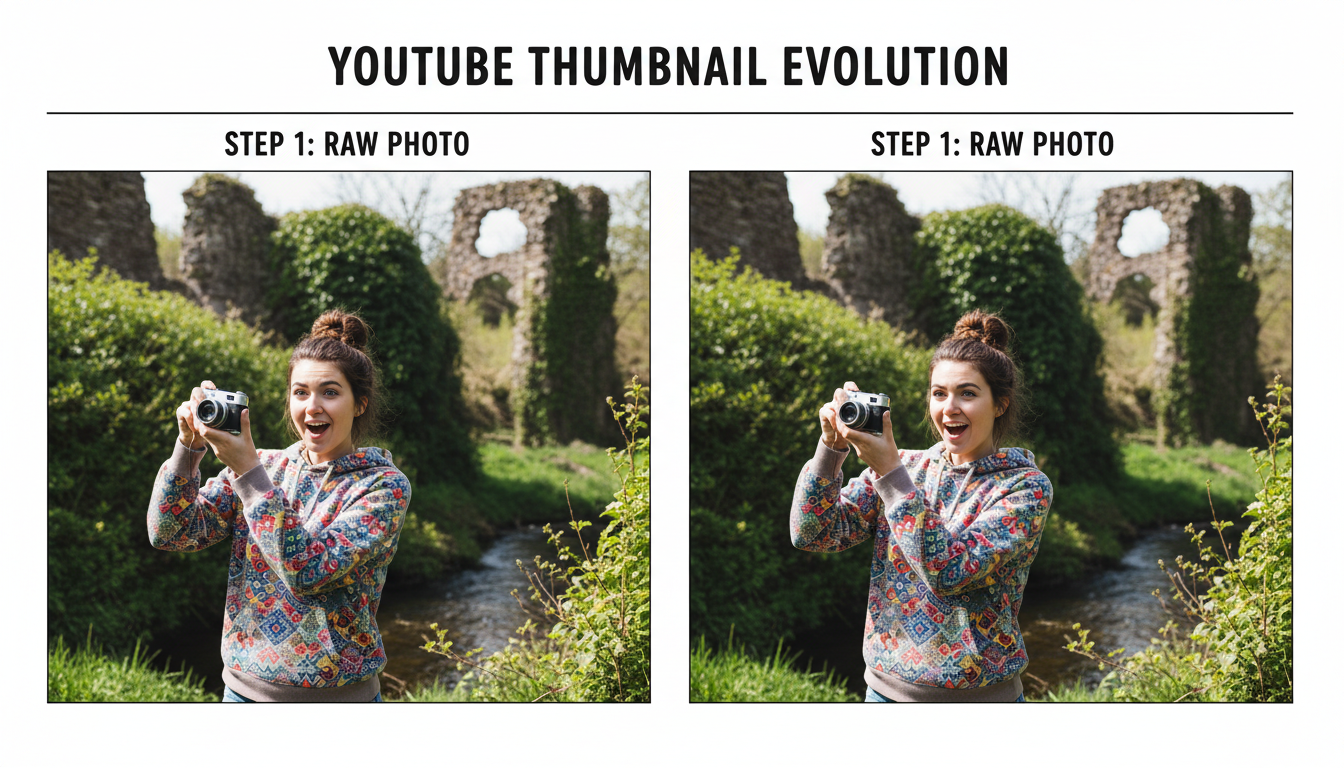
3. High-CTR YouTube Thumbnails
Look at the biggest YouTubers. MrBeast, MKBHD, Ali Abdaal. What do their thumbnails have in common? High-contrast separation between the subject and the background.
They use an AI background remover to cut themselves out, add a white stroke (outline) around their body, and place themselves over a blurred or dramatic background. This creates depth and makes the thumbnail pop on small mobile screens.
4. Agile Marketing Collateral
Imagine this: Your boss runs in. “We need a flyer for the summer sale, and we need it in 20 minutes.”
In the old days, you’d panic. Now? You grab a product shot, strip the background, drop it into a Canva template, and hit print. The ability to manipulate assets on the fly makes your marketing team significantly more agile.
5. Repurposing User-Generated Content (UGC)
Customers often take photos of your products in… less than ideal settings. Maybe they loved your shoes, but they took the photo next to a pile of laundry.
With AI, you can salvage that content. Strip the messy background, place the shoes on a neutral texture, and boom—you have social proof that looks on-brand. It builds trust without sacrificing your aesthetic.
6. Real Estate Sky Swaps
Real estate agents, listen up. You can’t control the weather, but you can control the photo. If you shot a property on a gloomy, grey day, the listing looks depressing. By isolating the house and the horizon, you can swap that grey sky for a bright blue one. It sells the “dream” much better.
7. optimizing for Web Performance
This is a technical one, but stick with me. Large, busy backgrounds contain a lot of data. A complex forest background in a JPEG file takes up way more kilobytes than a solid color or transparent background.
By removing unnecessary background noise, you reduce the file complexity. Combine this with a tool to compress JPEG to 50kb, and your website loads lightning fast. Google’s Core Web Vitals metrics love this.
⚠️ Watch Out
Avoid “Over-Smoothing.” Some lower-quality AI tools smooth out the edges too much, making skin look like plastic or removing essential textures like hair flyaways. Always check the edges at 100% zoom before publishing.
Step-by-Step: The Perfect Cutout Workflow
Don’t just click “auto” and hope for the best. Follow this workflow for magazine-quality results.
- The Setup: Shoot your subject against a contrasting background. If the subject has black hair, do not shoot against a dark wall. The AI needs contrast to detect edges accurately.
- The Removal: Run the image through your chosen AI background remover.
- The Check: Zoom in on “problem areas”—usually hair, fur, or transparent glass.
- The Defringe: If you see a thin white or black halo around your subject, use a “defringe” tool (available in most editors) to blend the edges.
- The Export: Save as PNG. This is crucial.
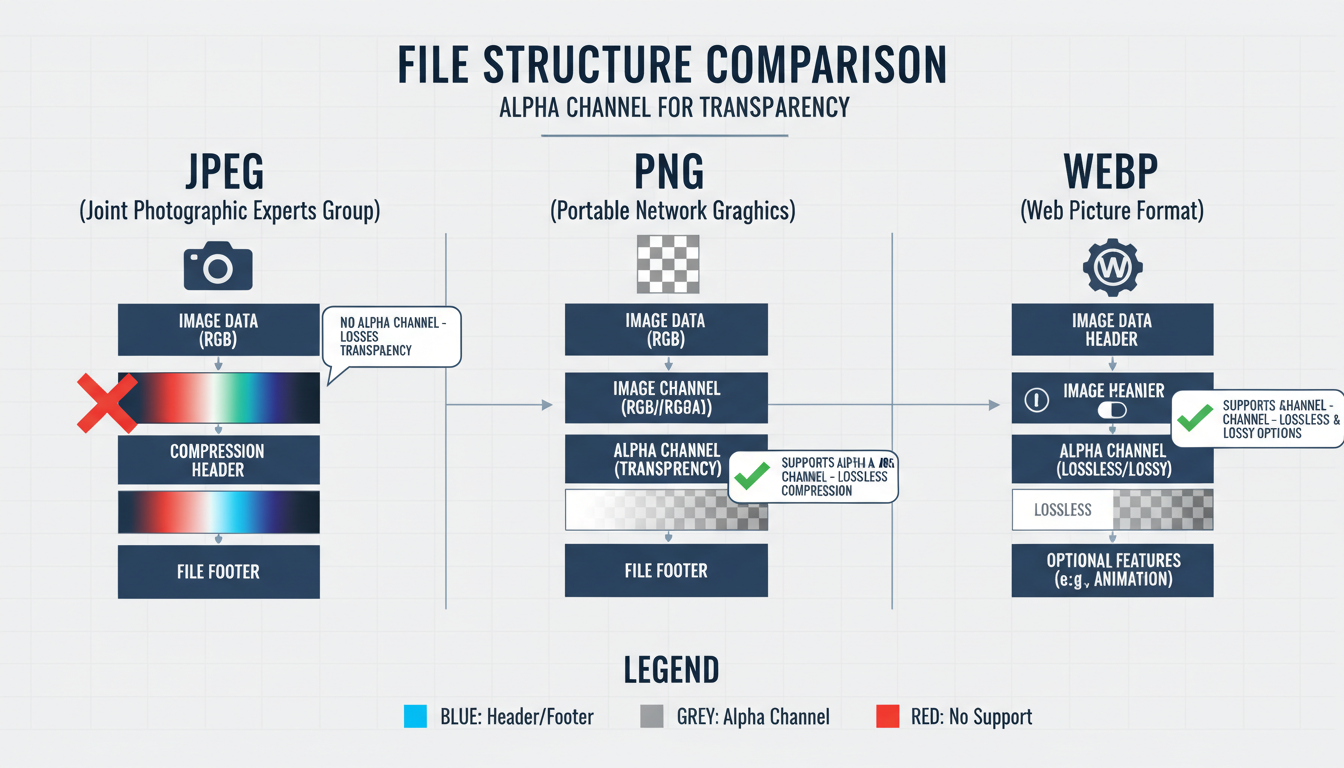
File Format Cheat Sheet
Choosing the wrong file type ruins the transparency. Here is what you need to know.
| Format | Supports Transparency? | Best Use Case |
|---|---|---|
| JPEG | ❌ No | Standard photos, opaque backgrounds. (Will turn transparent areas white). |
| PNG | ✅ Yes | The gold standard for cutouts. High quality, lossless. |
| WebP | ✅ Yes | Modern websites. Smaller file size than PNG but same transparency support. |
The SEO Connection: Why Google Cares
You might think background removal is just a design task, but it has direct SEO implications. Google’s algorithms prioritize User Experience (UX). According to Google’s image best practices, high-quality, clear images help users understand content faster.
When your product images are clean and load fast, bounce rates drop. Users stay longer. They click more. These are positive signals that tell Google your page is valuable. Furthermore, by optimizing your images, you ensure your technical SEO is sound. You can even use a meta tag analyzer for SEO to ensure the rest of your page matches the quality of your visuals.
❓ Frequently Asked Questions
Is an AI background remover better than Photoshop?
For 95% of tasks, yes. It is significantly faster and cheaper. However, for high-end fashion editorials or extremely complex composites, a skilled Photoshop artist using manual masking is still superior for fine control.
Will removing the background lower the image quality?
It shouldn’t, provided you use a professional tool. The subject’s resolution should remain identical. The only quality loss usually happens if you save the file in the wrong format or compress it too heavily.
Can I process images in bulk?
Absolutely. This is the biggest advantage of AI. Most enterprise-level tools allow you to upload a folder of 500 images and process them all while you go grab a coffee.
What if the AI cuts off part of the subject?
This happens occasionally with low-contrast images. Most premium tools offer a “Restore/Erase” brush that lets you manually paint back in a missing part of the image quickly.
Wrapping Up
Look, the digital landscape in 2026 is noisy. To stand out, your visuals need to be crisp, professional, and fast to produce. An AI background remover isn’t just a fancy gadget; it’s a productivity engine.
It saves you money on retouching, speeds up your workflow, and gives you the flexibility to repurpose content across every platform. If you aren’t using one yet, you are working harder than you need to.
Your next step? Take your worst-performing product photo or a cluttered profile picture. Run it through an AI tool today. The difference will speak for itself.
Read Also:
- 10 Reasons Why Using a Grammar Checker is Essential for Professional Writing
- How to Calculate Lap Times: The Ultimate Guide to Speed & Data (2026)
- Unlock Any PDF Instantly in 2026
- How to Download from Hurawatch in 2026 (3 Methods & Risks)
- How to Read a JSON File in 2026: A Developer’s Practical Guide
- mcg/dL to ng/mL Conversion: The Simple 2026 Guide
- Milliamps to Volts Calculator (2026): The 3-Step Ohm’s Law Guide

