
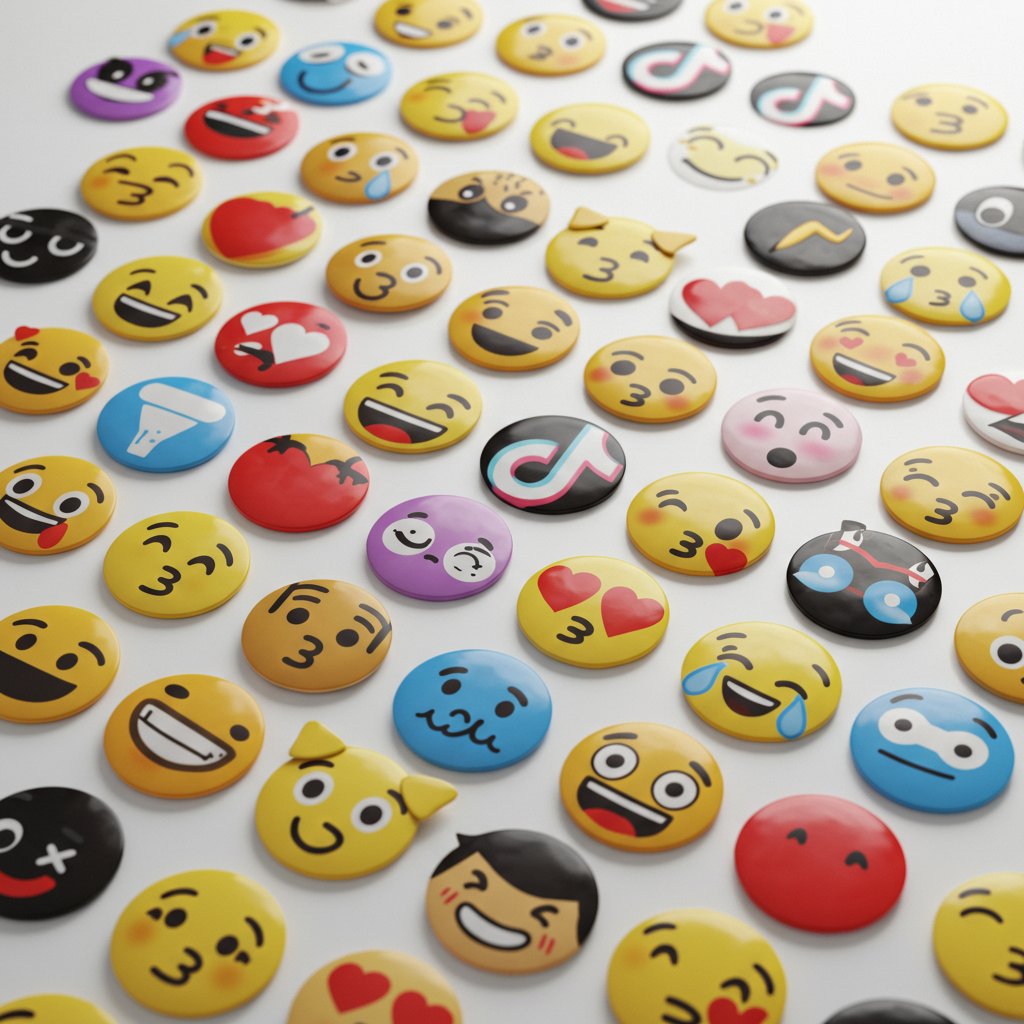
In the fast-paced, visually-driven world of TikTok, every pixel counts. Creators are constantly searching for new ways to capture attention and tell compelling stories in seconds. While the platform’s native tools are powerful, one of the most underrated assets for elevating your content is the use of TikTok emoji PNGs. These aren’t just your standard keyboard emojis; they are high-quality, transparent graphics that can transform your videos from ordinary to unforgettable. Understanding how to find and leverage these versatile images is a game-changer for anyone serious about growing their presence on the platform.
This comprehensive guide will walk you through everything you need to know about TikTok emoji PNGs. We’ll explore what they are, where to find them, and most importantly, how to use them creatively to increase views, boost engagement, and build a cohesive brand identity. Whether you’re a seasoned creator or just starting, mastering the art of the emoji PNG will unlock a new level of creativity for your content.
What Exactly Are TikTok Emoji PNGs and Why Are They a Big Deal?
At its core, a PNG (Portable Network Graphics) is an image file format that supports lossless data compression and, crucially, a transparent background. When we talk about TikTok emoji PNGs, we’re referring to images of emojis—be they the standard Apple/Android designs, custom creations, or popular meme-related emoticons—saved in this format. The transparency is key; it allows you to overlay the emoji onto your video without a clunky white or black box around it, making it look like a native part of your content.
Why not just use the standard emoji keyboard? The difference lies in control and quality.
- Higher Resolution: PNG files can be created in high resolution, ensuring they look crisp and clean even when scaled up in your video edits. Standard text-based emojis can become pixelated.
- Creative Freedom: You are not limited to the emoji set on your device. You can find or create PNGs of virtually any emoji style, including 3D, animated, or branded versions.
- Advanced Editing: In video editing software, a PNG is treated as a separate media layer. This means you can animate it, change its opacity, add effects like a glow or a drop shadow, and precisely control its timing—things you simply can’t do with text-based emojis.
Where to Find the Best High-Quality TikTok Emoji PNGs
Finding the perfect emoji PNG for your video is the first step. Fortunately, there are numerous resources available, catering to different needs and budgets. It’s essential to use reputable sources to ensure you’re getting high-quality files and respecting copyright where applicable.
Dedicated PNG & Icon Websites
Platforms like Flaticon, CleanPNG, and Pngtree offer vast libraries of icons and graphics. Many offer a large selection of free downloads (often requiring attribution) alongside premium subscriptions for unlimited access. Use their search functions with terms like “crying laughing emoji png” or “heart emoji transparent” to find what you need.
Graphic Design Platforms
Tools like Canva and Adobe Express have become powerhouses for social media creators. Their integrated libraries contain millions of elements, including a massive selection of emoji PNGs. You can easily find an emoji, place it on a transparent background, and download it directly to your phone or computer. For authoritative information on file types, check out Adobe’s guide to PNG files.
Create Your Own Custom Emojis
For ultimate brand consistency, consider creating your own emoji PNGs. You can use professional software like Adobe Photoshop or free alternatives like GIMP. Even mobile apps like Procreate allow you to draw your own graphics and export them with a transparent background. This is a fantastic way to develop a unique visual signature for your channel.
How to Use TikTok Emoji PNGs in Your Videos: A Step-by-Step Guide
Once you have your PNG file, the next step is adding it to your video. While you can’t upload a PNG directly into the TikTok app as a sticker, you can easily do it using a third-party video editor, which most serious creators use anyway. CapCut (TikTok’s official sister app) is a popular and free choice.
- Download and Save: Find the emoji PNG you want and save it to your phone’s photo gallery or camera roll. Ensure it’s saved with its transparency intact.
- Open Your Video Editor: Start a new project in an app like CapCut, InShot, or VN Video Editor. Import the video clip you want to edit.
- Use the ‘Overlay’ or ‘Sticker’ Feature: Look for a button that says “Overlay,” “Sticker,” “PIP” (Picture-in-Picture), or “Add Image.” Tap it and select the emoji PNG you saved.
- Position and Resize: The emoji will appear as a new layer on top of your video. Use your fingers to drag it into position, pinch to resize it, and rotate it as needed.
- Adjust the Timing: In the editor’s timeline, you can drag the ends of the emoji layer to control exactly when it appears and disappears in your video.
- Add Animations (Optional): Most editors offer animation options for overlays. You can make your emoji PNG fade in, slide onto the screen, bounce, or pulse for added visual flair.
- Export and Upload: Once you’re happy with the result, export the final video from your editor and upload it to TikTok.
11 Creative Ways to Leverage TikTok Emoji PNGs for Maximum Impact
Knowing how to add TikTok emoji PNGs is one thing; knowing how to use them strategically is another. Here are eleven powerful techniques to make your content pop and drive engagement.
1. Design Eye-Catching Thumbnails
Your video’s cover or thumbnail is its first impression. A well-placed, high-quality emoji PNG can make your video stand out on the For You Page and on your profile grid. Use a large, expressive emoji that relates to the video’s content or emotion to pique curiosity.
2. Build a Unique Brand Identity
Consistency is key to branding. Choose a set of 2-3 custom or stylized emoji PNGs that represent your niche or personality. Using them consistently across your videos helps your audience recognize your content instantly. For instance, a book-focused account might use a custom sparkling book emoji in every video.
3. Create Clearer Calls-to-Action (CTAs)
Don’t just tell people to follow; show them. Use an animated arrow emoji PNG that points directly to the follow button, the like button, or the link in your bio. This visual cue is far more effective than text alone and can significantly improve conversion rates.
4. Enhance Storytelling and Emotional Cues
Use emoji PNGs as visual punctuation. When you tell a surprising story, have a shocked face emoji (😱) pop up next to your head. When sharing a sad moment, a single teardrop emoji (💧) can add a layer of emotion. This visual shorthand communicates feeling quickly and effectively.
5. Censor or Obscure Information Creatively
Need to block out a username, a brand name, or sensitive information? Instead of a boring black box, use a funny emoji PNG like the zipped-lips (🤐) or monocle (🧐) face. It’s more visually interesting and adds to the TikTok-native feel of the content.
6. Develop Interactive Content and Games
Use emoji PNGs to create simple games. For example, a “spot the difference” game with two similar scenes, or a “guess the movie” quiz using only emoji clues. This type of content encourages comments and watch time as users play along.
7. Layer Emojis for Comedic Effect
The ability to layer PNGs allows for endless creativity. You can place a cowboy hat emoji PNG on top of a cat’s head or add sunglasses to a crying emoji for a hilarious, meme-worthy effect. If you’re combining multiple images to create a unique scene for your thumbnail, an image merger tool can help you compose the perfect graphic before you even open your video editor.
8. Highlight Key On-Screen Elements
If you’re doing a tutorial or a product review, use small pointer or star emoji PNGs to draw attention to specific buttons, features, or details on the screen. This guides the viewer’s eye and makes your instructions easier to follow.
9. Create Custom Scene Transitions
Instead of a standard cut or fade, create a custom transition. Have a giant emoji PNG (like a fire 🔥 or whirlwind 🌪️) quickly swipe across the screen to transition from one clip to the next. It’s a professional touch that makes your edits look more polished.
10. Use Secret or Custom TikTok Emoji PNGs
TikTok has its own set of “secret” emojis that can be accessed with specific codes like `[shout]` or `[cry]`. You can find high-quality PNG versions of these online. Using them shows you’re an in-the-know creator and helps your content feel more native to the platform. You can even find PNGs of emojis that have become inside jokes within the TikTok community.
11. Make Data and Text More Digestible
If your video includes stats, lists, or important text, pair each point with a relevant emoji PNG. A checkmark (✅) for completed tasks, a lightbulb (💡) for new ideas, or a money bag (💰) for financial tips breaks up the text and makes the information easier to scan and remember.
Conclusion: Your New Secret Weapon for TikTok Growth
In conclusion, TikTok emoji PNGs are far more than just decorative elements; they are a powerful tool for communication, branding, and engagement. By moving beyond the standard keyboard and embracing the creative control offered by transparent PNG files, you can make your content more dynamic, professional, and memorable. From crafting irresistible thumbnails to building a recognizable brand and creating interactive experiences, the possibilities are endless. Start by exploring the resources mentioned, download a few high-quality PNGs, and begin experimenting in your next video. You’ll be amazed at how such a small addition can make such a big impact on your TikTok journey.
FAQs
The main difference is transparency. A PNG (Portable Network Graphics) file can have a transparent background, allowing you to place it over a video without a solid box around it. A JPG (Joint Photographic Experts Group) file does not support transparency and will always have a solid background, making it unsuitable for overlaying on videos.
When you download a PNG from a website, it should explicitly state that it has a transparent background. Often, you’ll see a checkerboard pattern behind the image on the website, which indicates transparency. When you save it to your phone, it might appear on a black or white background in your gallery, but the transparency data is usually preserved and will work correctly when imported into a video editor.
Standard emojis, as defined by the Unicode Consortium, are not typically copyrighted. However, specific visual representations by companies like Apple or Microsoft are. For social media use, it’s generally considered fair use. To be completely safe, use open-source emoji sets (like those from Google’s Noto Color Emoji) or create your own custom designs. Avoid using characters from movies or TV shows unless you have permission.
Not at all! While professional software like Adobe Premiere Pro offers advanced controls, free and powerful mobile video editors like CapCut, VN Video Editor, and InShot are more than capable of handling PNG overlays. These apps are designed for social media creators and make the process simple and intuitive.
You can find these by searching on PNG-specific websites or Google Images for terms like “TikTok [shout] emoji PNG” or “TikTok [stun] emoji transparent.” Many graphic designers have recreated these popular, platform-specific emotes as high-quality PNG files for creators to use in their edits.

