
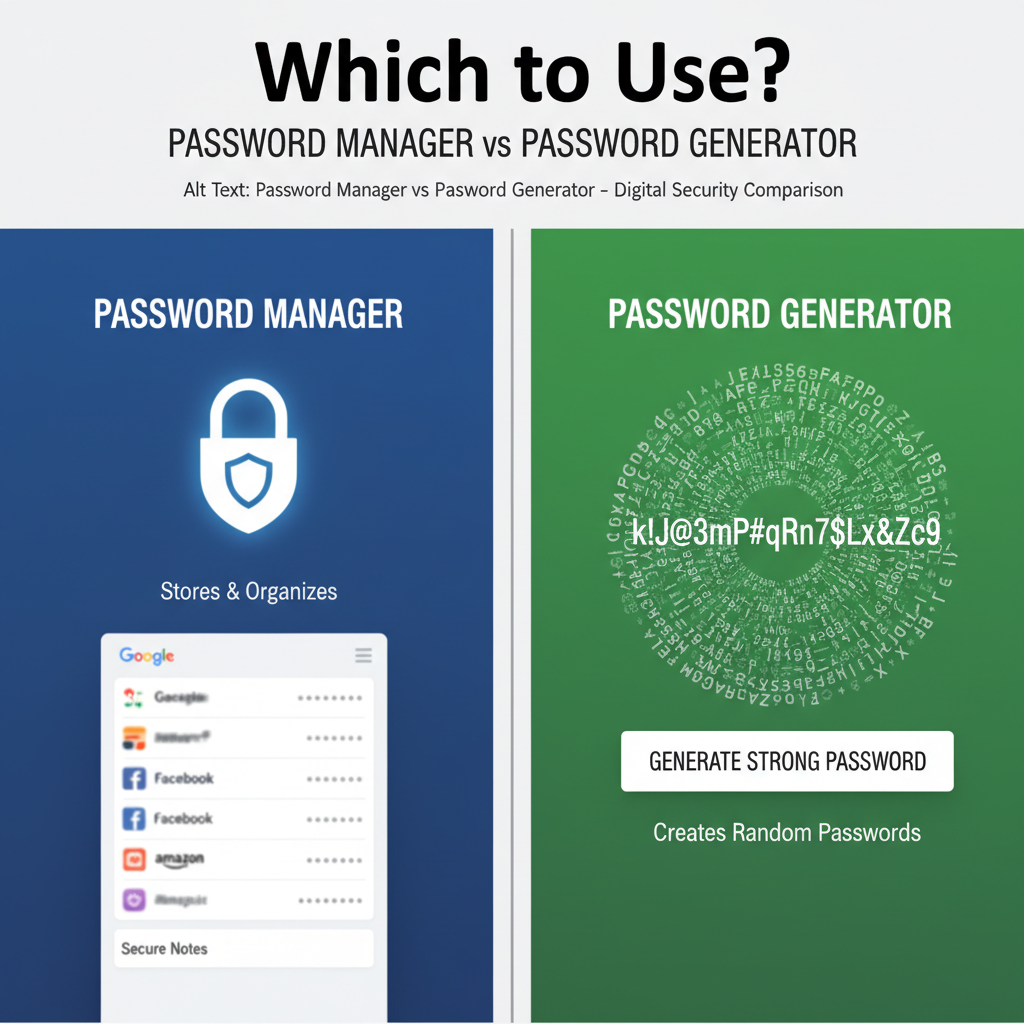
The Critical Need for Strong Authentication in a Digital World
In today’s hyper-connected environment, digital security hinges almost entirely on the strength and uniqueness of your passwords. The days of using “123456” or your pet’s name are long gone. As cyber threats become increasingly sophisticated, users are faced with the challenge of managing dozens, if not hundreds, of complex credentials. This is where specialized tools come into play, specifically the password generator and the password manager.
Understanding the nuances of the password manager vs generator comparison security is fundamental to building a robust personal or enterprise security posture. While both tools aim to enhance security, they serve distinctly different functions. One creates the key, and the other manages the entire keyring. Choosing the right tool, or more accurately, learning how to integrate both, is the key to minimizing your risk exposure.
Understanding the Core Functions: Password Generator Explained
A password generator is a utility designed solely for the purpose of creating long, complex, and unpredictable strings of characters. Its primary function is to eliminate human bias and pattern recognition, which are the main weaknesses exploited by dictionary attacks and brute-force methods. These tools use cryptographic randomness to ensure that every generated password is statistically unique.
The Role of a Password Generator in Security
The core security benefit of a generator is complexity. It ensures that every password meets the highest standards of entropy, typically including a mix of uppercase letters, lowercase letters, numbers, and symbols. This complexity dramatically increases the time and computational power required for an attacker to guess the credential.
However, a standalone generator only solves half the problem: creation. Once the complex password is generated, the user is still responsible for memorizing, storing, and accurately typing that credential every time they need to log in. This often leads users to write them down or reuse them, thereby negating the generator’s security benefits.
For those looking to create robust, unique credentials quickly, utilizing a high-quality Password Generator is the first step toward digital hygiene.
The Comprehensive Solution: What is a Password Manager?
A password manager is a secure digital vault that not only generates strong passwords but also stores, organizes, encrypts, and automatically fills them across all your devices and applications. It is the centralized hub for all your digital keys, protected by a single, powerful master password.
The true value proposition in the password manager vs generator comparison security debate lies in the manager’s ability to handle the entire lifecycle of a credential—from creation and storage to synchronization and usage. They eliminate the need for users to remember anything other than the master key, allowing them to use truly unique passwords for every single site without suffering from password fatigue.
Automated Filling and Syncing
Managers save significant time by automatically detecting login fields and securely inputting credentials across browsers and mobile apps. They also sync the vault across multiple devices.
Integrated Generation
Most modern password managers include a built-in generator, ensuring that new accounts are immediately secured with maximum complexity, often defaulting to 16+ characters.
Security Auditing and Monitoring
Managers routinely scan your stored passwords, alerting you to weak, reused, or compromised passwords found in public data breaches. This proactive approach is vital for security.
Secure Note and File Storage
Beyond passwords, managers typically offer encrypted storage for sensitive data like credit card numbers, software license keys, and personal documents, protected by the same encryption standards.
Direct Comparison: Password Manager vs Generator Comparison Security
While both tools are critical components of cybersecurity, their intended applications and security scope are vastly different. A generator is a singular tool, whereas a manager is an infrastructure.
Key Differences in Functionality and Scope
To truly understand which tool provides the most comprehensive defense, we must look at the scope of protection. The generator focuses on the quality of the password itself, while the manager focuses on the secure management and deployment of that password across your digital life.
Password Generator Focus
- Primary Function: Creation of random, high-entropy strings.
- Storage: None (User must manage storage).
- Security Scope: Focused purely on credential complexity.
- Convenience: Low (Requires manual input/copy-pasting).
- Best For: One-off password creation or generating a master password.
Password Manager Focus
- Primary Function: Secure generation, storage, synchronization, and auto-filling.
- Storage: Highly encrypted vault (AES-256 or similar).
- Security Scope: Comprehensive credential lifecycle management, breach monitoring, and MFA integration.
- Convenience: High (Eliminates memorization and typing).
- Best For: Daily use, managing hundreds of accounts, and organizational security.
Advanced Security Protocols and Best Practices
When evaluating the password manager vs generator comparison security, we must delve into the underlying security architecture of modern managers. The most secure managers utilize technologies that go far beyond simple generation.
The Importance of Encryption and Zero-Knowledge Architecture
The primary security mechanism of a password manager is its encryption standard. Reputable managers use robust, industry-leading encryption, such as AES-256, to protect the data stored in your vault. Crucially, they employ a zero-knowledge architecture. This means that the encryption and decryption processes occur locally on your device, and the company hosting the service never has access to your master password or the unencrypted contents of your vault.
This architecture ensures that even if the password manager provider’s servers were breached, the attackers would only retrieve encrypted, unusable data, provided the master password was strong. This level of defense is essential for protecting sensitive data, as emphasized by cybersecurity experts globally. The Cybersecurity and Infrastructure Security Agency (CISA) consistently advocates for strong encryption and multi-factor authentication (MFA) to protect critical information.
Furthermore, the manager facilitates the adoption of unique passwords for every service. If one service is compromised (a common occurrence), the attacker gains nothing useful for attacking your other accounts. This containment strategy is arguably the single most important security benefit offered by a manager over a standalone generator.
Integrating Both for Maximum Digital Safety
While the password manager is the superior, all-encompassing tool, the generator remains a foundational component. In fact, the most effective approach to digital security involves combining the strengths of both.
The generator function built into the manager handles 99% of your password creation needs. However, a standalone generator tool can still be useful for highly specialized tasks, such as creating a truly random, non-dictionary-based master password that you will manually memorize, or generating encryption keys for local file systems.
Developing a Comprehensive Password Protection Strategy
- Choose a Reputable Manager: Select a manager that adheres to zero-knowledge principles and supports modern encryption standards.
- Create the Master Key: Use a standalone or built-in generator to create a unique, long (20+ character) master password that you commit to memory. This must never be stored digitally or reused.
- Enable Multi-Factor Authentication (MFA): Secure your password manager vault using MFA (e.g., a hardware key or authenticator app).
- Generate All Credentials: Use the manager’s built-in generator to create new, unique passwords for every single online service.
- Audit Regularly: Utilize the manager’s security dashboard to identify and replace weak or compromised passwords immediately. The National Institute of Standards and Technology (NIST) recommends regular auditing and retirement of weak authentication methods.
The Security Advantage of Automation
The most compelling argument for the manager in the password manager vs generator comparison security is the element of automation. By automating the generation and entry of complex passwords, the manager removes the human element of error—forgetting passwords, reusing passwords, or choosing predictable patterns. This automation guarantees consistent, high-level security across your entire digital footprint, which a standalone generator simply cannot achieve.
In essence, the generator provides the raw material (complexity), but the manager provides the infrastructure, logistics, and ongoing maintenance required to make that complexity practical and sustainable for everyday use. For maximum security and convenience, the password manager is the indispensable tool.
Conclusion: Making the Right Choice for Long-Term Security
While the password generator is excellent for creating strong, complex passwords, it is merely a feature. The password manager is a complete security system. For individuals and organizations seeking a sustainable, long-term solution to managing hundreds of unique, high-entropy credentials, the password manager is the clear winner. It integrates the generator functionality while adding crucial layers of storage encryption, synchronization, and breach monitoring. Investing in a quality password manager is not just a convenience; it is a fundamental requirement for modern digital defense.
FAQs
Yes, significantly. A password manager encrypts your passwords using advanced cryptographic standards (like AES-256) and protects them with a single master password and often multi-factor authentication. Writing passwords down, even if generated by a strong tool, leaves them vulnerable to physical theft or unauthorized access, offering zero encryption or breach monitoring.
While browser managers offer convenience, dedicated password managers generally provide superior security. Dedicated tools often use stronger, audited encryption protocols, support zero-knowledge architecture, offer cross-browser and cross-platform compatibility, and include advanced features like dark web monitoring and secure file storage that browser tools lack.
You still need the *functionality* of a generator, but most password managers have a robust, built-in generator. You will use the manager’s feature to automatically create and store new, complex passwords whenever you sign up for a new service or update an old password.
The biggest risk is credential reuse and weak storage. Since the generator doesn’t store the passwords, the user is forced to memorize or record them, often leading to them reusing the same complex password across multiple sites or storing them insecurely, undermining the high complexity generated by the tool.
Many password managers offer protection against phishing because they are site-aware. They will only auto-fill credentials on the exact URL they were saved for. If you land on a look-alike phishing site, the manager will typically refuse to fill the credentials, alerting you that the site is not legitimate.
Read Also:
- Flames Calculator
- Redirect Checker Tool
- The Essential Guide to SIP Investment Mistakes Avoid 2026 India: Securing Your Financial Future
- Mastering Your Metabolism: How to Use Basal Metabolic Rate Calculate Daily Calories Accurately
- Image Resizer Tool: The Ultimate Guide to Boost SEO (2024)
- 10 Essential Insights on Using a File Converter: The Ultimate 2025 Guide
- Watermark Remover Pro Guide (2025): Get Flawless Results Ethically
- 7 Proven Ways to Use a Keyword Rank Tracker for SEO Growth
- PAK to BIN Converter Online: The Ultimate 2026 Safety Guide
- Unlock Hidden Profit With Time Tracking 2026
- Volume of a Trapezoid Calculator: The 2026 Pro Guide
- Readability Tool: Skyrocket Content SEO & Engagement – Visual Story
- Convert mg/kg to mg/L: The Ultimate 2026 Pro Guide

