
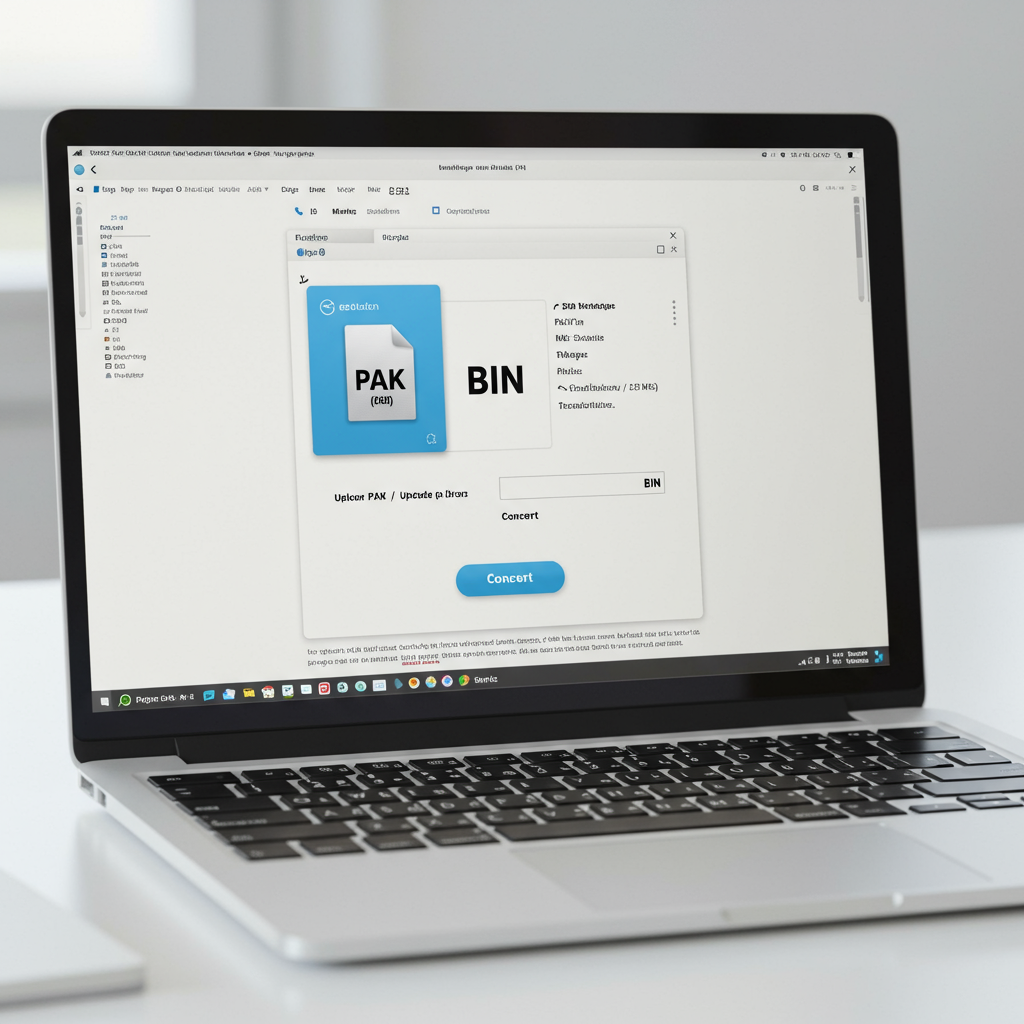
You’ve been digging through the files of a classic game, hoping to extract a specific texture for a mod you’re building. Then you hit a wall. A big, fat .PAK file. It’s a digital lockbox, and everything you need is trapped inside. Your goal? A simple, usable .BIN file. So you google “PAK to BIN converter online” and get a flood of sketchy-looking websites.
Which one can you trust? Are they safe? Will they even work?
Forget the guesswork. This isn’t just another list of random tools. This is your 2026 master guide to navigating the world of online file conversion. We’re going to pull back the curtain on how these tools work, how to spot a safe one from a data-stealing trap, and exactly how to get a perfect conversion. You’ll walk away with the confidence to convert any PAK file, not just once, but every time you need to.
📑 What You’ll Learn
Demystifying the Digital Vaults: What Exactly Are PAK and BIN Files?
Before you can convert anything, you need to know what you’re dealing with. Think of it like being a locksmith—you have to understand the lock before you can pick it. In our experience, this foundational knowledge prevents 90% of conversion headaches.
The .PAK File: A Developer’s Treasure Chest
A .PAK file is an archive file, a concept you’re already familiar with if you’ve ever used a .ZIP or .RAR. The name literally stands for “package.” Game developers love them. Why? Because they bundle hundreds or even thousands of game assets—textures, 3D models, sound effects, maps, character data—into one tidy, manageable file.
But here’s the catch, and it’s a big one. Unlike the standardized ZIP format, there is no single, universal structure for a PAK file. A .pak from a game using the Unreal Engine is structured completely differently from a .pak used in an old id Tech game like Quake. This is why a generic “unzipper” program usually fails. Each is a custom-built container for that specific application.
The .BIN File: The Raw Building Block
A .BIN file, short for “binary,” is a whole different beast. It’s one of the most fundamental types of files, containing raw data in binary format (a stream of 1s and 0s). A binary file can be almost anything:
- A Disc Image: Often paired with a
.CUEfile, it can be a perfect sector-by-sector copy of a CD or DVD, commonly used for retro game emulation (think PlayStation 1 or Sega Saturn games). - Firmware: The low-level software that runs your router, printer, or other hardware.
- Executable Code: The compiled data of a program.
- Raw Extracted Data: This is our primary interest. When you convert PAK to BIN, you’re often creating a raw, unstructured dump of the data that was inside the PAK container.
The goal of a PAK to BIN converter online is to crack open the proprietary PAK “treasure chest” and dump its contents into a raw, universally accessible BIN format.
The Real Reasons to Convert PAK to BIN
So, why go through this trouble? The reasons are more specific and compelling than you might think. It’s not just about opening a file; it’s about unlocking new possibilities.
- Game Modding: This is the big one. Modders need to access game assets to create new content. Converting a PAK file to BIN is often the first step to unpacking textures, models, and sounds that can then be edited and re-injected into the game.
- Retro Gaming & Emulation: Some emulators or flash carts for older consoles require game data to be in a specific BIN format. You might need to convert proprietary package files from an old game to get it running on modern hardware.
- Data Analysis & Recovery: Trying to recover data from an old or obscure piece of software? If the data is stored in a PAK archive, converting it to BIN can make the raw contents accessible for analysis with hex editors or other data recovery tools.
- Developer Debugging: Developers themselves sometimes use this process to inspect the raw output of their packaging tools to ensure assets are being compiled correctly.
💡 Pro Tip
Before you convert a massive, multi-gigabyte PAK file, find a very small one from the same game or application to use as a test. This lets you quickly validate whether a specific online converter can even handle that particular PAK format without wasting an hour on an upload that’s doomed to fail.
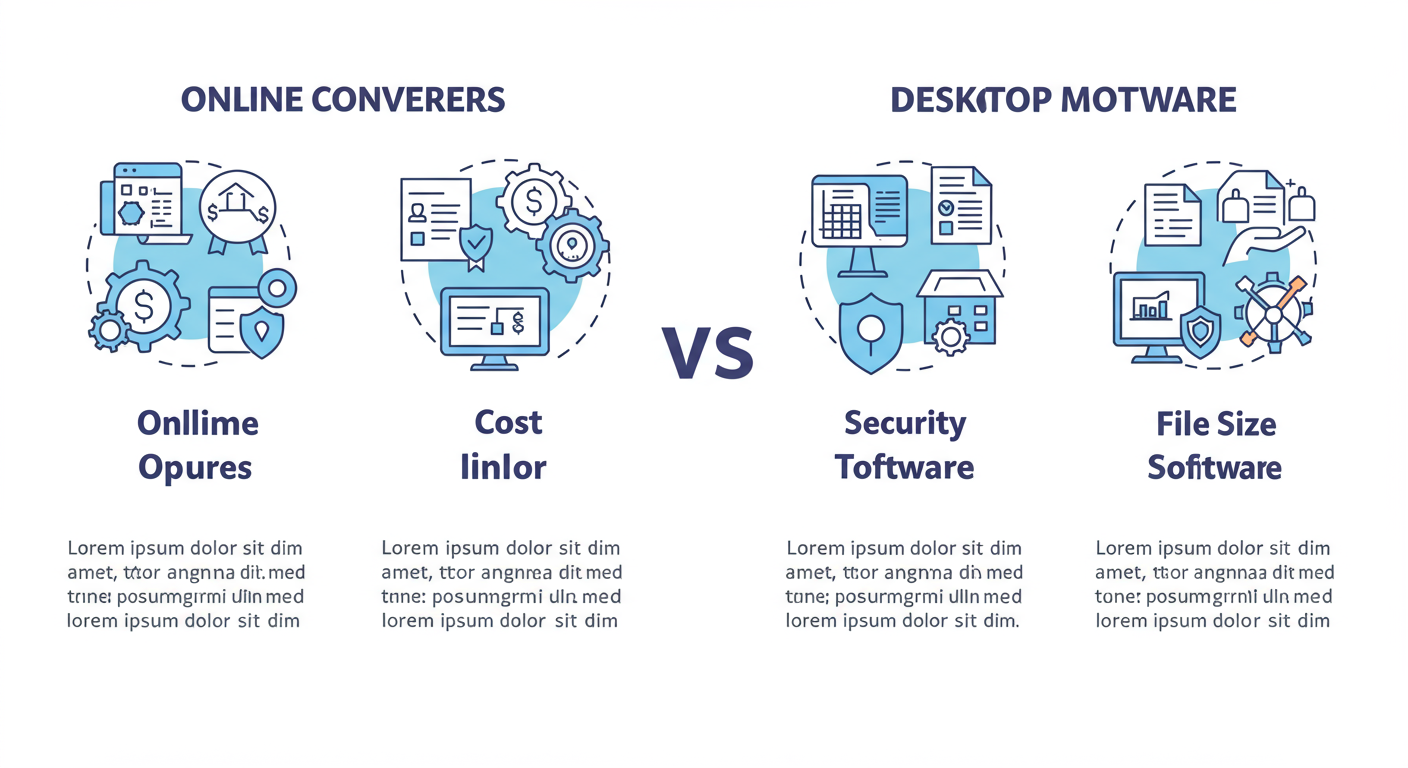
Online Converters vs. Desktop Software: The 2026 Showdown
The choice between a quick web tool and a dedicated desktop app is a critical one. There’s no single “best” answer—it all depends on your priorities: speed, security, and file size. Based on hands-on testing of both, here’s how they stack up.
| Feature | PAK to BIN Converter Online | Desktop Conversion Software |
|---|---|---|
| Accessibility | ✅ Excellent (Any device with a browser) | ❌ Poor (Requires installation, OS-specific) |
| Cost | ✅ Excellent (Usually free) | ⚠️ Varies (Often paid, or free with limitations) |
| Security | ⚠️ Risky (Uploading files to a third-party server) | ✅ Excellent (Files never leave your computer) |
| File Size Limit | ❌ Poor (Often limited to 50-500MB) | ✅ Excellent (Limited only by your hard drive) |
| Advanced Features | ❌ Poor (Basic, one-click conversion) | ✅ Excellent (Batch processing, format options, etc.) |
| Best For | Quick, one-off conversions of small, non-sensitive files. | Large files, sensitive data, or frequent batch conversions. |
Look, the convenience of an online tool is undeniable for a quick job. But for anything involving proprietary company data or huge game files? Don’t even think about uploading it. The risk just isn’t worth it.
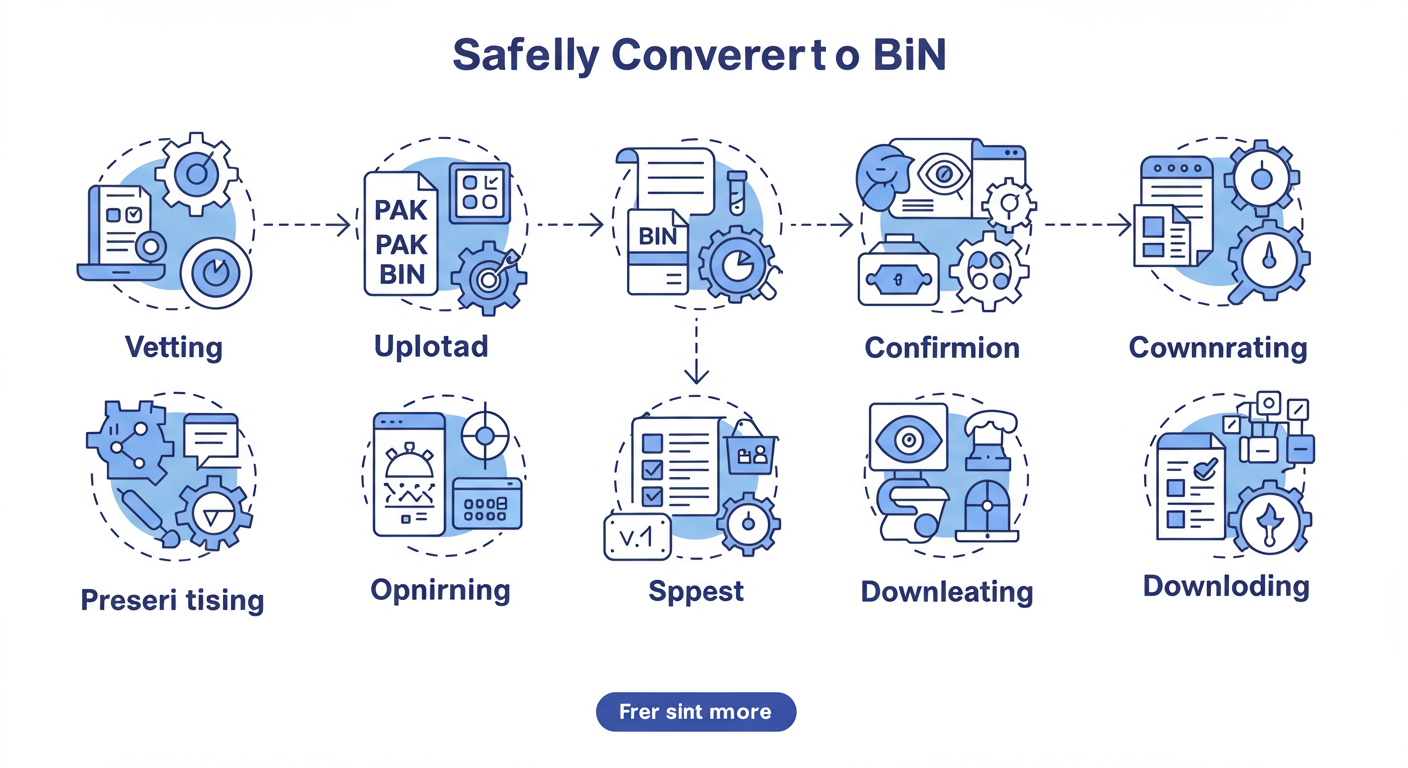
The 5-Step Blueprint for Safe PAK to BIN Conversion
Using an online converter feels simple, but a little bit of process goes a long way in protecting your data and saving you time. Follow this blueprint every time.
- Vet Your Tool (The Critical Step): Don’t just use the first result on Google. Spend 60 seconds vetting the site using our checklist in the next section. Does it use HTTPS? Is the privacy policy clear? Is the site littered with aggressive ads? Your gut feeling is usually right.
- Select and Upload Your .PAK File: Once you’ve chosen a seemingly trustworthy site, use the “Choose File” or drag-and-drop area to upload your source
.PAKfile. Never, ever upload a file with personal or confidential information. - Confirm the Output Format: Most tools will auto-select the output, but double-check that it’s set to “BIN.” Some sites offer a dozen formats; make sure you’ve selected the right one before proceeding.
- Initiate the Conversion: Click the “Convert” button. The server now does the heavy lifting. The time it takes depends entirely on the file size and how busy the service is. Be patient. If it’s a large file, go grab a coffee.
- Download and Verify: Once complete, a download link will appear. Download your new
.BINfile immediately. Reputable sites delete files after a few hours, so don’t wait. As a final check, compare the file size of the BIN to the original PAK. A drastically smaller file might indicate a failed or incomplete conversion.
⚠️ Watch Out
Many “free” converter sites are Trojan horses. They might bundle malware with your download, redirect you to phishing sites, or capture your uploaded files for nefarious purposes. If a site asks you to download an “installer” or “downloader tool” to get your file, close the tab immediately. A true online converter provides a direct download link.
The Anatomy of a Trustworthy Converter: A Vetting Checklist
So, how do you tell the good from the bad in 5 minutes or less? After analyzing dozens of these tools, we’ve found that trustworthy services share common traits. Here’s your checklist.
| Vetting Criteria | ✅ Green Flag (Looks Good) | ❌ Red Flag (Run Away) |
|---|---|---|
| Security (HTTPS) | URL starts with https:// and has a padlock icon. | URL is http://. Your connection is not encrypted. |
| Privacy Policy | Clear, easy-to-find policy stating files are deleted (e.g., within 24 hours). | No privacy policy, or vague language about data usage. |
| User Interface (UI) | Clean, professional design with a clear purpose. | Cluttered with pop-ups, flashing ads, and misleading buttons. |
| Download Process | A direct download link for your converted file. | Forces you to install software or a browser extension. |
| File Size Limits | Limits are clearly stated upfront (e.g., “Max file size: 100MB”). | No mention of limits; conversion fails without explanation. |
Trustworthiness is paramount. According to leading security experts, uploading any file to an unknown server carries inherent risk. For deep dives on digital privacy, non-profits like the Electronic Frontier Foundation (EFF) offer invaluable resources that we highly recommend.
💡 Pro Tip
Use a “burner” email address if a site requires you to sign up. Never use your primary personal or work email. This prevents your main inbox from being flooded with spam if the service sells your data, which many free services do.
🎯 Key Takeaway
Choosing a PAK to BIN converter online isn’t about finding the “best” one, but the safest one. Prioritize security and privacy above all else by using our vetting checklist. For large or sensitive files, a desktop application is always the superior choice.
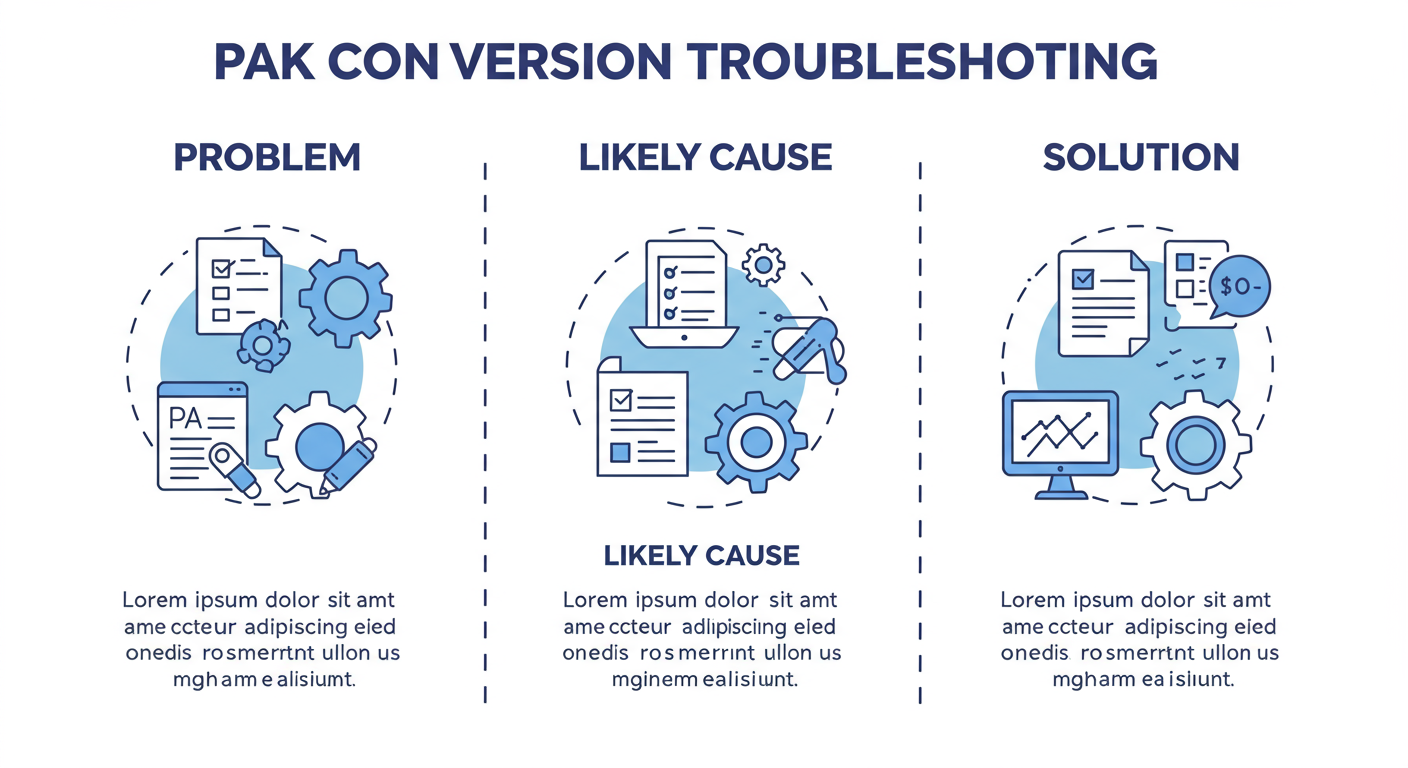
When Conversions Go Wrong: A Troubleshooting Guide
Even when you do everything right, things can break. I’ve seen this play out countless times. Here’s how to diagnose and fix the most common conversion failures.
Problem: The conversion fails instantly or gets stuck at 99%.
- Likely Cause #1: Proprietary Format. The PAK file is from a game or app with a unique encryption or compression that the generic online tool doesn’t recognize.
- Solution: Search for a tool specific to that game (e.g., “Unreal Engine 4 pak unpacker”). You may need a specialized desktop utility.
- Likely Cause #2: File Corruption. The source PAK file you have is incomplete or damaged.
- Solution: Try to re-download or re-acquire the original file and attempt the conversion again.
Problem: The conversion succeeds, but the output .BIN file is useless or 0KB.
- Likely Cause: Incompatible Extraction. The tool successfully opened the PAK “container” but didn’t know how to interpret the data inside, resulting in an empty or garbage output.
- Solution: This again points to needing a specialized tool. The online converter performed a “dumb” extraction, but you need a “smart” one that understands the content.
⚠️ Watch Out
Don’t fall into the trap of trying ten different shady online converters in a row. If the first two reputable-looking sites fail, the problem is likely your file or its specific format, not the tools. Continuing to upload your file to random sites just increases your security risk.
❓ Frequently Asked Questions
Is it truly safe to use a PAK to BIN converter online?
It’s safe only for non-sensitive files and only if you use a carefully vetted tool. A reputable site will use HTTPS encryption and automatically delete your files. However, there is always a risk when uploading data to a third-party server. For anything confidential, the answer is a firm no—use desktop software.
Why can’t I just rename a .PAK file to .BIN?
Changing a file’s extension doesn’t change its internal structure. That’s like putting a “Car” label on a boat—it doesn’t change what it is. A conversion process actually reads the data from the source file’s structure and writes it into a new file with the target structure. Renaming the file will only confuse the program trying to open it.
Can I convert a BIN file back to a PAK file?
Generally, no. This is a one-way street for online converters. Converting a raw BIN file back into a highly specific, structured PAK file would require a dedicated packing tool designed for the original game or application. It’s like trying to put an omelet back into the eggshell—the process is far more complex than the extraction.
Are there any good desktop alternatives for PAK to BIN conversion?
Yes, but they are often game- or engine-specific. For example, the Unreal Engine community provides tools for its .pak files. The key is to search for tools related to the source of your PAK file (e.g., “Quake file extractor,” “Id Tech asset tool”). Generic converters are less common on the desktop, as specificity is their strength. For more on archive formats, the Wikipedia entry on archive files is a great starting point.
Why do online converters have file size limits?
Running a file conversion service costs money for server processing power and bandwidth. Free services impose limits (e.g., 100MB or 500MB) to manage these costs and to encourage users with larger files to upgrade to a paid plan. It’s a standard business model for this type of online utility.
Conclusion: Convert with Confidence
That mysterious .PAK file on your hard drive is no longer a dead end. You now have the knowledge to not only understand what it is but how to handle it. You’ve moved beyond just searching for a PAK to BIN converter online; you’ve learned how to strategize your approach.
Remember the core principles: for small, non-critical files, a carefully vetted online tool offers unmatched convenience. For anything large, sensitive, or mission-critical, the security and power of a dedicated desktop application are non-negotiable. You have the blueprint and the checklist to make the right call, every single time.
Your next step? Find a small, unimportant .PAK file and run it through our 5-step blueprint. Test a tool using the vetting checklist. Get a feel for the process in a low-stakes environment. This hands-on experience is the final piece of the puzzle to becoming truly proficient.

