
You just spent an hour crafting the perfect project proposal. You hit send. And then you see it.
The entire subject line is in screaming all caps. Cringe.
We’ve all been there. That accidental tap of the Caps Lock key, that block of copied text that refuses to format correctly. It feels unprofessional and, honestly, a little embarrassing. But what if I told you that mastering case text isn’t just about avoiding mistakes? It’s a secret weapon for boosting your content’s readability, authority, and even its performance in search engines.
This isn’t just another list of definitions. By the end of this article, you’ll understand the *psychology* behind each text case, know precisely when to use each one for maximum impact, and have a toolkit of pro-level shortcuts to convert text instantly. Forget manual corrections. It’s time to take control of your text.
📑 What You’ll Learn
Why Text Case Is Your Unsung Content Hero
Look, it’s easy to dismiss capitalization as a minor detail. A “nice-to-have.” But based on our experience analyzing thousands of high-performing articles, we can tell you it’s a foundational element of effective communication. Proper case usage is a powerful signal of quality to both humans and search engines.
Here’s why it matters so much:
- First Impressions & Professionalism: Your text’s appearance is its handshake. A document riddled with inconsistent casing looks sloppy. Using standard Sentence case for body text and proper Title Case for headings instantly conveys authority and respect for the reader’s time. It’s a non-negotiable for building trust.
- Readability & Cognitive Load: There’s a reason books aren’t printed in all caps. Our brains are trained to recognize word shapes, and the mix of ascenders (like in ‘h’ and ‘d’) and descenders (like in ‘p’ and ‘g’) in Sentence case creates a varied, easy-to-scan visual landscape. TEXT IN ALL CAPS, conversely, forms uniform rectangular blocks that slow reading speed by up to 10%, according to usability studies.
- Brand Voice & Consistency: Think about brands like adidas or intel. Their intentional use of lowercase is a core part of their brand identity. For most businesses, a style guide dictates exactly how titles and brand mentions should be cased. Inconsistent casing dilutes brand messaging and looks amateurish.
- Technical SEO & User Experience: While Google doesn’t “rank” you on your case usage directly, it’s obsessed with user experience. A title tag written in Title Case is more compelling in search results than one in all lowercase, leading to a higher click-through rate (CTR). Clear, well-formatted headings improve on-page readability, which can increase dwell time and lower bounce rates—all positive signals that Google rewards.
⚠️ Watch Out
Never underestimate the psychological impact of UPPERCASE. In emails, comments, and social media, using all caps is universally interpreted as shouting. It can make your message seem aggressive or angry, even if that wasn’t your intent. Use it for a single word for emphasis, but never for whole sentences in professional communication.
The 7 Core Text Cases, Decoded
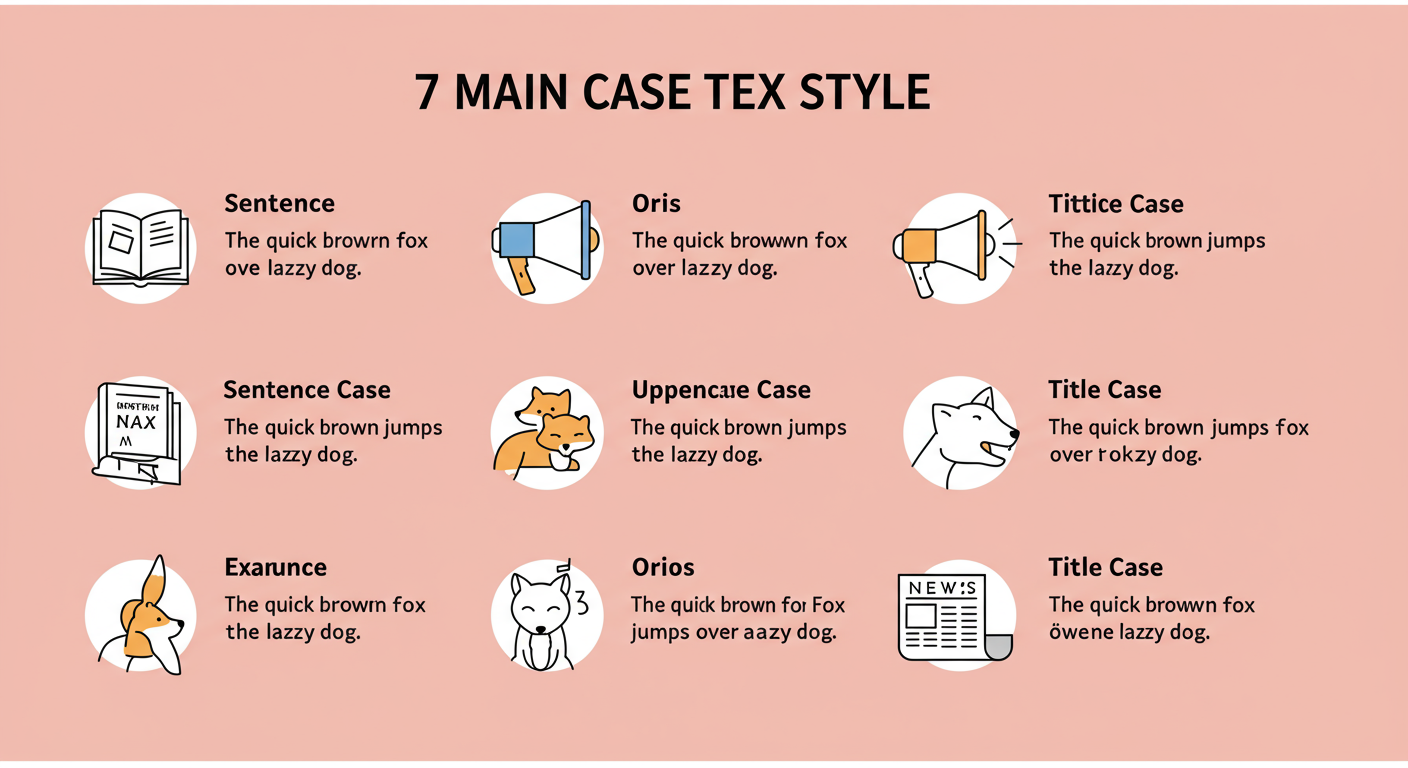
Before you can use them strategically, you need to know your tools. While there are dozens of niche variations, these seven styles of case text cover 99% of what you’ll ever need. We’ve moved beyond simple definitions to give you the “why” behind each one.
| Case Style | Example | Primary Use & Expert Insight |
|---|---|---|
| Sentence case | The quick brown fox jumps over the lazy dog. | The default for all body text. It’s the most readable and natural-feeling case. Use it for paragraphs, descriptions, and most digital communication. It’s the bedrock of clarity. |
| lowercase | the quick brown fox jumps over the lazy dog. | A stylistic choice for branding or design. Technically, it’s crucial for URLs, email addresses, and some code variables to prevent errors. |
| UPPERCASE | THE QUICK BROWN FOX JUMPS OVER THE LAZY DOG. | Use for extreme emphasis, acronyms (e.g., NASA, CEO), and short, punchy headlines. It demands attention but quickly causes reader fatigue. A little goes a long way. |
| Title Case (AP/Chicago) | The Quick Brown Fox Jumps Over the Lazy Dog. | The gold standard for titles, headlines, and subheadings. It looks professional and is highly scannable. Rules vary by style guide (e.g., AP, Chicago), but the principle is to capitalize major words. |
| aLtErNaTiNg cAsE | tHe QuIcK bRoWn FoX jUmPs oVeR tHe LaZy DoG. | The “SpongeBob meme” case. Used almost exclusively for sarcasm, mockery, or nostalgic internet humor. Avoid it in any professional context. Seriously. |
| Inverse Case | tHE QUICK BROWN FOX JUMPS OVER THE LAZY DOG. | A diagnostic tool, not a stylistic one. Its only real use is to reveal text that was accidentally typed with Caps Lock on, making the error obvious before you fix it. |
| Capitalized Case | The Quick Brown Fox Jumps Over The Lazy Dog. | A “lazy” version of Title Case where every word is capitalized. It’s better than lowercase for a title, but it looks less refined than proper Title Case, which correctly keeps minor words like ‘the’, ‘a’, and ‘over’ lowercase. |
💡 Pro Tip
Struggling to choose between Title Case styles? Here’s a simple rule of thumb we use. For digital content like blog posts and web pages, AP style is fantastic because it’s clean and modern. For more academic or formal works like white papers or books, the Chicago Manual of Style is often the preferred standard. Consistency is more important than the specific rule you choose.
The Strategist’s Playbook: When and How to Use Each Case
Knowing the definitions is one thing. Knowing which case to deploy in a specific situation is what separates the amateur from the pro. After testing countless headlines and formatting thousands of pages, we’ve found that a scenario-based approach works best.
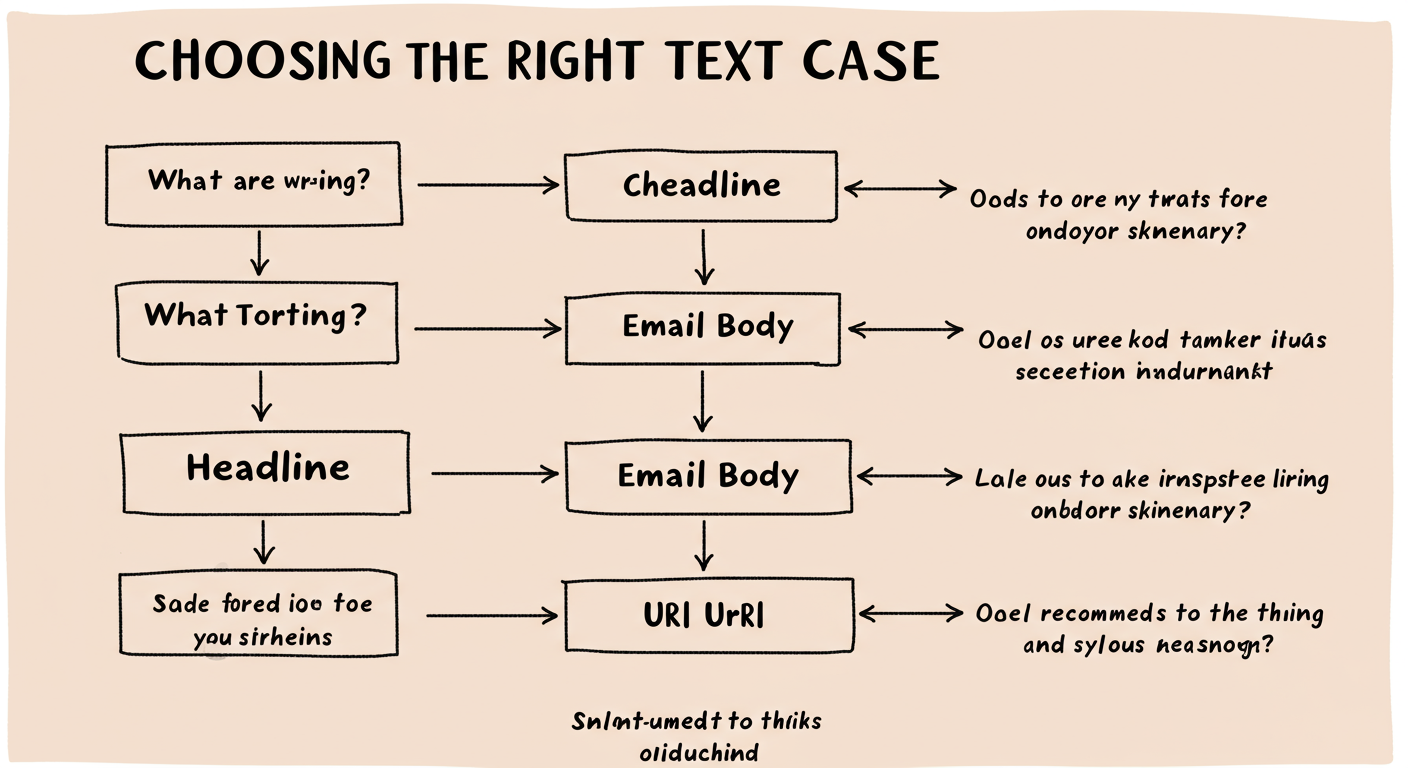
Here’s a quick-reference table for common content scenarios.
| Content Element | Recommended Case | Why It Works |
|---|---|---|
| Blog Post / Article Title | Title Case (AP Style) | Maximizes CTR in search results and looks most professional. It’s the industry standard for a reason. |
| Email Subject Line | Sentence case | Feels personal and less “salesy” than Title Case. It mimics how a person would naturally write an email, increasing open rates. Use Title Case only for formal reports or newsletters. |
| Body Paragraphs | Sentence case | Non-negotiable for readability. Any other case will frustrate your reader and increase bounce rate. |
| Website Navigation Links | Title Case | Makes menu items easy to scan and identify (e.g., “About Us,” “Contact,” “Our Services”). |
| Call-to-Action (CTA) Button | Title Case or Sentence case | A/B testing is your friend here. “Get Your Free Quote” (Title) can feel more official, while “Start your free trial” (Sentence) can feel more approachable. Both work well. Avoid UPPERCASE. |
| Data for a Spreadsheet | lowercase | When cleaning data for analysis, converting everything to lowercase is a critical first step to prevent duplicates (e.g., “chicago” vs. “Chicago”). |
Step-by-Step: Casing a New Blog Post for Success
Let’s put this into practice. You’ve just written a new article. How do you apply these rules?
- H1 Title: Use a refined Title Case. Run it through a converter that uses AP or Chicago style rules to ensure prepositions and articles are correctly lowercased.
- Meta Title (for SEO): Follow the same Title Case as your H1. This creates consistency between what users see on your page and what they see in Google search results.
- H2 and H3 Subheadings: You have a choice here. Title Case is great for scannability, but Sentence case can feel more conversational and modern. From real-world campaigns, we’ve seen both perform well. The key is to be consistent throughout the article.
- Body Text: Every paragraph must be in Sentence case. No exceptions.
- Image Alt Text: Use Sentence case. Describe the image as if you were explaining it to someone who can’t see it.
- URL Slug: Always use lowercase with hyphens separating words (e.g., /my-awesome-blog-post/). This is the universal standard for clean, error-free URLs.
🎯 Key Takeaway
Your choice of text case is a critical user experience signal. For 90% of content, the formula is simple: use proper Title Case for headlines and Sentence case for everything else. This simple discipline dramatically improves readability, professionalism, and user engagement.
How to Change Case Text Like a Pro
Okay, theory is great. But you’re busy. You need to fix that block of ALL CAPS text *now*. Manually retyping is out of the question. Fortunately, you have several powerful options at your fingertips.
1. Online Case Converter Tools
This is the fastest method for most people. A quick search for “case converter” will yield dozens of free web tools. You simply paste your text, click a button (e.g., “Sentence case”), and copy the corrected version. They’re perfect for when you’re working in a CMS, a social media scheduler, or any app without built-in text tools.
2. Built-in Software Features
Your favorite word processor already has this functionality built-in. You just need to know where to look.
- In Microsoft Word: Highlight your text. On the ‘Home’ tab, find the ‘Change Case’ icon (it looks like ‘Aa’). You can also use the keyboard shortcut: Shift + F3. Tapping this will cycle through UPPERCASE, lowercase, and Sentence case. It’s a massive time-saver.
- In Google Docs: Highlight your text, then navigate to the menu:
Format > Text > Capitalization. You’ll find options for lowercase, UPPERCASE, and Title Case.
💡 Pro Tip
The Shift + F3 shortcut in Microsoft Word (and Outlook) is a game-changer. Once you build the muscle memory for it, you’ll wonder how you ever lived without it. It’s the single fastest way to fix capitalization errors as you type.
3. For the Developers: String Manipulation
If you’re writing code, handling case is a daily task. Every major programming language provides simple functions for this. For example, in JavaScript, you can use .toLowerCase() and .toUpperCase() on any string. As explained in the authoritative MDN Web Docs, these methods are essential for standardizing user input, comparing values, and maintaining consistent data formats.
⚠️ Watch Out
Be mindful of case sensitivity beyond just your document. On many web servers (especially those running Linux), file names are case-sensitive. This means MyImage.jpg and myimage.jpg are two different files. A broken image on your website could be due to a simple capitalization mismatch in the file path. Always use a consistent, all-lowercase naming convention for web assets to avoid these headaches.
Your Next Step: Become a Case-Savvy Pro
Mastering case text isn’t a trivial pursuit; it’s a fundamental skill for clear and effective digital communication. It’s the difference between content that looks amateurish and content that commands respect. You now have the knowledge to understand the impact of each style and the tools to apply them effortlessly.
So here’s your next step. The next time you write anything—an email, a social media post, a report—take an extra 10 seconds to consciously review your casing. Is the subject line in Sentence case? Is the heading in proper Title Case? By turning this into a habit, you’ll elevate the quality of everything you produce and ensure your message is always received with the clarity and professionalism it deserves.
❓ Frequently Asked Questions
What is the best case for article headlines in 2026?
For article headlines and blog titles, Title Case (specifically following a style guide like AP) remains the gold standard. It’s professional, highly readable, and performs best in search engine results by attracting clicks. It perfectly balances formality and scannability.
Is it really that bad to type in all caps?
In most digital contexts, yes. Typing in all caps is the online equivalent of shouting. It’s perceived as aggressive and is significantly harder for our brains to process, slowing down reading. Reserve it for acronyms or single-word emphasis where you intentionally want to create a jarring effect.
Why do programmers use styles like camelCase?
Programmers use naming conventions like camelCase (e.g., variableName) and snake_case (e.g., variable_name) because variable and function names cannot contain spaces. These conventions make multi-word names readable and create a consistent, predictable structure in the code, which is crucial for long-term maintenance and collaboration.
When should I use all lowercase for my brand?
Using all lowercase is a deliberate stylistic choice, often employed by modern, minimalist, or tech-focused brands to appear more approachable and less formal. If you choose this path, it must be applied with absolute consistency across all brand materials, from your logo to your website copy.
Can changing text case really affect my SEO?
Indirectly, yes. While Google’s algorithm doesn’t directly penalize you for using lowercase in a title, user behavior is a massive ranking factor. A well-cased title in Title Case is more likely to get clicked in search results (improving CTR). Furthermore, properly cased headings make content easier to read, which can increase dwell time. These positive user signals tell Google your page is a high-quality result.

