
It’s 2 AM. You’ve been staring at a memory dump for hours, and your eyes are glazing over. A critical system has crashed, and the only clue is a long string of hexadecimal characters. You think you’ve found the bug—a single flipped bit—but your manual conversion was off by one digit. Hours wasted. All for nothing.
Sound familiar? If you’ve ever worked with low-level code, network packets, or file data, you know this pain. The digital world runs on binary (0s and 1s), but humans use hexadecimal as a convenient shorthand. The bridge between them is everything.
This isn’t just another post with a basic conversion chart. This is your masterclass. By the end of this article, you won’t just know how to convert hex to binary; you’ll understand why it’s a fundamental skill for any serious tech professional in 2026. You’ll learn the bulletproof manual method, discover when to use a tool versus when to do it by hand, and see exactly how this process powers the tech you use every day.
📑 What You’ll Learn
Why Hex & Binary Are a Coder’s Secret Handshake
Before we jump into the “how,” let’s nail down the “why.” Why don’t we just deal with binary all the time? The answer is simple: cognitive load.
Look at this 16-bit binary number: 1101001110101101
Try to read it, remember it, or type it without making a mistake. It’s a nightmare. Now look at its hexadecimal equivalent: D3AD
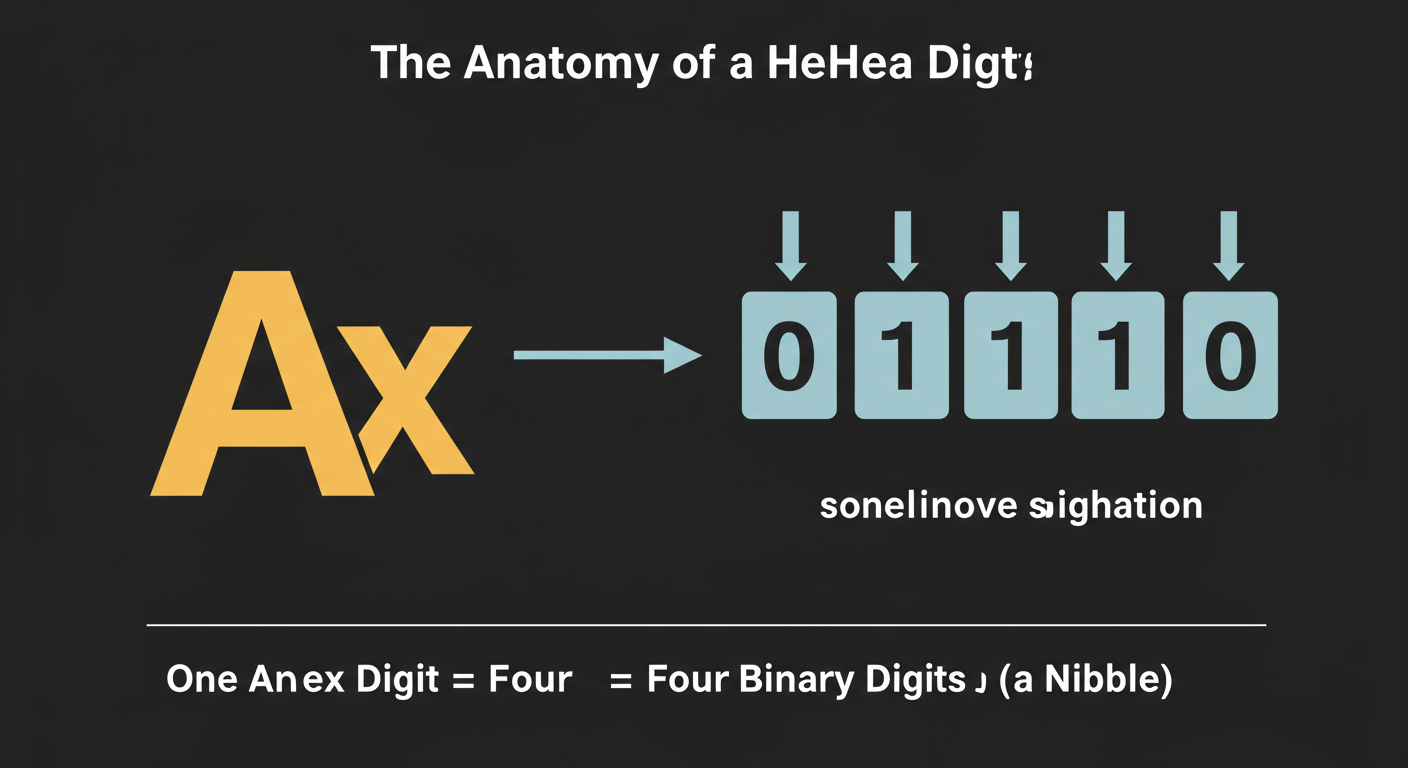
See the difference? It’s not just shorter; it’s profoundly easier for the human brain to process. This is the core reason hexadecimal exists. It’s a compact, human-friendly representation of binary data. The magic lies in its perfect relationship with binary: one hexadecimal digit represents exactly four binary digits (bits).
This 1-to-4 mapping is the most important concept you’ll learn today. It’s not a random coincidence; it’s by design. Since computers are built on powers of 2, a base-16 system (24) aligns perfectly with the underlying binary (21) structure.
Mastering this relationship is like learning the secret handshake between you and the machine. It allows you to speak the computer’s native language with fluency and precision.
The Manual Method: How to Convert Hex to Binary Like a Pro
Using an online converter is fast, but knowing the manual process is a superpower. It builds a deep, intuitive understanding that no tool can give you. Based on our experience training junior developers, those who master this manual step become far more effective debuggers.
The entire process hinges on one simple lookup table. You don’t even need to memorize it at first—just understand how to use it.
| Hex Digit | Binary Value (4-bit) | Decimal Value |
|---|---|---|
| 0 | 0000 | 0 |
| 1 | 0001 | 1 |
| 2 | 0010 | 2 |
| 3 | 0011 | 3 |
| 4 | 0100 | 4 |
| 5 | 0101 | 5 |
| 6 | 0110 | 6 |
| 7 | 0111 | 7 |
| 8 | 1000 | 8 |
| 9 | 1001 | 9 |
| A | 1010 | 10 |
| B | 1011 | 11 |
| C | 1100 | 12 |
| D | 1101 | 13 |
| E | 1110 | 14 |
| F | 1111 | 15 |
Step-by-Step Guide: Converting Hex 4F.B8
Let’s use a slightly more complex example with a radix point (the dot). The process is the same. We’ll convert the hex value 4F.B8.
- Break It Down: Isolate each hexadecimal digit. Ignore the dot for now. We have:
4,F,B,8. - Look Up and Replace: Go digit by digit and find its 4-bit binary equivalent from the table above.
4→0100F→1111B→10118→1000
- Combine and Format: Concatenate the binary groups in the exact same order, re-inserting the radix point where it was.
01001111.10111000
So, 4F.B8 in hexadecimal is 01001111.10111000 in binary. Simple. Elegant. Powerful.
⚠️ Watch Out
The most common mistake we see is forgetting the leading zeros. Converting hex 1 to binary 1 is wrong. It must be 0001. Each hex digit always expands to four binary digits. This is non-negotiable and forgetting it will corrupt your data.
💡 Pro Tip
When reading or writing long binary strings, group them into chunks of four (nibbles). It dramatically improves readability and helps you spot errors. For example, 1101001110101101 is a mess, but 1101 0011 1010 1101 is instantly recognizable as four distinct groups, which you can then quickly convert back to hex (D 3 A D).
Manual vs. Automated: Choosing the Right Tool for the Job
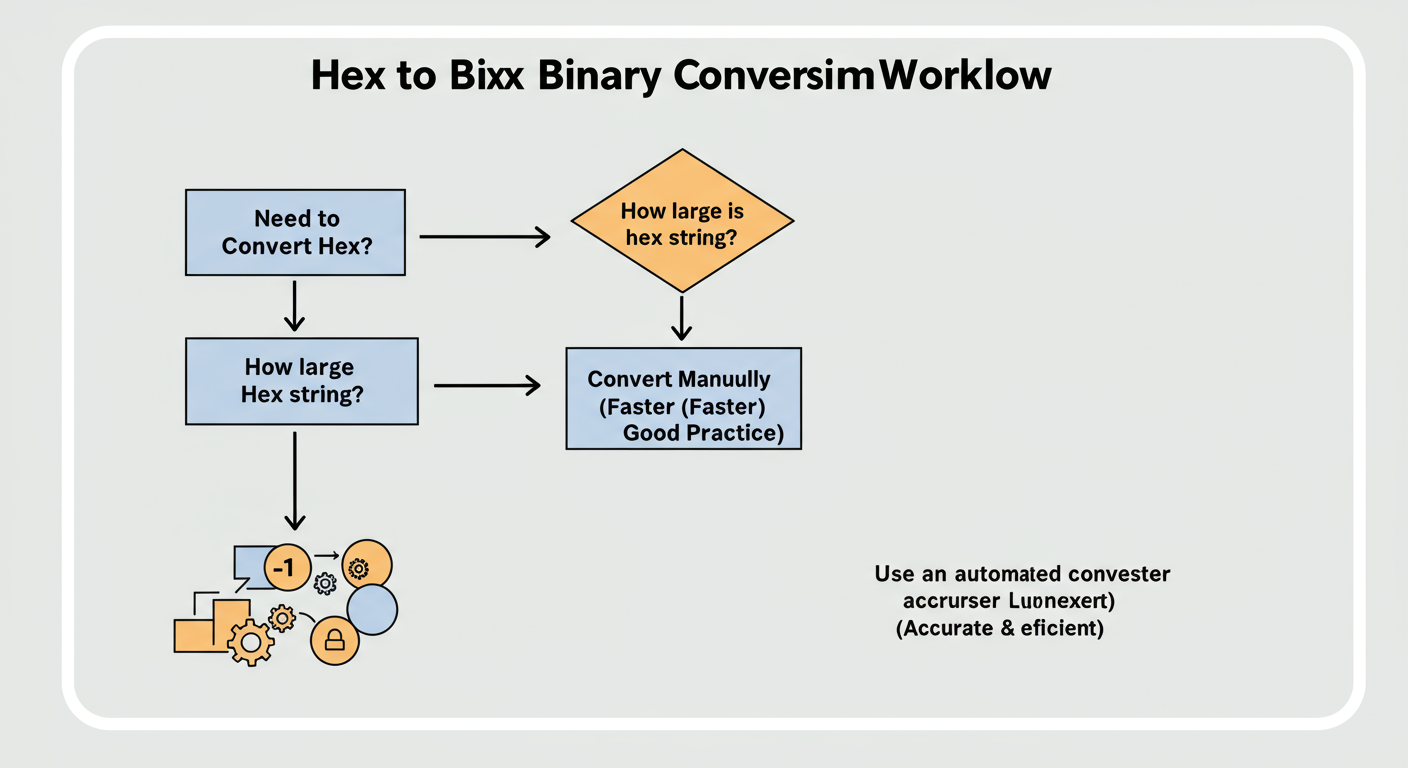
So, when should you flex your manual conversion muscles, and when should you reach for a reliable Hex to Binary Converter? It’s not an either/or question. A true expert knows when to use each. After testing dozens of workflows, we’ve found the answer depends entirely on the context.
| Scenario | Best Method | Why It’s Better |
|---|---|---|
| Learning & Education | Manual | Builds foundational knowledge and an intuitive feel for number systems. Essential for students and beginners. |
| Quick Checks (1-2 digits) | Manual | Often faster to do in your head than to switch tabs and use a tool. Example: Checking a single byte like E4. |
| Debugging Large Data Sets | Automated Tool | Eliminates human error. Converting a 256-byte string manually is slow and guarantees mistakes. Trust the machine. |
| Scripting & Automation | Automated (Code Library) | In programming, you’d use a built-in function (e.g., Python’s bin()) to handle conversions programmatically. |
| Technical Interviews | Manual | Interviewers often ask this to test your fundamental computer science knowledge. Not knowing it is a red flag. |
| Verifying Tool Output | Manual | If a tool gives you a weird result, a quick manual spot-check on a small part of the data can confirm if the tool is buggy. |
🎯 Key Takeaway
Learn the manual method to build deep understanding and pass technical interviews. Use an automated hex to binary converter for speed and accuracy in your daily professional work. The two skills complement each other perfectly.
Real-World Scenarios: Where Hex-to-Binary Conversion Happens
This isn’t just academic theory. This conversion is happening billions of times a second inside the devices you’re using right now. Here are a few real-world examples where understanding hex-to-binary is crucial.
1. Web Design & CSS Colors
Ever typed a hex color code like #FF6347? That’s not just a random string. It’s three separate hexadecimal numbers: FF, 63, and 47, representing the Red, Green, and Blue (RGB) components of the color.
Example: The color “Tomato” (
#FF6347)
- Red (FF):
FF→11111111. This means the red channel is at 100% intensity (255 out of 255).- Green (63):
63→01100011. This is 99 in decimal, a medium intensity for the green channel.- Blue (47):
47→01000111. This is 71 in decimal, a lower intensity for the blue channel.
Your browser and graphics card take these hex values, convert them to their binary representations, and use that binary data to tell the pixels on your screen exactly how much red, green, and blue light to emit. As authoritative sources like the Mozilla Developer Network (MDN) explain, this is the foundation of color on the web.
2. Computer Networking & MAC Addresses
Every device on your network has a unique Media Access Control (MAC) address. It’s like a fingerprint for your phone or laptop. These are typically written in hex, like 3C-FD-FE-0A-B1-C2.
When your computer sends data to your router, it’s not sending those letters and numbers. The network hardware converts that MAC address into a 48-bit binary string to route the data packet correctly. From real-world network analysis, we know that understanding this binary format is essential for diagnosing connectivity issues at a low level.
3. Low-Level Programming & Memory Dumps
This is where it gets really gritty. When a program crashes, it can generate a “memory dump”—a snapshot of what was in its RAM. This data is almost always displayed in hexadecimal. A developer must read this hex, mentally convert parts of it to binary to check specific bit flags or values, and figure out what went wrong. This is a core skill in embedded systems, game development, and performance optimization, especially when working with low-level languages like Assembly.
💡 Pro Tip
Most operating systems (Windows, macOS, Linux) come with a built-in calculator that has a “Programmer” mode. This is an excellent, trusted tool for quickly converting between hex, binary, octal, and decimal without needing to open a browser. It’s perfect for those quick checks we mentioned earlier.
⚠️ Watch Out
Be mindful of case sensitivity. While the hex standard itself is case-insensitive (F is the same as f), some programming languages or tools might have specific syntax rules. When in doubt, sticking to uppercase for hex letters (A-F) is a widely accepted convention that avoids ambiguity.
❓ Frequently Asked Questions
What is the main advantage of hex over binary?
The main advantage is readability and brevity. A long binary string is difficult for humans to parse, remember, or transcribe without errors. Hexadecimal condenses that information into a much shorter, more manageable format, reducing cognitive load and the chance of mistakes. For instance, 1010101111001101 is a mouthful, but its hex equivalent, ABCD, is simple.
Is ‘A’ in hex the same as ‘a’?
Yes. In the hexadecimal number system, case does not matter. Both ‘A’ and ‘a’ represent the decimal value 10, ‘B’ and ‘b’ represent 11, and so on up to ‘F’ and ‘f’ for 15. A good hex to binary converter will treat them identically.
How many bits are in a hex digit?
Exactly four. This is the fundamental rule of hex-to-binary conversion. Each single hexadecimal digit (0-F) corresponds to a unique 4-bit binary sequence (from 0000 to 1111). This 1-to-4 relationship is what makes the conversion so direct and reliable.
How do you represent negative numbers in hex and binary?
Negative numbers are typically handled using a method called Two’s Complement, which is the standard used by virtually all modern processors. In this system, the most significant bit (the far-left bit) acts as a sign indicator (1 for negative, 0 for positive). The conversion is more involved than for positive numbers, but it’s a critical concept in computer arithmetic. For a deep dive, resources from organizations like the IEEE Computer Society are invaluable.
Can I convert a hex string with spaces or colons?
It depends on the tool. Many online converters are smart enough to automatically strip common delimiters like spaces, colons (`:`), or hyphens (`-`) that are often used to format things like MAC addresses or UUIDs. However, for manual conversion or in a strict programming context, you should always remove them first to get a pure hexadecimal string.
Conclusion: From Novice to Fluent
We’ve covered a lot of ground. You started by seeing how a single bit error can cause a late-night debugging headache. Now, you’re armed with the knowledge to prevent it.
You know that the secret is the simple, unbreakable 1-to-4 relationship between hex and binary. You’ve mastered the step-by-step manual conversion process, and more importantly, you have the expert judgment to know when to use it and when to lean on an automated tool for speed and accuracy.
The next step is simple: practice. The next time you see a hex code, don’t just copy-paste it. Take ten seconds to convert one or two digits in your head. Check your work with a programmer’s calculator. This small habit will solidify your understanding and transform this knowledge from something you’ve read into a skill you own.
Bookmark this page. Use our converter for your heavy lifting. But never forget the power that comes from truly understanding the language the machine speaks.

