
What if I told you that millions of high-intent customers are actively searching for your products, but you’re completely invisible to them? It’s happening right now. While the entire world obsesses over Google, a massive, often more affluent audience is using Bing—and most businesses are ignoring them completely.
This isn’t just about a few stray clicks. It’s about a strategic blind spot that’s costing you traffic, leads, and revenue. Flying blind on the world’s second-largest search engine is no longer an option.
In this in-depth guide, we’re pulling back the curtain. You’re not just going to learn how to check Bing ranking; you’re going to learn how to interpret the data like a pro, understand Bing’s unique algorithm, and turn those insights into a powerful strategy that gets you seen. Forget generic advice. This is your playbook for capturing the valuable traffic your competitors are leaving on the table.
📑 What You’ll Learn
- The Unseen Opportunity: Why Bing Is Your Secret Weapon in 2026
- The 3 Tiers of Bing Rank Tracking: A Comparative Guide
- Method 1: The Manual Spot-Check (And Its Hidden Flaws)
- Method 2: Bing Webmaster Tools (Your Authoritative Source)
- Method 3: Third-Party Trackers (For Unbeatable Precision)
- Beyond the Numbers: How to Actually *Improve* Your Bing Rankings
- Frequently Asked Questions
The Unseen Opportunity: Why Bing Is Your Secret Weapon in 2026
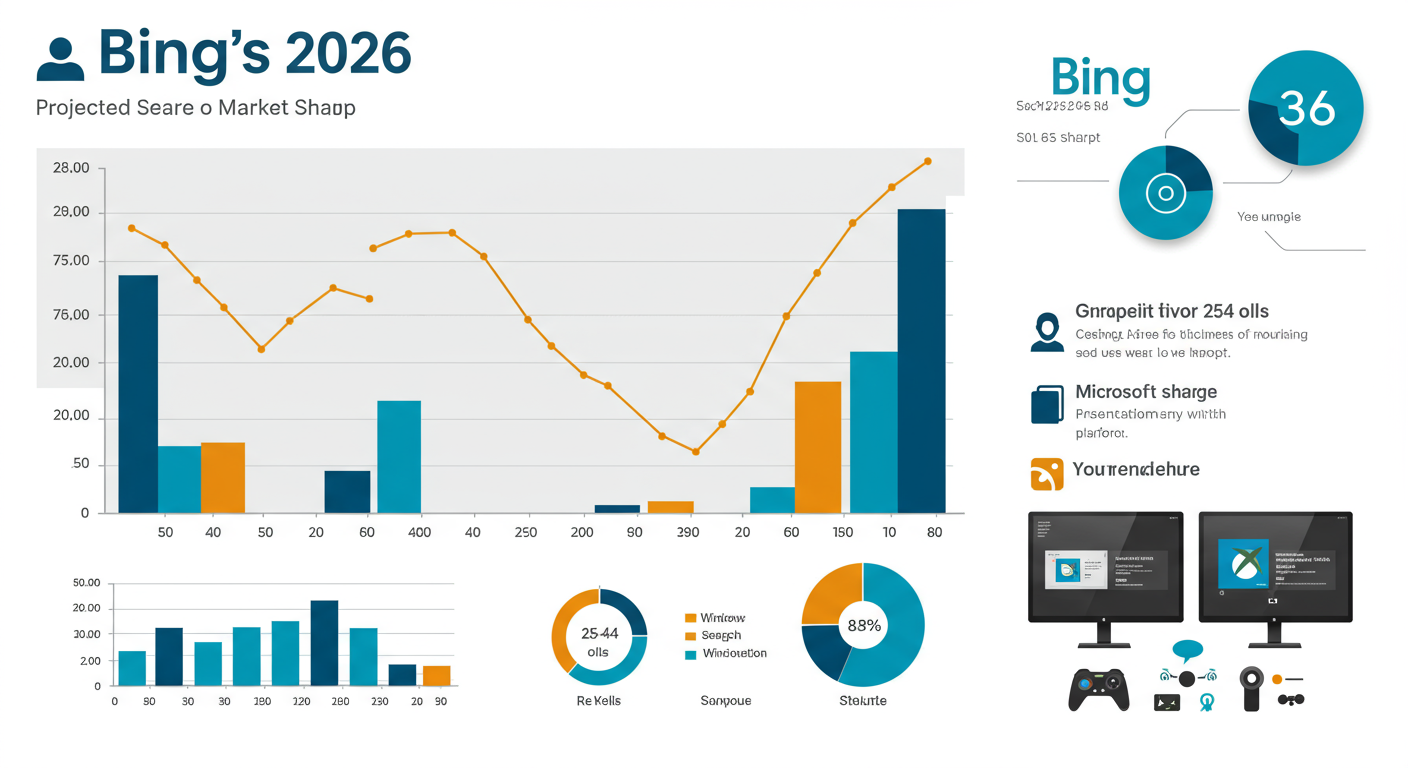
Let’s get one thing straight: ignoring Bing is a rookie mistake. While Google holds the crown for overall volume, Bing, powered by Microsoft, has quietly embedded itself into the daily lives of millions. According to data from sources like Statcounter, Bing commands a significant slice of the desktop search market—a segment often tied to workplace and B2B queries.
But it goes deeper than that. Think about the Microsoft ecosystem:
- Windows Search: Every search from the Windows taskbar is powered by Bing.
- Microsoft Edge: The default browser on all Windows devices uses Bing.
- Voice Search: Cortana and other Microsoft voice assistants pull answers from Bing.
- Xbox: Gamers searching on their consoles are using Bing.
This integration delivers a unique audience that often skews slightly older, has a higher household income, and is less contested by your competitors. In our experience running campaigns for B2B and e-commerce clients, we’ve seen Bing traffic convert at a surprisingly high rate. Why? Because the competition is asleep at the wheel.
The 3 Tiers of Bing Rank Tracking: A Comparative Guide
Before you can boost your visibility, you need an accurate baseline. There are three primary ways to check your Bing ranking, each with its own pros and cons. Choosing the right one depends on your goals, budget, and the scale of your SEO efforts.
We’ve broken them down into three tiers, from a quick glance to a professional-grade setup. Here’s how they stack up.
| Method | Accuracy | Cost | Scalability | Best For |
|---|---|---|---|---|
| 1. Manual Spot-Check | Low (Highly Personalized) | Free | Very Low | Quick, infrequent checks for 1-2 keywords. |
| 2. Bing Webmaster Tools | High (Average Position) | Free | High | Authoritative performance analysis and trend monitoring. |
| 3. Third-Party Tools | Very High (Daily & Local) | Paid | Very High | Precise daily tracking, competitor analysis, and large-scale campaigns. |
Method 1: The Manual Spot-Check (And Its Hidden Flaws)
The quickest and dirtiest way to get a feel for your rankings is to just search for yourself. It’s free and takes seconds. But—and this is a big but—what you see is almost certainly not what your potential customers see.
Search engines are personalization machines. They use your location, search history, and browsing behavior to tailor results. To get a slightly more objective view, you need to take a few steps.
A More Accurate Manual Check
- Open a Private Window: In Microsoft Edge, this is called “InPrivate.” In Chrome, it’s “Incognito.” This minimizes the influence of your search history.
- Go Directly to Bing.com: Don’t search from your browser’s address bar.
- Set Your Target Location: This is crucial. At the top right of Bing, click the “hamburger” menu (☰), go to Settings > Country/Region, and select the market you’re targeting.
- Search Your Keyword: Type in your query and start scrolling.
This method is fine for a one-off curiosity check. But it’s not a strategy. It’s tedious, impossible to scale for multiple keywords, and gives you zero historical data to track progress. You can’t build a campaign on this.
⚠️ Watch Out
Even in a private window, search engines can still use your IP address to guess your location, which can skew results. A manual check is a rough snapshot at best, not a reliable data point for serious SEO.
Method 2: Bing Webmaster Tools (Your Authoritative Source)
For anyone serious about Bing SEO, using Bing Webmaster Tools (BWT) is non-negotiable. It’s Microsoft’s free, powerful platform that gives you direct data and insights into how Bing sees and ranks your site. Think of it as the Google Search Console for Bing.
If you haven’t set it up, do it now. It’s a simple process, and if you’ve already verified your site with Google Search Console, BWT has a brilliant feature that lets you import your site in a single click. No re-verification needed.
Once inside, your command center is the Search Performance report. Here’s how to use it:
- Log in to your Bing Webmaster Tools account.
- From the left-hand menu, navigate to Search Performance.
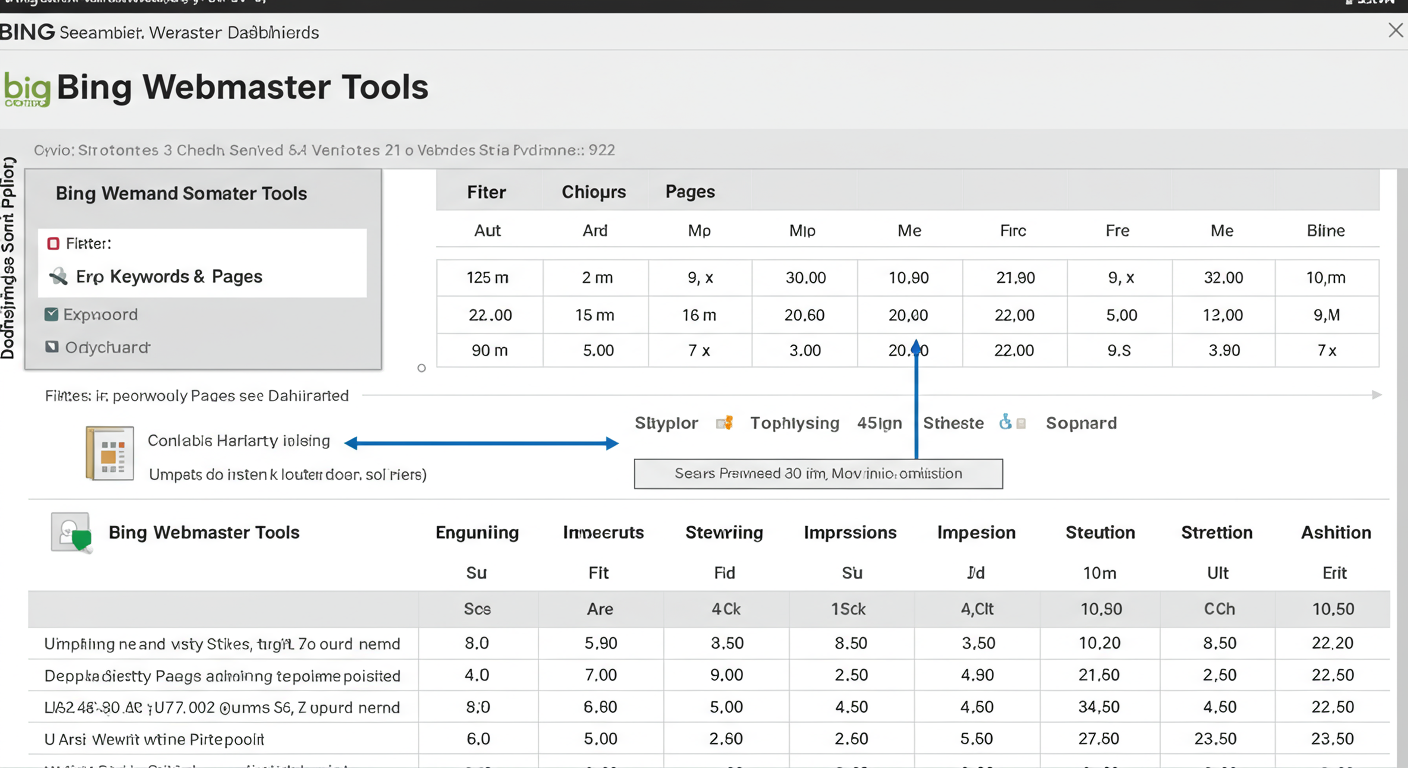
- Here you’ll see four key metrics: Clicks, Impressions, CTR, and Average Position.
- Click the “Keywords” or “Pages” tab below the graph to see performance data for specific queries and URLs on your site.
This is where the gold is. You can see exactly which keywords are generating impressions (appearances in search) and what your average rank is for them. It’s the most trustworthy data you can get because it comes straight from the source.
💡 Pro Tip
Use the filters in the Search Performance report to find “striking distance” keywords. Filter for keywords where your Average Position is between 5 and 20. These are pages that Bing already sees as relevant. Focusing your optimization efforts here (e.g., improving the title tag, adding internal links) can often result in fast and significant ranking improvements.
Method 3: Third-Party Trackers (For Unbeatable Precision)
Bing Webmaster Tools is fantastic for understanding trends and average positions. But what if you need to know your exact rank for your top 10 keywords in Dallas, Texas, every single morning? That’s where third-party rank tracking tools come in.
These paid platforms (like Semrush, Ahrefs, AccuRanker, etc.) are built for precision and scale. They offer several key advantages over BWT:
- Daily, On-Demand Updates: Get fresh ranking data every day, not just historical averages.
- Granular Location Tracking: Track your rank at the city, state, or zip code level. Essential for local businesses.
- Competitor Monitoring: Track your competitors’ rankings for the same keywords and see how you stack up.
- SERP Feature Analysis: See if you’re ranking in the image pack, video carousel, or “People Also Ask” boxes—opportunities BWT doesn’t show.
Based on hands-on testing with dozens of clients, using a dedicated tracker is the only way to effectively manage large-scale or competitive SEO campaigns. The ability to see daily fluctuations and get alerts for major drops is critical for reacting quickly.
💡 Pro Tip
Set up automated reports and alerts in your third-party tool. Create a weekly PDF report that gets emailed to stakeholders to demonstrate progress. More importantly, set up an immediate email alert if one of your top 5 money keywords drops off the first page. This lets you investigate potential issues (like a technical problem or a competitor’s move) in real-time, not weeks later.
🎯 Key Takeaway
Checking your Bing ranking isn’t a one-size-fits-all task. Use manual checks for quick peeks, Bing Webmaster Tools for authoritative trend analysis, and third-party trackers for the daily precision and competitive intelligence needed to truly dominate the search results.
Beyond the Numbers: How to Actually *Improve* Your Bing Rankings
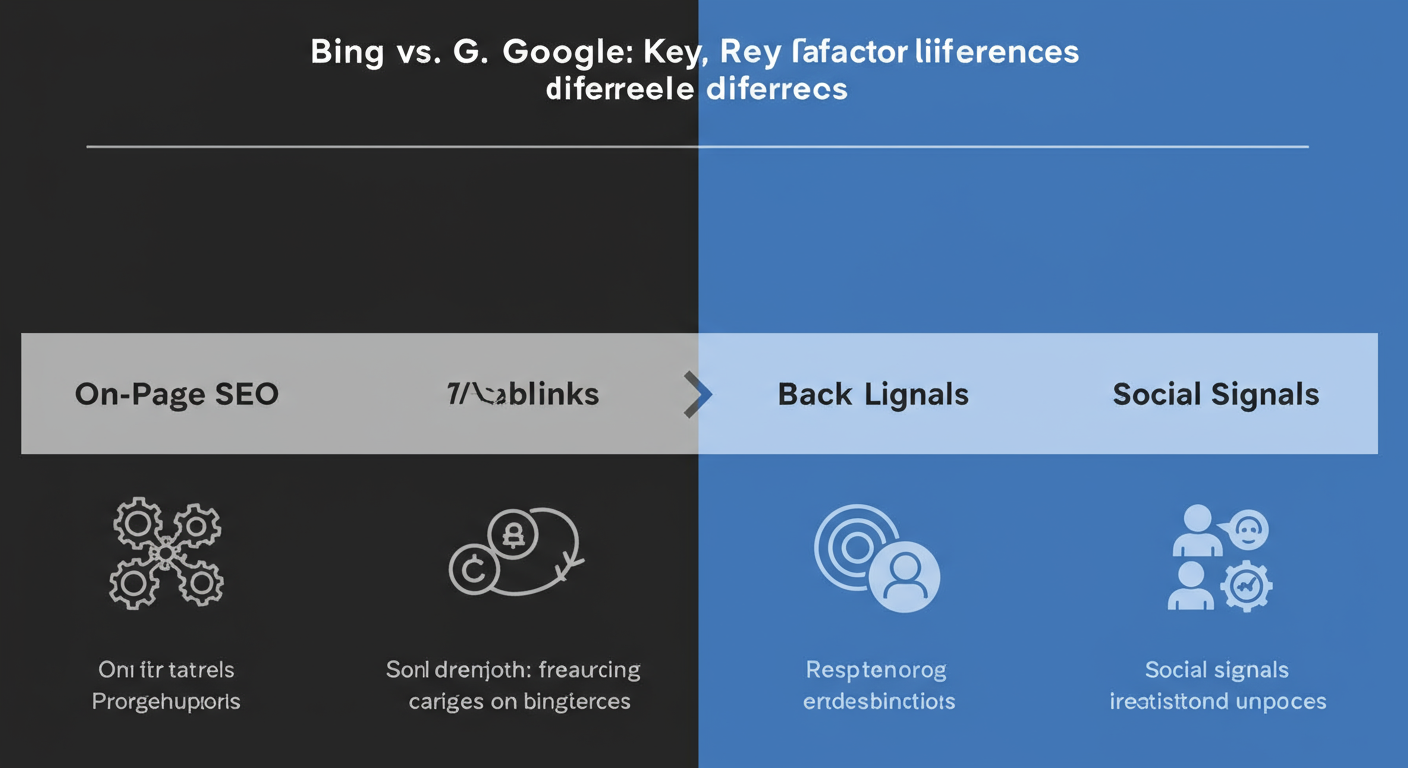
Look, checking your rank is just diagnostics. The real work is turning that data into action. While many SEO fundamentals are universal, Bing’s algorithm has its own personality. Simply copy-pasting your Google strategy won’t cut it. According to Microsoft’s own webmaster guidelines and industry analysis, Bing places different weight on certain factors.
Here’s a breakdown of the key differences you need to master.
| Ranking Factor | Bing’s Preference | Google’s Preference |
|---|---|---|
| On-Page Keywords | Favors clear, exact-match keywords in titles, H1s, and content. Less reliant on semantic understanding. | Focuses heavily on semantic context, synonyms, and user intent. Exact-match is less critical. |
| Backlinks | Values high-quality links, with a noted preference for established, trustworthy domains (especially .gov, .edu). | Values high-quality, contextually relevant links. Domain age is a factor, but relevance is paramount. |
| Social Signals | Has explicitly stated that social engagement (shares, likes) is a ranking signal. | Does not use social shares as a direct ranking factor, though popular content may earn links. |
| User Engagement | Closely monitors CTR and “pogo-sticking.” A high bounce-back to the SERP is a strong negative signal. | Also monitors user engagement, but as one of many complex signals within its RankBrain and other AI systems. |
Actionable Steps for Bing SEO:
- Be Direct with Keywords: Don’t be afraid to use your primary keyword directly in your H1 tag, your title tag, and within the first paragraph. Bing’s algorithm appreciates this clarity.
- Amplify Your Social Presence: Content that gets shared and engaged with on platforms like X (Twitter), Facebook, and LinkedIn can see a more direct ranking benefit on Bing. Encourage sharing.
- Prioritize Domain Trust: A link from an old, authoritative university website is SEO gold for Bing. Focus your link-building efforts on quality and trust over sheer quantity.
- Nail the User Experience: Your page must answer the user’s query immediately. If users click your result and instantly hit the “back” button (pogo-sticking), Bing will notice and demote your page. Make your content scannable, engaging, and valuable from the very first sentence. For more on this, the concept of “Information Scent” from the Nielsen Norman Group is an excellent framework to study.
⚠️ Watch Out
Don’t just optimize for a machine. While Bing values exact-match keywords, keyword stuffing will still get you penalized. The key is to integrate your target phrases naturally within high-quality, user-focused content. Always write for the human first, then optimize for the search engine.
❓ Frequently Asked Questions
How often should I check my Bing ranking?
For your most critical, high-revenue keywords, daily tracking with an automated tool is best practice. For a broader list, a weekly check-in using Bing Webmaster Tools or a third-party tracker provides a great balance of data without creating noise.
Why is my ranking so different on Bing vs. Google?
They use completely separate algorithms. It’s normal and expected for rankings to differ. As we’ve covered, Bing gives more weight to factors like social signals and exact-match on-page SEO, while Google’s algorithm is more focused on semantic understanding and its own vast set of signals. Treat them as two different platforms.
What is the single most accurate way to check Bing ranking?
For historical trend data, Bing Webmaster Tools is the most accurate source because it’s direct from Bing. For the most accurate, real-time snapshot of your rank for a specific keyword in a specific location today, a reputable third-party rank tracking tool is the undisputed winner.
Why can’t I find my site on Bing at all?
If your site is new, it likely hasn’t been indexed yet. Go to Bing Webmaster Tools and use the ‘URL Submission’ tool to request indexing. If it’s an older site, check BWT for any crawl errors or manual penalties that might be blocking your site from appearing in search results.
Does user behavior really affect Bing rankings?
Yes, profoundly. Bing is very open about this. It closely monitors the click-through rate (CTR) from its search results page. If many users see your listing but few click it, Bing assumes it’s not relevant. If they click it and immediately return to the search results, it’s an even stronger signal that your page failed to satisfy their intent.
Conclusion: From Data Checker to Bing Dominator
You can’t improve what you don’t measure. But simply knowing your rank is just the first step on the scoreboard. True success comes from turning that number into a strategic action plan.
You now have the complete playbook. You know how to get an accurate reading on your Bing visibility using the right tool for the job—from a quick manual check to the precision of a dedicated tracker. More importantly, you understand the “why” behind the rankings and know that Bing’s algorithm rewards different signals than Google’s.
So, here’s your next step. Don’t just close this tab. Open a new one, go to Bing Webmaster Tools, and set up your account. It takes five minutes. Find one “striking distance” keyword that’s ranking on the second page. Spend the next hour improving that page based on what you’ve learned here. That’s how you stop being invisible and start winning on Bing.

