
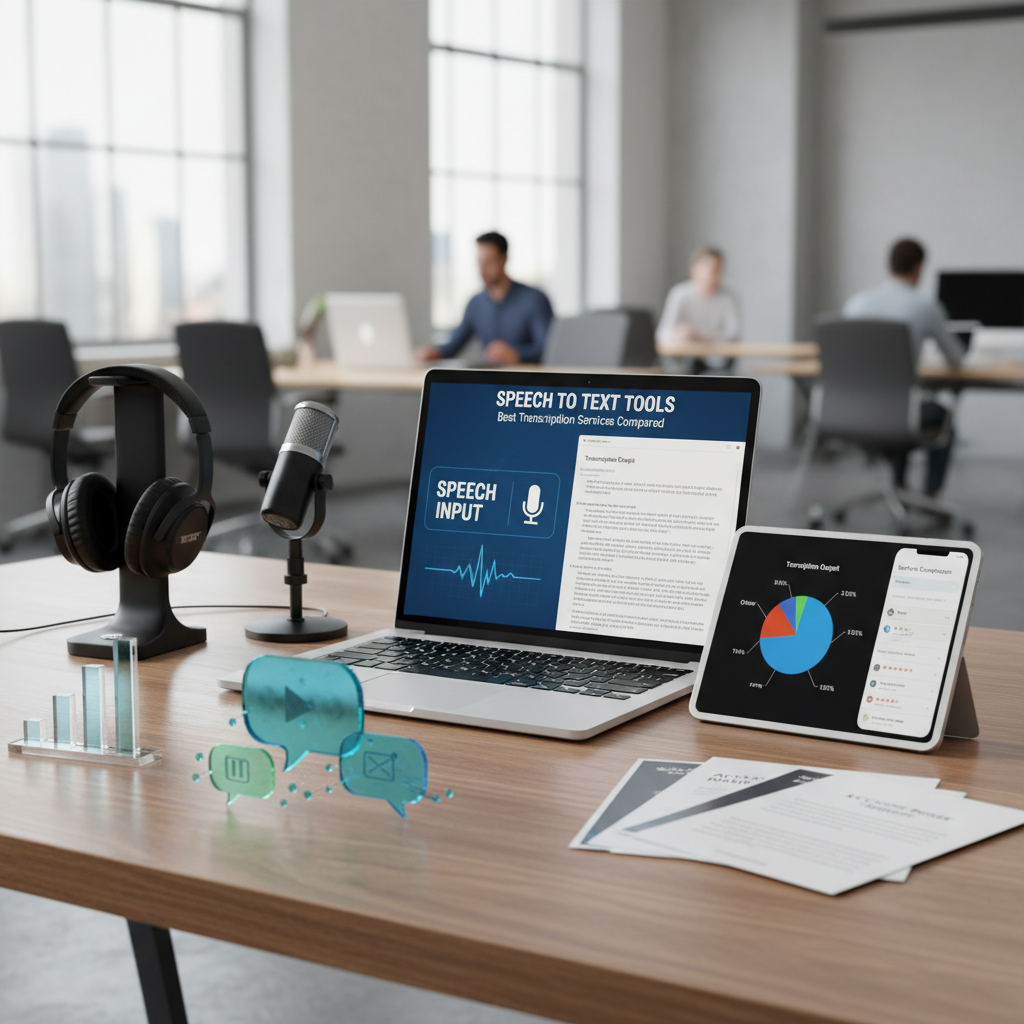
The Evolution of Modern Speech to Text Tools
In the digital age, speech to text tools have become indispensable for professionals, students, and content creators alike. Whether you are a journalist transcribing a three-hour interview, a developer building accessibility features, or a student trying to capture every word of a lecture, the ability to convert spoken language into written text is a superpower. The technology behind these services has advanced significantly, moving from clunky, error-prone software to sophisticated Artificial Intelligence (AI) models that understand context, accents, and technical jargon.
The primary appeal of using speech to text tools lies in efficiency. Humans can typically speak at a rate of 120 to 150 words per minute, while the average typing speed hovers around 40 words per minute. By leveraging transcription technology, you can effectively triple your output, allowing you to focus on the creative aspects of your work rather than the mechanical process of typing. Furthermore, with the rise of remote work and global collaboration, these tools have become essential for documenting virtual meetings and ensuring that no critical information is lost in the shuffle.
Why You Need High-Quality Speech to Text Tools
Choosing the right transcription service is not just about convenience; it is about accuracy and reliability. High-quality speech to text tools minimize the time spent on manual editing. If a tool has an accuracy rate of 95%, you only have to fix five words out of every hundred. However, if that accuracy drops to 80%, you might spend more time correcting the transcript than it would have taken to type it manually. This is why understanding the nuances between different providers is vital.
Beyond simple transcription, these tools play a massive role in digital accessibility. According to the W3C Web Accessibility Initiative, providing captions and transcripts is a fundamental requirement for inclusive content. By using reliable software, you ensure that your videos and audio content are accessible to the deaf and hard-of-hearing community, as well as to individuals who prefer reading over listening in noisy environments.
Productivity Boost
Convert hours of audio into text in minutes, allowing for faster content creation and data analysis.
Accessibility
Meet legal and ethical standards by providing text-based versions of your multimedia content.
Searchability
Turn audio files into searchable text documents, making it easy to find specific quotes or information.
Top Paid Speech to Text Tools for Professionals
When it comes to professional-grade transcription, several industry giants lead the pack. These services often utilize a mix of Automated Speech Recognition (ASR) and human editors to achieve the highest possible accuracy. For instance, Rev.com is widely considered a gold standard for professional transcription. They offer AI-generated transcripts for a low cost and human-verified transcripts for a higher fee, which are nearly 99% accurate. This flexibility makes them a favorite for legal and medical professionals who cannot afford errors.
Another major player is Otter.ai, which has carved out a niche as the best tool for meeting notes. Otter integrates directly with platforms like Zoom, Google Meet, and Microsoft Teams. It not only transcribes the conversation in real-time but also identifies different speakers and allows users to highlight key moments. For video editors, Descript offers a unique approach by allowing you to edit audio and video files by simply editing the text transcript. If you delete a sentence in the text, the corresponding audio is automatically removed, which is a revolutionary feature for podcasters.
Tools River: A Powerful Free Option for Speech to Text Tools
While paid services offer extensive features, not everyone needs a subscription-based model for occasional transcription tasks. This is where Tools River’s Speech to Text Tool shines. Unlike many other platforms that require software installation, account creation, or monthly fees, Tools River provides a completely free, browser-based solution. It is ideal for users who need a quick, no-nonsense way to convert speech to text without the hurdles of a complex interface.
The beauty of this tool lies in its simplicity. You can simply open the website, click a button, and start speaking. The AI processes your voice in real-time, providing a clean text output that can be copied and used immediately. It is an excellent resource for drafting blog posts, taking quick notes, or even generating text for social media captions. Because it requires no installation, it is also a safer choice for users who are wary of downloading third-party software onto their devices.
How to Evaluate Accuracy in Speech to Text Tools
Accuracy is the most critical metric when comparing speech to text tools. In the industry, this is often measured by the Word Error Rate (WER). A lower WER indicates a more accurate tool. Several factors influence how well a tool performs, including the complexity of the vocabulary, the presence of background noise, and the clarity of the speaker’s voice. Research into the evolution of speech recognition shows that modern AI has now reached human-parity in many controlled environments.
However, real-world conditions are rarely perfect. To get the best results from your chosen tool, it is recommended to use a high-quality external microphone rather than a built-in laptop mic. Maintaining a consistent distance from the microphone and speaking clearly without rushing can also significantly reduce the WER. When you are optimizing your content for the web, remember that a clean transcript is the first step toward a great blog post. Once you have your text, you might want to perform 12 essential SEO checks to ensure your final article is ready for search engines.
Maximizing Productivity with Speech to Text Tools
To truly master speech to text tools, you should integrate them into a broader workflow. For example, if you are a YouTuber, you can record your video script using voice recognition, then use the resulting text to optimize your metadata. Tools like a youtube description extractor can help you see how competitors are using keywords in their transcripts to rank higher. By combining these different utilities, you create a streamlined content engine that saves time and improves quality.
Comparing Top Services: At a Glance
To help you decide which tool fits your needs, we have compiled a comparison of the most popular services based on their primary strengths and pricing models.
| Service | Best For | Pricing |
|---|---|---|
| Rev.com | High Accuracy / Legal | $1.50 per minute (Human) |
| Otter.ai | Meetings & Collaboration | Free tier available / Subscription |
| Descript | Podcasters & Video Editors | Subscription based |
| Tools River | Quick, Free Web-based Use | 100% Free |
Factors That Affect Transcription Quality
Even the most advanced speech to text tools can struggle under certain conditions. Understanding these limitations will help you manage your expectations and improve your results. The most common challenge is background noise. AI models are trained to isolate human speech, but loud music, traffic, or multiple people talking at once can confuse the algorithm. Using noise-canceling microphones or recording in a quiet environment is the best way to combat this.
Accents and dialects also play a role. While major languages like English, Spanish, and Mandarin have extensive training data, smaller regional dialects may experience higher error rates. Most modern tools now offer settings to specify the dialect (e.g., British English vs. American English), which can improve accuracy. Finally, technical terminology or industry-specific jargon may require a custom dictionary, a feature found in many premium transcription services.
Audio Clarity
The cleaner the input, the better the output. Avoid echoes and muffled recording devices.
Speaker Overlap
Try to ensure only one person speaks at a time to help the AI distinguish between voices.
Language Settings
Always select the correct language and dialect before starting the transcription process.
Conclusion: Choosing the Right Tool for Your Needs
The world of speech to text tools is diverse, offering everything from high-end professional services to convenient free web apps. If you require absolute precision for legal or medical work, Rev’s human-verified services are worth the investment. For corporate teams looking to document every meeting, Otter.ai is the clear winner. However, for the vast majority of daily tasks—whether it’s writing an email by voice, drafting a blog post, or transcribing a quick note—Tools River offers an unbeatable combination of speed, privacy, and cost-effectiveness. By understanding your specific use case and the technical factors that influence accuracy, you can choose the tool that best enhances your workflow and productivity.
Rev and Otter.ai are widely considered among the most accurate for professional use. Rev offers human-verified transcripts with 99% accuracy, while Otter.ai excels at automated real-time transcription for meetings. For a free web-based alternative, Tools River provides excellent accuracy for standard dictation.
Yes, there are several free options. Tools River offers a completely free, no-installation speech to text tool. Many premium services like Otter.ai also offer a limited free tier with a set number of transcription minutes per month.
Modern AI-driven tools are designed to handle a wide variety of accents. However, accuracy may vary depending on the specific dialect. Premium tools often allow you to select the specific version of a language (such as Australian or Indian English) to improve results.
Data privacy depends on the provider. Reputable services use encryption and have strict privacy policies. Tools River is a great option for those who want a quick tool without creating an account, but always check the terms of service for any platform you use for sensitive information.
To get the best results, use a high-quality microphone, record in a quiet room, speak clearly at a steady pace, and avoid overlapping with other speakers. Ensuring the software is set to the correct language also makes a significant difference.

