
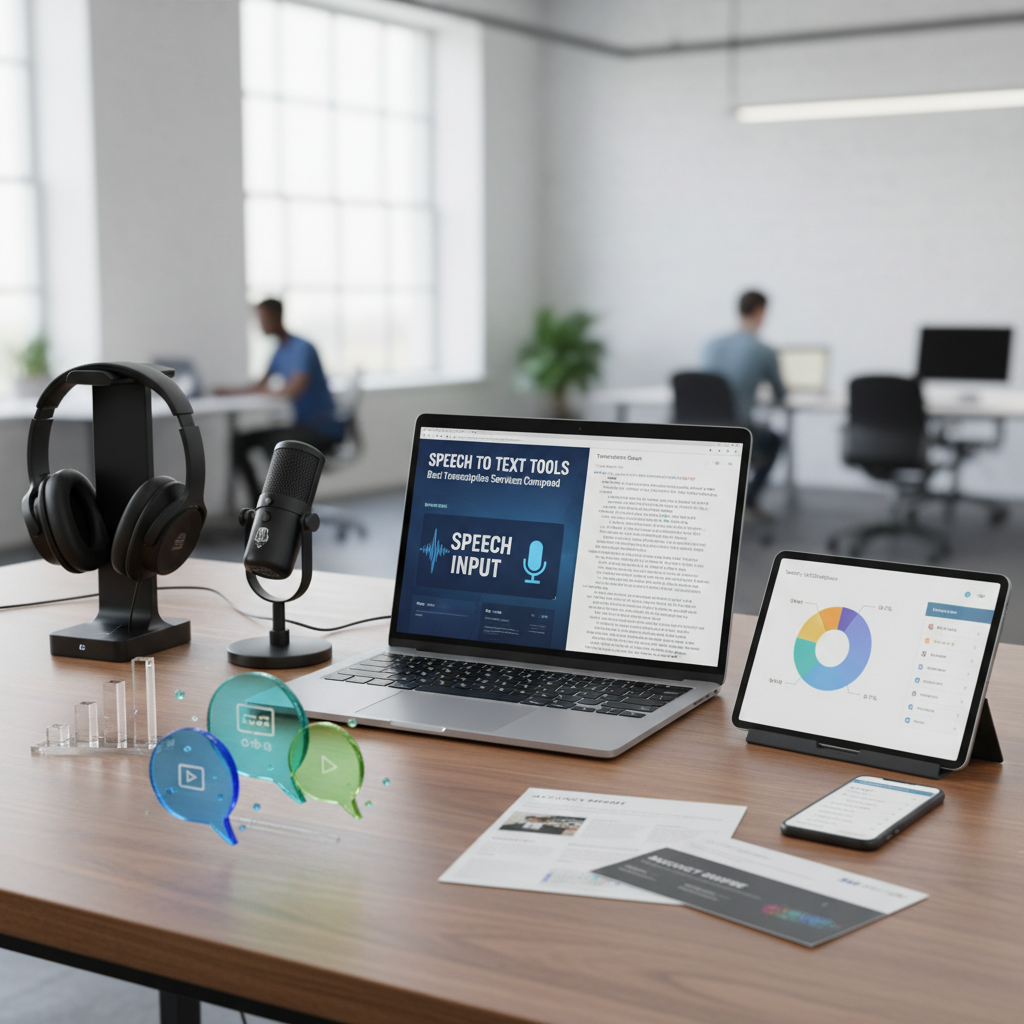
The Evolution and Impact of Speech to Text Tools
In the modern digital landscape, efficiency is the currency of success. Whether you are a journalist transcribing a high-stakes interview, a student capturing lecture notes, or a content creator subtitling a video, speech to text tools have become indispensable assets. These tools leverage advanced Artificial Intelligence (AI) and Natural Language Processing (NLP) to convert spoken words into written text with remarkable precision. By automating what used to be a tedious manual task, these services save thousands of hours for professionals across the globe.
The rise of remote work and the increasing need for digital accessibility have pushed the boundaries of voice recognition technology. Today, speech to text tools are not just about convenience; they are about inclusivity. They allow individuals with hearing impairments to follow live conversations and help companies meet WCAG accessibility guidelines by providing text alternatives for audio content. In this guide, we will dive deep into the best transcription services available, comparing their features, accuracy, and costs to help you find the perfect fit for your workflow.
Why You Need Reliable Speech to Text Tools
Choosing the right transcription service can drastically alter your productivity. High-quality speech to text tools offer more than just basic transcription; they provide speaker identification, timestamping, and multi-language support. When you rely on a tool that understands nuance, accents, and technical jargon, you reduce the time spent on manual editing. This is particularly crucial for legal and medical professionals where every word counts.
Furthermore, web-based tools provide the flexibility to work from anywhere. When using web-based applications, performance is key. Just as you might optimize website speed for free to improve user experience, choosing a lightweight transcription tool ensures your browser doesn’t lag during heavy processing tasks. Reliability in a tool means it can handle background noise and overlapping voices without losing the thread of the conversation.
How Modern Speech to Text Tools Work
Most modern speech to text tools utilize deep learning models, specifically Recurrent Neural Networks (RNNs) or Transformers. These models are trained on massive datasets of human speech to recognize patterns, phonemes, and context. Unlike older software that required “voice training,” today’s AI-driven tools are often “speaker independent,” meaning they can accurately transcribe anyone’s voice immediately upon use. This leap in technology has brought accuracy rates from a shaky 70% to an impressive 95% or higher in ideal conditions.
Automated Transcription
Uses AI algorithms to provide near-instant results. Best for quick drafts, meeting notes, and content creators who need speed over 100% perfection.
Human-Verified Services
Combines AI with human editors to reach 99% accuracy. Ideal for legal documents, medical records, and academic research where errors are unacceptable.
Real-Time Captioning
Converts speech to text on the fly during live events or webinars. Essential for accessibility and engagement in a globalized world.
Comparing Top-Tier Speech to Text Tools for Professionals
When comparing the market leaders, we look at several factors: accuracy, turnaround time, integration capabilities, and cost. Each service caters to a slightly different niche. For instance, some are built for collaborative teams, while others focus on high-fidelity audio processing for filmmakers.
Otter.ai
Otter is a powerhouse for meetings. It integrates with Zoom and Google Meet to provide live transcription and collaborative notes. Its strength lies in speaker diarization and its mobile app convenience.
Rev.com
Rev is the gold standard for accuracy. They offer both AI-powered transcription and human-led services. If you need captions for professional video production, Rev is often the go-to choice.
Descript
Descript revolutionizes the editing process by allowing you to edit audio and video by simply editing the transcribed text. It is a favorite among podcasters and YouTubers.
Tools River
For users looking for a no-fuss, immediate solution, Tools River’s Speech to Text Tool offers a free online service. It requires no installation, making it perfect for quick tasks.
Why Tools River is the Best Free Choice for Speech to Text Tools
While many premium speech to text tools require monthly subscriptions or per-minute fees, Tools River provides a powerful, free alternative that is accessible directly through your web browser. This tool is specifically designed for users who need to convert voice to text without the overhead of complex software or hidden costs. It is particularly useful for students or freelancers who need a reliable backup when their primary software fails.
The beauty of Tools River lies in its simplicity. You don’t need to create an account or provide credit card details. You simply visit the site, enable your microphone, and start speaking. The tool handles the rest, providing a clean text output that you can copy and paste into your documents. For developers or tech-savvy users who might be handling the output of such tools programmatically, using a JSON validator can help ensure that any structured data exported from transcription APIs is correctly formatted and ready for use.
Key Use Cases for Speech to Text Tools
Understanding the versatility of speech to text tools helps in maximizing their potential. Here are some of the most common applications in the professional world:
- Journalism: Transcribing interviews quickly to meet tight deadlines.
- Education: Converting lecture recordings into study guides for students.
- Legal: Creating written records of depositions and court proceedings.
- Marketing: Turning podcast episodes into blog posts or social media snippets.
- Healthcare: Enabling doctors to dictate patient notes instead of typing them.
As noted by experts at Microsoft Azure, the integration of speech technology into daily workflows is one of the fastest-growing trends in enterprise AI. This growth is driven by the need for searchable data; once audio is converted to text, it becomes indexable and easy to retrieve.
Accuracy and Pricing Comparison Table
To give you a clearer picture of how these tools stack up against each other, here is a breakdown of the top contenders based on industry standards and user feedback.
| Tool Name | Accuracy (AI) | Pricing Model | Best For |
|---|---|---|---|
| Otter.ai | ~90-95% | Freemium / Monthly | Business Meetings |
| Rev.com | ~96% (AI) | Pay-per-minute | High-end Video |
| Tools River | ~92-94% | Free | Quick Web Tasks |
| Dragon Professional | ~99% | One-time License | Legal/Medical |
Critical Factors Influencing the Performance of Speech to Text Tools
Even the most advanced speech to text tools can struggle under certain conditions. Understanding these factors will help you get the best results every time you use a transcription service.
1. Audio Quality: This is the most significant factor. Background noise, echo, and distance from the microphone can confuse AI models. Using a high-quality external microphone instead of a built-in laptop mic can improve accuracy by 20-30%.
2. Accents and Dialects: While AI has improved, heavy regional accents can still pose a challenge. Some tools allow you to specify the dialect (e.g., British English vs. Indian English) to improve word recognition.
3. Vocabulary and Context: Generic tools might struggle with specialized terminology in fields like quantum physics or niche legal areas. Premium tools often allow you to upload a custom dictionary to help the AI recognize specific terms.
4. Overlapping Speech: When multiple people speak at once, the software may struggle to separate the voices. Tools with “diarization” features are better equipped to handle multiple speakers by assigning a label to each person.
Pro Tip: Use a Pop Filter
A pop filter reduces the harsh sounds of ‘P’ and ‘B’ consonants, which can sometimes be misinterpreted as noise or different words by the software.
Pro Tip: Record in Mono
Most transcription engines prefer mono audio files. Stereo recordings can sometimes create phase issues that degrade the transcription quality.
Conclusion: Finding Your Ideal Transcription Partner
The world of speech to text tools is vast and evolving. From free, browser-based solutions like Tools River that offer immediate utility, to enterprise-grade platforms like Rev and Otter, there is a tool for every possible scenario. When making your choice, consider the balance between cost and the time you are willing to spend editing the final output. For casual use and quick drafts, a free tool is often more than enough. For professional-grade documentation, investing in a paid service with high accuracy and security features is the smarter long-term move.
By integrating these tools into your daily routine, you don’t just work faster—you work smarter. Embracing voice technology allows you to focus on the creative and analytical aspects of your work while the AI handles the heavy lifting of transcription.
Free tools like Tools River are surprisingly accurate, often reaching 90% or higher for clear audio. Paid tools usually offer higher accuracy (95%+) and additional features like speaker identification and custom vocabularies.
Yes, many modern tools support dozens of languages, including Spanish, French, German, and Mandarin. However, accuracy levels can vary depending on the language’s complexity and the amount of training data available.
Security varies by provider. Reputable services use encryption and have strict privacy policies. Always check if a tool stores your audio or uses it to train their models before uploading sensitive information.
While a standard laptop microphone works, using a dedicated USB microphone or a headset will significantly improve the transcription quality by providing a clearer signal to the AI.
Most tools support both. You can either speak live into the microphone or upload existing MP3, WAV, or MP4 files to be transcribed by the software.

