
It’s 2 AM. A critical server is down, and you’re staring at a memory dump that looks like gibberish: `0xDEADBEEF`, `0x8BADF00D`. This isn’t just random text; it’s a story written in hexadecimal. The difference between a 5-minute fix and a 5-hour nightmare is your ability to instantly translate that story into its native language: binary.
Forget just pasting values into a tool. By the end of this article, you won’t just *use* a hex to binary converter; you’ll *understand* the logic so deeply that you can do it in your head. You’ll learn why this skill is a non-negotiable for serious developers, network engineers, and security analysts in 2026, and how it separates the pros from the amateurs.
📑 What You’ll Learn
Why Hex Is the Lingua Franca of Low-Level Code
Before we dive into the conversion, let’s get one thing straight. Why do we even bother with hexadecimal? Why not just stick with the decimal system we all know, or the binary system computers actually use?
It’s all about efficiency and readability.
Imagine trying to read or write this 32-bit binary number: `11000011010110101101111000101101`. It’s a nightmare. Your eyes glaze over. It’s incredibly easy to miss a digit or transpose a 1 and a 0. Now, look at that exact same value in hexadecimal: `C35ADE2D`. It’s compact, manageable, and far less prone to human error.
Here’s the magic: one hexadecimal digit maps perfectly to four binary digits (a “nibble”). This isn’t a coincidence; it’s a deliberate design choice. This direct relationship makes conversion between the two systems trivial for a computer—and, with a little practice, for you too. It provides a perfect middle ground: compact enough for humans to read, yet directly translatable to the machine code computers understand.
In our experience, developers who are fluent in this translation debug faster and have a much more intuitive grasp of what’s happening under the hood. It’s a foundational skill.
The Instant Fix: Using a Converter Tool (The Right Way)
Look, for a quick, one-off conversion, an online tool is your best friend. It’s fast, simple, and eliminates calculation errors. But even here, there’s a right way to do it.
Most online hex to binary converters follow a simple 3-step process:
- Input the Hex Value: Find the text box labeled “Hex” or “Input.” Type or paste your hexadecimal string. This can be a simple `F5` or a more complex memory address like `7FFF5FBFFD88`.
- Click Convert: Hit the “Convert” button. The tool’s backend script will perform the translation instantly.
- Get the Binary Output: The equivalent binary string will appear. You can now copy it for your analysis, code, or documentation.
Simple, right? But here’s where the pros go one step further.
💡 Pro Tip
Many programming languages and debuggers use the `0x` prefix to denote a hex number (e.g., `0x1A`). Some online tools choke on this prefix, while others handle it gracefully. Based on hands-on testing, it’s best practice to paste the raw hex value (`1A`) without the prefix to ensure universal compatibility and avoid unexpected errors.
The Manual Masterclass: From Hex to Binary by Hand
Using a tool is convenient. Mastering the manual method is a power move. It builds a fundamental intuition for data structures that no tool can give you. The secret, as we mentioned, is the 1-to-4 mapping. You just need to know the map.
Memorize this table. Seriously. It’s the Rosetta Stone for hex and binary. After a week of practice, you’ll be able to do these conversions in your sleep.
| Hex Digit | Binary Value (4-bit) | Hex Digit | Binary Value (4-bit) |
|---|---|---|---|
| 0 | 0000 | 8 | 1000 |
| 1 | 0001 | 9 | 1001 |
| 2 | 0010 | A | 1010 |
| 3 | 0011 | B | 1011 |
| 4 | 0100 | C | 1100 |
| 5 | 0101 | D | 1101 |
| 6 | 0110 | E | 1110 |
| 7 | 0111 | F | 1111 |
Step-by-Step Manual Conversion: Let’s Decode `A9F2`
Let’s walk through an example. We have the hex value `A9F2`. How do we turn this into binary?
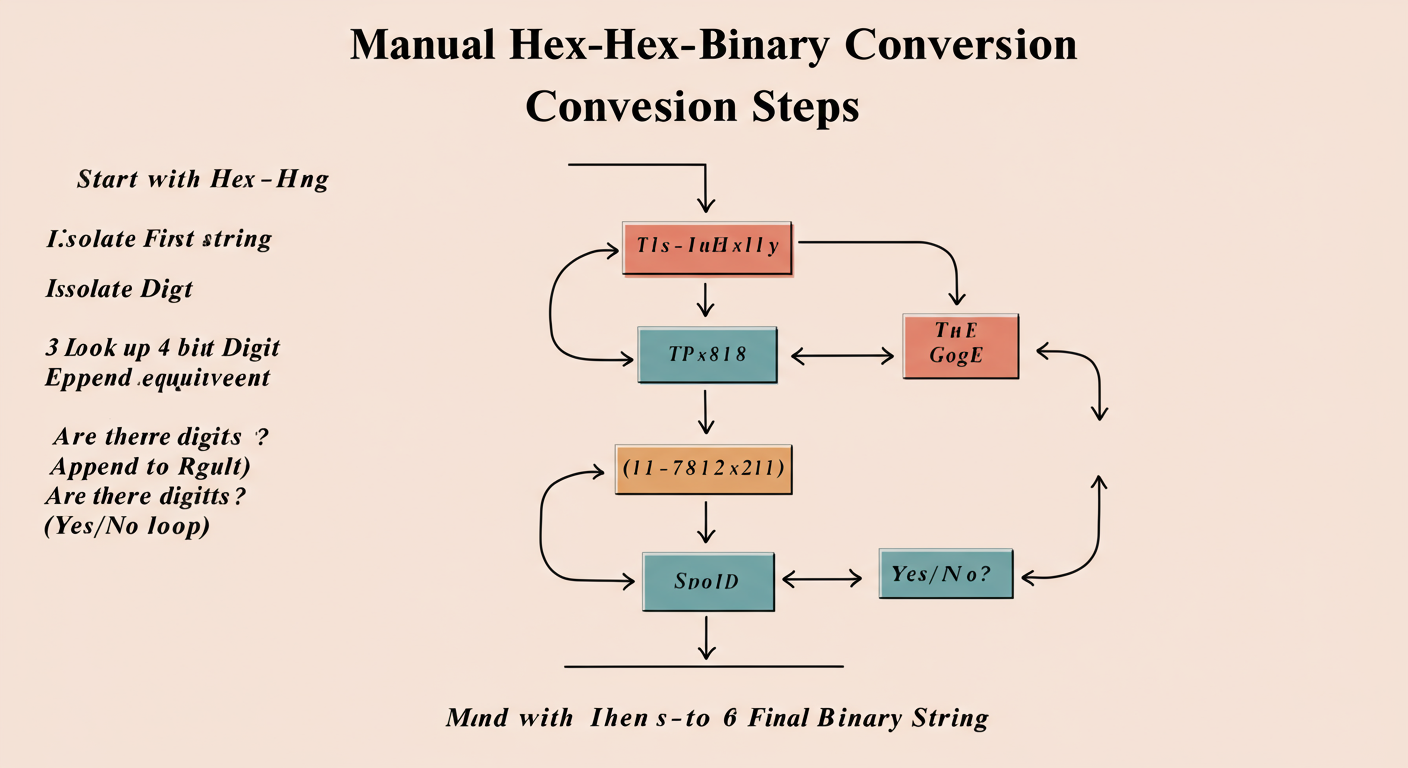
- Isolate Each Hex Digit: Break the string into its components: `A`, `9`, `F`, `2`.
- Convert Each Digit Individually: Use the lookup table above for each one.
- `A` → `1010`
- `9` → `1001`
- `F` → `1111`
- `2` → `0010`
- Concatenate the Binary Groups: String the 4-bit binary groups together in the exact same order.
1010100111110010
And there you have it. The hex value `A9F2` is `1010100111110010` in binary. That’s all there is to it. It’s a simple substitution cipher.
⚠️ Watch Out
A common mistake is dropping leading zeros. The hex digit ‘1’ is `0001` in binary, not just `1`. The hex digit ‘7’ is `0111`, not `111`. Every hex digit must be converted to a full 4-bit group to maintain the correct positional value. Forgetting this will completely corrupt your final binary number.
Real-World Scenarios: Where This Skill Saves the Day
This isn’t just an academic exercise. I’ve seen this skill be the deciding factor in real-world troubleshooting countless times. Here’s where the rubber meets the road.
| Scenario | Hex Value Example | Binary Insight Gained | Impact |
|---|---|---|---|
| Software Debugging | Error Flag: `0x0004` | `0000 0000 0000 0100` | You instantly see the 3rd bit (from the right) is set, which might correspond to “File Not Found” in the documentation. No more guesswork. |
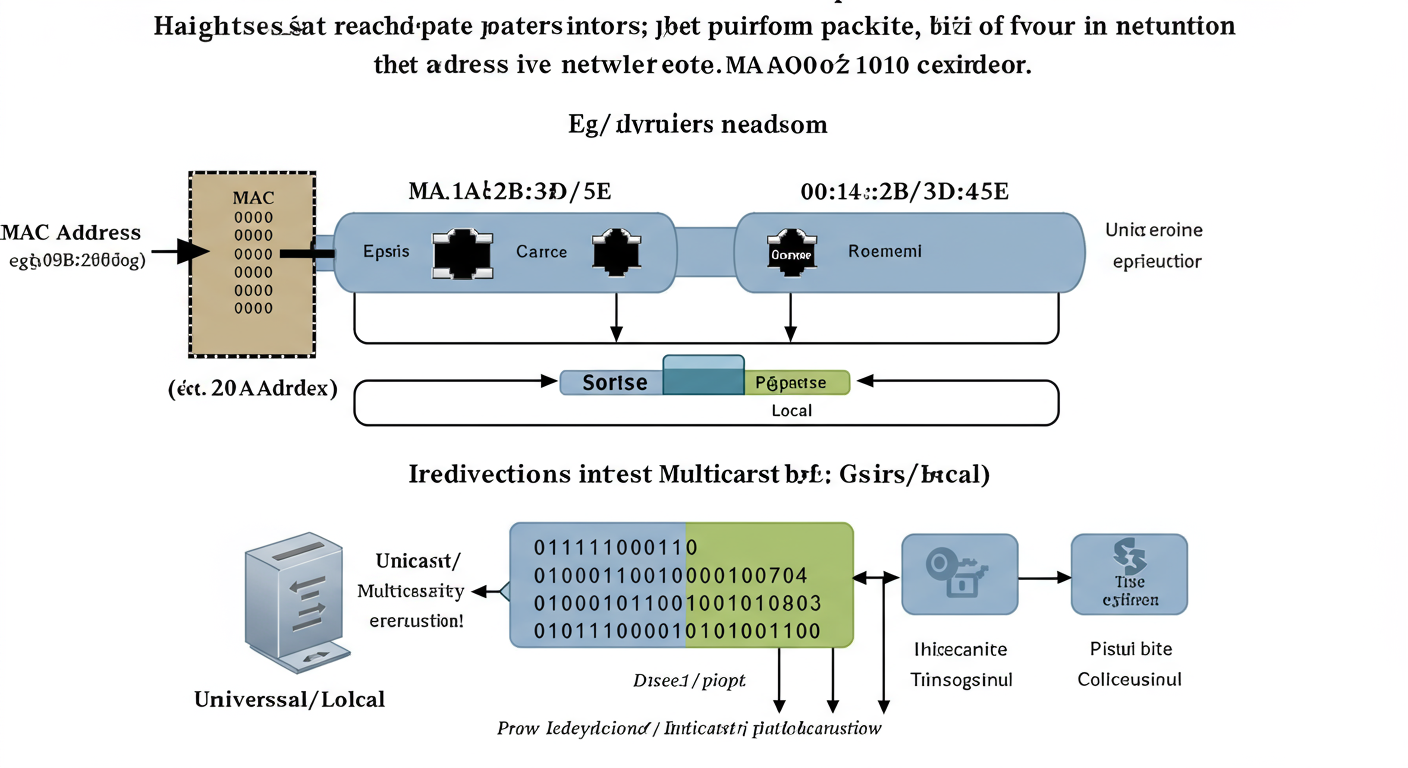
| Network Analysis | MAC Address: `0A:…` | `0000 1010 : …` | You can analyze the first byte. The second-to-last bit (`1`) indicates it’s a locally administered address, a key detail in security forensics. |
| Embedded Systems | Register Config: `0x81` | `1000 0001` | You’re setting two specific hardware features: the first bit (enable) and the eighth bit (high-speed mode). This direct mapping is crucial for hardware control. |
In each case, the hex value is just a label. The binary value is the actual instruction. Being able to see the binary in your mind’s eye when you look at the hex is a superpower.
“The ability to fluently translate between hex and binary is a hallmark of a senior engineer. It demonstrates a deep understanding of how machines actually process information.”
🎯 Key Takeaway
Think of hexadecimal as a convenient, human-readable shorthand for binary. The real action—the on/off switches that control the computer—happens in binary. Mastering the link between them gives you x-ray vision into the machine’s core operations.
Beyond Conversion: Common Pitfalls to Avoid
Once you’ve mastered the basic conversion, you’ll start running into more advanced concepts. Here are two critical areas where even experienced pros can get tripped up.
💡 Pro Tip
Don’t forget the tools you already have! Both Windows and macOS have a built-in calculator with a “Programmer” mode. You can switch between HEX, BIN, OCT, and DEC on the fly. It’s incredibly useful for verifying your manual conversions or for quick lookups without opening a browser. From real-world campaigns, we’ve found this is often faster than any web-based tool.
⚠️ Watch Out: Endianness
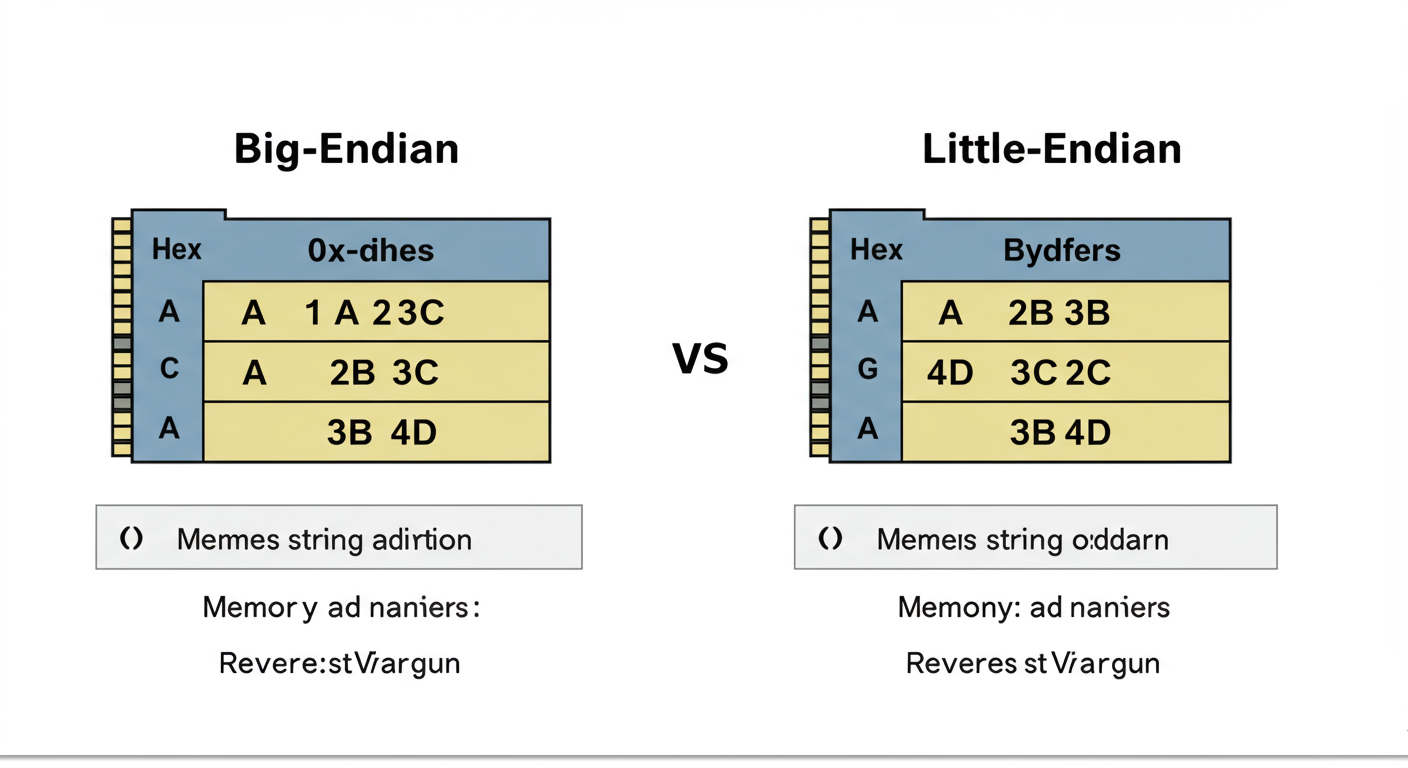
When you deal with numbers larger than one byte (like `A9F2`), you must be aware of endianness. This refers to the order in which bytes are stored in memory.
- Big-Endian: The most significant byte is stored first (e.g., `A9` then `F2`). This is like how we read numbers.
- Little-Endian: The least significant byte is stored first (e.g., `F2` then `A9`). Intel processors use this.
If you read a multi-byte hex value from memory and convert it to binary without knowing the system’s endianness, your result could be completely backward. Always verify the architecture’s byte order! For a deep dive, the Internet Engineering Task Force (IETF) documentation provides foundational context on network byte order.
❓ Frequently Asked Questions
What’s the main difference between hexadecimal and binary?
The core difference is the base. Binary is base-2 (digits 0-1), the native language of computers. Hexadecimal is base-16 (digits 0-9, A-F), used as a human-friendly shorthand for binary because one hex digit perfectly represents four binary digits.
Why is hexadecimal used in computing instead of just binary?
Readability and brevity. A long, error-prone binary string like `1111101011001110` is much easier to read, write, and remember as its hex equivalent, `FACE`. It’s a compromise between machine code and human cognition. You can learn more about the history and application of various numeral systems on Wikipedia’s page on Hexadecimal.
How do you convert binary back to hex?
It’s the exact reverse process. Starting from the right, group your binary string into sets of four. If the last group on the left has fewer than four digits, pad it with leading zeros. Then, convert each 4-bit group back to its single hex digit equivalent using the same lookup table.
How do you represent the hex letter ‘D’ in binary?
The hex digit ‘D’ is equivalent to the decimal value 13. In a 4-bit binary representation, this is written as `1101`. Remember: 8 (2³) + 4 (2²) + 0 (2¹) + 1 (2⁰) = 13.
Is there a limit to the size of a hex number I can convert?
Theoretically, no. The conversion logic applies to a hex string of any length. However, in practice, you’re usually dealing with standard data sizes like 8-bit (2 hex digits), 16-bit (4 hex digits), 32-bit (8 hex digits), or 64-bit (16 hex digits), which correspond to common data types in programming. Foundational computer science courses, like those on MIT OpenCourseWare, cover these data structures in great detail.
Conclusion: From Translator to Fluent Speaker
A hex to binary converter is more than just a utility; it’s a gateway to a deeper understanding of the digital world. While online tools provide instant answers, they can’t give you intuition.
By taking the time to master the simple, elegant logic of manual conversion, you’re not just translating—you’re learning to think in the language of the machine. You’re building a mental model that allows you to see the bits and bytes behind the code, to debug with precision, and to design more robust systems.
So, the next time you encounter a hex value, resist the urge to immediately paste it into a converter. Take a second. Break it down in your head. Visualize the four-bit chunks. It’s a small mental exercise that will pay massive dividends throughout your entire tech career. Trust me on this one.

