
What if I told you the difference between 10,000 views and 1,000,000 views on TikTok could be a single, well-placed PNG file?
It sounds like an exaggeration. It’s not. In the brutal, fast-scrolling world of the For You Page, your video has less than a second to grab someone’s attention. While you focus on hooks, sounds, and captions, you might be ignoring a secret weapon used by top-tier creators: TikTok emoji PNGs.
These aren’t the emojis you type from your keyboard. They’re high-quality, transparent graphics that act like professional-grade stickers, transforming your edits from amateur to authoritative. They’re the key to clearer storytelling, stronger branding, and higher engagement.
Forget what you think you know about emojis. In this deep dive, you’re going to learn the exact strategies we use in real-world campaigns to turn simple graphics into viral assets. You’ll discover where to find them, how to use them like a pro, and the advanced tactics that separate the pros from the novices.
📑 What You’ll Learn
Why Your Videos Are Being Ignored (And How a Simple PNG Can Fix It)
Let’s be honest. Slapping a standard keyboard emoji onto your video often looks cheap. It can get pixelated, it’s stuck in your text block, and you have zero control over its animation or timing. It’s a decoration, not a tool.
A TikTok emoji PNG is different. A PNG (Portable Network Graphics) is an image file with a crucial feature: a transparent background. This means you can layer it on top of your video seamlessly, making it look like a native element of your world. The difference in quality and control is staggering.
In our experience analyzing thousands of viral videos, the ones that feel polished and “premium” almost always use layered graphics, not just text-based elements. This is a core principle of visual hierarchy, a concept well-documented by design experts that guides the viewer’s eye. An emoji PNG gives you that power.
Look, you can’t just hope people notice the important parts of your video. You have to make them notice. That’s where PNGs come in.
| Feature | Standard Keyboard Emoji | High-Quality Emoji PNG |
|---|---|---|
| Quality & Scalability | Low resolution; becomes blurry/pixelated when enlarged. | High resolution; stays crisp and clean at any size. |
| Background | Tied to a text block; no transparency. | Fully transparent background for seamless layering. |
| Editing Control | None. You can’t animate it, time it, or add effects. | Full control. Animate, resize, rotate, add glows, shadows, and precise timing. |
| Creative Variety | Limited to your device’s built-in emoji set. | Virtually limitless. 3D, animated, custom-branded, meme-style, etc. |
🎯 Key Takeaway
Stop thinking of emojis as text. Start treating TikTok emoji PNGs as strategic visual layers. This shift in mindset is the first step toward creating more professional, engaging, and ultimately, more successful content.
The Creator’s Toolkit: Where to Find High-Quality Emoji PNGs
Now that you understand the “why,” let’s get to the “where.” Finding the right emoji PNG is half the battle. You need sources that provide high-resolution files with true transparency. Here’s a breakdown of the best options, based on hands-on testing.
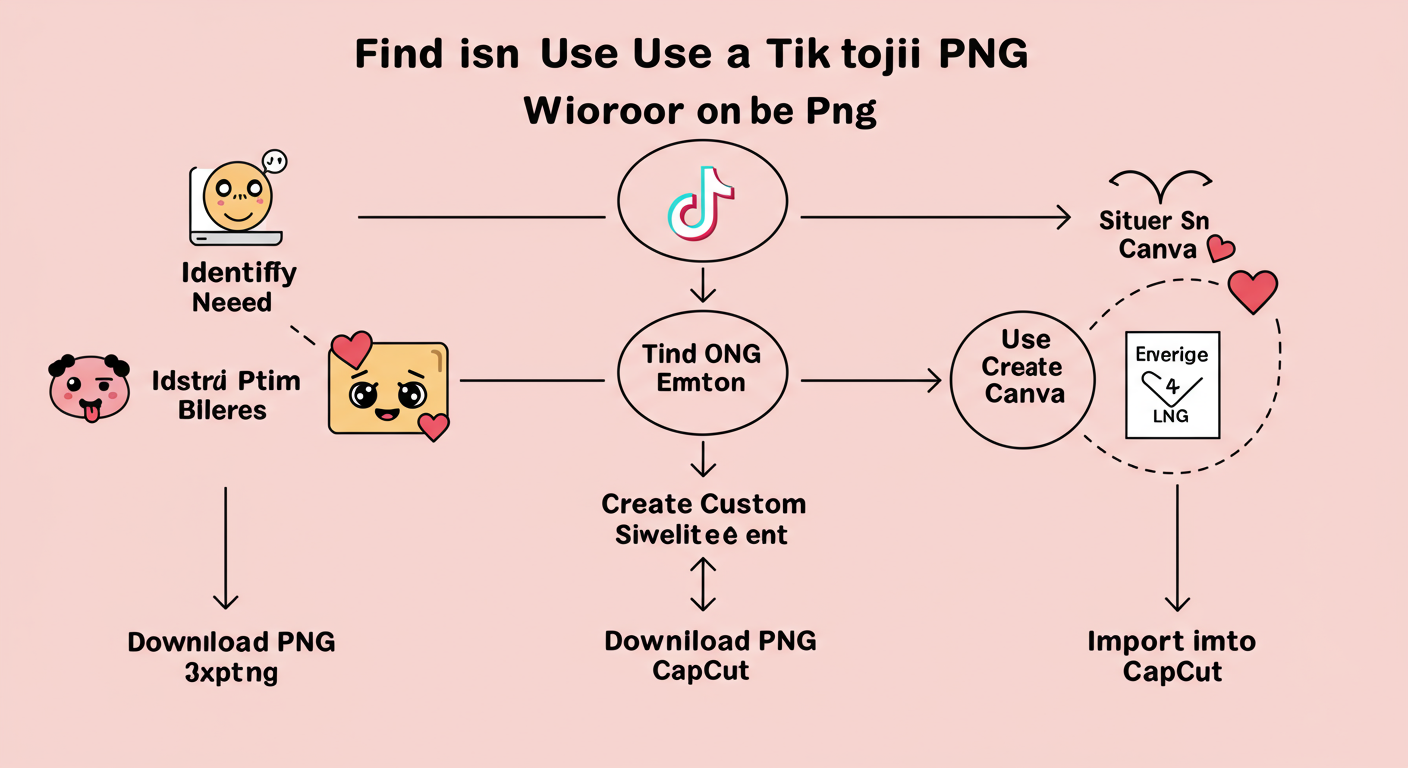
1. Dedicated PNG & Icon Websites
These are massive libraries built for this exact purpose. They are your first and best stop.
- Top Tier: Sites like Flaticon, Pngtree, and CleanPNG are goldmines. They offer millions of graphics. Most have a generous free tier (usually requiring you to credit the author) and a premium subscription for unlimited, attribution-free downloads.
- Search Terms to Use: Be specific. Don’t just search “happy emoji.” Try “crying laughing emoji PNG,” “3D heart emoji transparent,” or “thinking face emoji high resolution.”
2. All-in-One Design Platforms
Tools like Canva and Adobe Express are essential for modern creators. Their built-in libraries are incredibly powerful.
- The Workflow: Inside Canva, for example, you can search their “Elements” tab for any emoji imaginable. You can then place it on a blank canvas, and if you have Canva Pro, download it with a transparent background. It’s a seamless process. For a deep dive on the technical specs of this file type, Adobe’s official guide to PNG files is an excellent resource.
3. Create Your Own (The Pro Move)
For ultimate brand cohesion, nothing beats custom. This is how top brands and creators develop a visual signature.
- The Tools: You can use professional software like Adobe Illustrator or free alternatives like GIMP. Even mobile apps like Procreate on the iPad are perfect for drawing your own custom emojis and exporting them as PNGs. Imagine having a unique emoji that only appears in your videos—instant brand recognition.
⚠️ Watch Out
Not all “PNGs” are created equal. Some websites will show you an image with a fake checkerboard background that is actually part of the image itself. A true transparent PNG will look seamless when you drag it into your video editor. Stick to reputable sites to avoid this headache.
| Source Type | Pros | Cons | Best For |
|---|---|---|---|
| Free PNG Sites | No cost; huge selection. | May require attribution; quality can vary; ads. | Quick, one-off projects and beginners. |
| Premium PNG Sites | Highest quality; unlimited downloads; no attribution needed. | Monthly/annual subscription fee. | Serious creators and businesses. |
| Canva / Adobe Express | Integrated into your design workflow; easy to use. | Best features (like transparent download) require a Pro plan. | Creators who already use these platforms. |
| DIY / Custom | 100% unique; perfect brand alignment. | Requires time and design skills/software. | Established brands and creators building a unique identity. |
From Download to Viral: Your Step-by-Step Guide to Using Emoji PNGs
Got your perfect PNG? Great. Now let’s put it to work. You won’t do this in the TikTok app itself. You’ll use a video editor, which gives you the layering capabilities you need. CapCut (made by the same company as TikTok) is the industry standard for this, and it’s free.
Here’s the exact process:
- Save to Your Device: Download your chosen emoji PNG and save it to your phone’s camera roll or files. It might look like it has a black or white background in your gallery—don’t worry. The transparency data is still there.
- Open Your Editor (e.g., CapCut): Start a new project and import your main video clip.
- Add the Overlay: Tap the “Overlay” button in the main toolbar. Then, tap “Add overlay.”
- Select Your PNG: Choose the emoji PNG you just saved. It will now appear as a new layer on top of your video. Magic.
- Position and Resize: Use your fingers to drag the emoji where you want it. Pinch to make it bigger or smaller. You have total control.
- Adjust the Timing: On the timeline at the bottom, you’ll see a new purple (or colored) bar for your overlay. Drag the ends of this bar to control the exact moment the emoji appears and disappears. This precision is everything.
- Animate It (Optional but Recommended): Select the overlay layer. Tap “Animation.” You can choose from dozens of “In,” “Out,” and “Combo” animations to make your emoji slide in, bounce, fade, or pulse. This adds a dynamic, professional touch.
- Export & Upload: Once you’re happy, export the video in high quality (1080p is standard). Now, upload that final video file to TikTok.
💡 Pro Tip
Layer multiple PNGs for advanced effects. For example, place a “thinking face” emoji PNG on screen, then add a “lightbulb” PNG that pops up above its head a second later. This simple sequence tells a mini-story and holds viewer attention for that crucial extra second.
11 Advanced Tactics to Make Your Content Unforgettable
Knowing the “how” is good. Knowing the “why” is better. Here are 11 battle-tested ways to use TikTok emoji PNGs to drive real results.
1. Engineer a Standout Thumbnail
Your thumbnail is your video’s billboard. A huge, crisp, expressive emoji PNG that hints at the video’s core emotion (e.g., a 🤯 for a mind-blowing fact) is infinitely more clickable than a blurry frame from the video.
2. Build an Unmistakable Brand Identity
Consistency creates recognition. Choose 2-3 specific emoji PNGs (maybe a custom-colored one or a unique style) and use them in every single video. A finance creator might use a green chart arrow PNG. A book reviewer might use a sparkling book PNG. Soon, people will see that emoji and instantly know it’s you.
3. Create Irresistible Calls-to-Action (CTAs)
Don’t just say “Link in Bio.” Animate a bouncing arrow emoji PNG that literally points to where the link is on your profile. Use a pulsing heart PNG over the “like” button. These visual cues are direct commands to the user’s brain and can dramatically increase conversion rates.
4. Amplify Emotional Storytelling
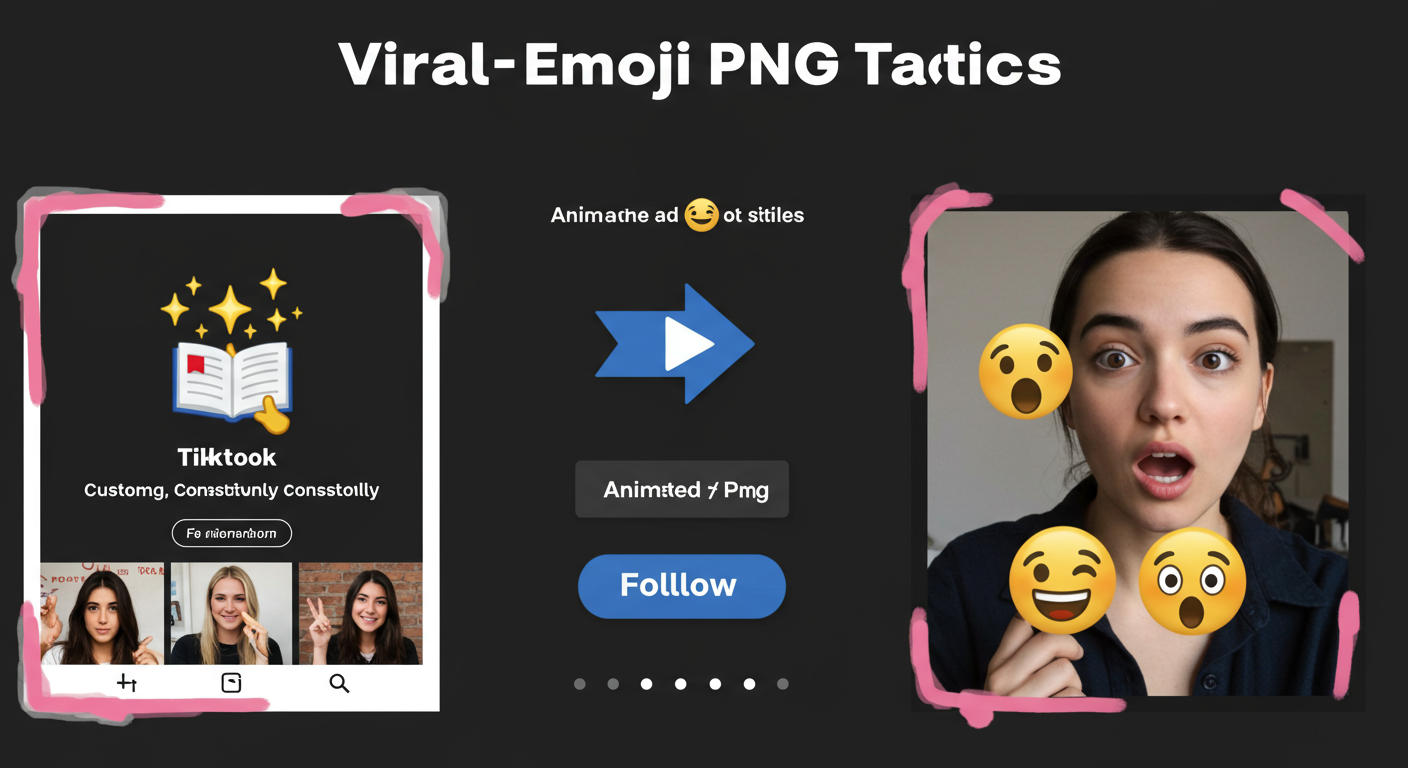
Emojis are emotional shorthand. When you’re telling a story about a frustrating moment, having a small, vibrating “angry” emoji (😡) pop up next to your head for half a second adds a powerful layer of comedy and relatability. It visualizes the subtext.
5. Censor with Personality
Need to block out a username or sensitive info? A boring black box is ugly. A “zipped lips” emoji (🤐) or a “clown” emoji (🤡) is funnier and feels more native to the platform’s culture. It turns a necessity into a piece of content itself.
6. Design Interactive Games
Boost your watch time and comments by creating simple games. Use emoji PNGs to make a “find the hidden object” challenge or a “guess the movie from these three emojis” quiz. This encourages active participation, which the algorithm loves.
7. Layer Emojis for Meme-Worthy Comedy
This is where PNGs shine. Put a cowboy hat emoji PNG on a cat. Put sunglasses on a potato. Put a crown on a crying emoji. The ability to layer separate images allows for endless combinations that are perfect for creating original memes.
💡 Pro Tip
Use TikTok’s “secret” emojis as PNGs. The platform has codes like `[shout]` or `[cry]` that produce unique emotes. Find high-quality PNG versions of these online. Using them signals to viewers that you’re a savvy, platform-native creator.
8. Guide the Viewer’s Eye in Tutorials
If you’re showing a process on-screen (like a software tutorial or a recipe), use a small pointer finger (👆) or star (✨) PNG to highlight exactly what you’re talking about. It eliminates confusion and makes your instructions crystal clear.
9. Create Custom, Branded Transitions
Instead of a boring jump cut, create a signature transition. Have a giant version of your brand’s emoji PNG (like a lightning bolt ⚡) quickly swipe across the screen to move from one scene to the next. It’s a high-effort detail that screams professionalism.
10. Make Data Digestible
Presenting stats or a list? Don’t just show text. Pair each point with a relevant emoji PNG. A green checkmark (✅) for a “do,” a red X (❌) for a “don’t,” a money bag (💰) for a financial tip. It breaks up the wall of text and makes your information scannable and memorable.
11. React with a “Sticker Pack”
Create a “reaction pack” of 4-5 of your favorite emoji PNGs. Use them consistently to react to things in your videos. This is similar to how Twitch streamers use emotes and builds a fun, shared language with your community.
⚠️ Watch Out
Overuse kills the effect. If your video is cluttered with a dozen bouncing emojis, it looks chaotic and unprofessional. The power of a well-placed emoji PNG comes from its strategic, intentional use. Less is often more.
Conclusion: Your New Strategic Advantage
Let’s be clear: TikTok emoji PNGs are not just cute decorations. They are a strategic tool for communication, branding, and engagement. By moving beyond your phone’s keyboard and embracing the control that PNG layers offer, you gain a significant competitive edge.
You now have the playbook. You know the difference between a low-quality text emoji and a high-impact graphic layer. You know where to find them, how to implement them, and the advanced strategies to make them work for you.
Your next step is simple. Go to one of the sites mentioned, download three high-quality emoji PNGs that fit your brand, and challenge yourself to use one of the advanced tactics in your very next video. Don’t just make content. Engineer it. You’ll be stunned by the impact such a small change can make.
❓ Frequently Asked Questions
What’s the real difference between a JPG and a PNG emoji?
Transparency. A PNG (Portable Network Graphics) file supports a transparent background, letting you layer it on a video without a clunky white box around it. A JPG does not support transparency, making it useless for this kind of video editing.
How can I be sure an emoji PNG is actually transparent?
Reputable PNG sites often show a checkerboard pattern behind the image in the preview—this is the universal sign for transparency. When you save it to your phone’s gallery, it might appear on a black or white background, but the transparency data is preserved and will work correctly when you import it into a video editor like CapCut.
Can I get in trouble for using Apple or Samsung’s emoji designs?
While specific emoji designs (like Apple’s) are copyrighted, their use in social media content is widely considered fair use. However, to be 100% safe and build a more unique brand, we recommend using open-source emoji sets or creating your own. The Google Noto Color Emoji set is a fantastic, high-quality, and open-source option. Always avoid using trademarked characters from movies or brands unless you have a license.
Do I need expensive software for this?
Absolutely not. Free mobile video editors like CapCut, VN, and InShot are incredibly powerful and designed specifically for this workflow. They make adding and animating PNG overlays simple and intuitive. No need for a Hollywood budget.
Where can I find PNGs of the ‘secret’ TikTok emojis?
Search on dedicated PNG websites or Google Images for specific terms like “TikTok [stun] emoji PNG” or “TikTok [shout] emoji transparent.” Many designers have recreated these platform-specific emotes as high-quality PNGs for creators to use in their video edits.
What is the Unicode Consortium?
The Unicode Consortium is the non-profit organization that standardizes the universal character set, which includes emojis. They decide which new emojis are created (e.g., the melting face, the bubble tea emoji), but they don’t design the final look. Companies like Apple, Google, and Samsung then create their own artwork based on the Unicode standard.

