
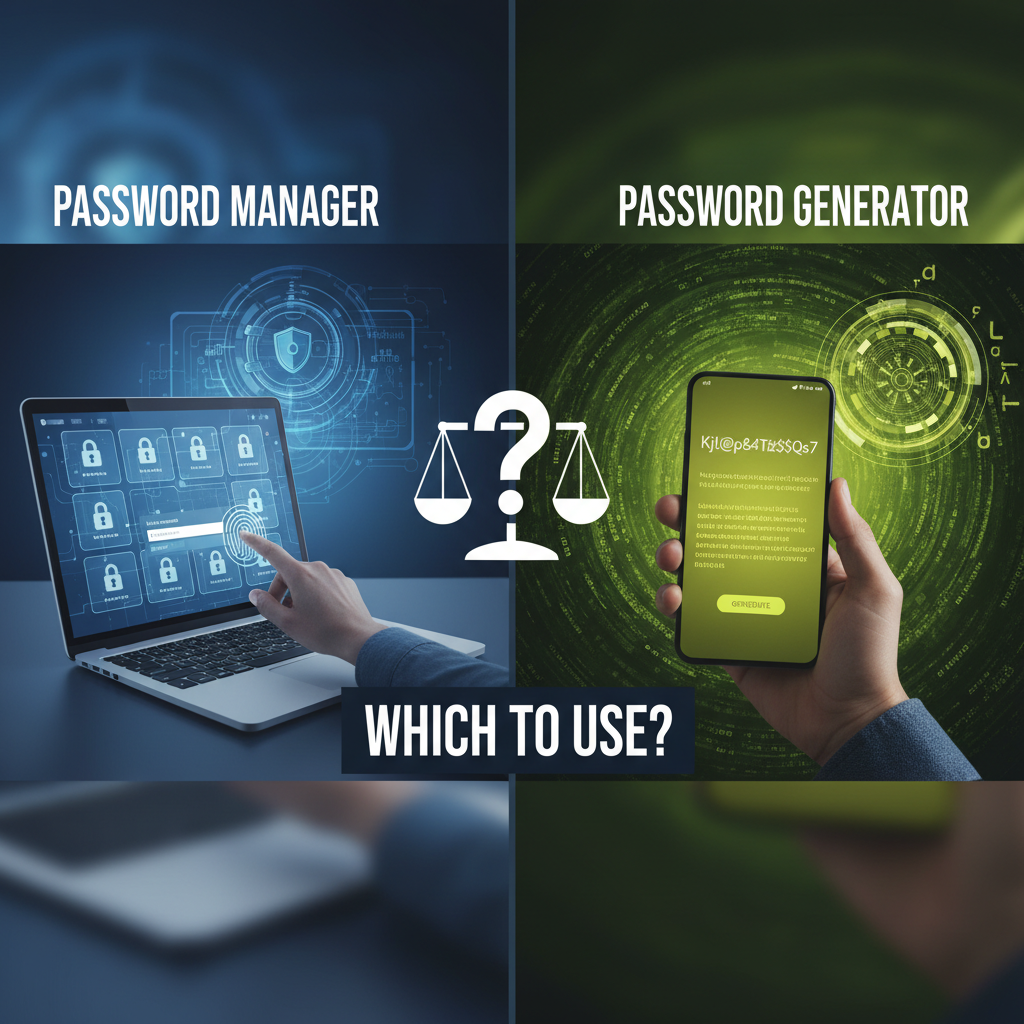
The Crucial Role of Digital Security: Understanding the Password Manager vs Generator Comparison Security Debate
In the modern digital landscape, the strength of your passwords is the frontline defense against cyber threats. Yet, relying on memory to create and recall dozens of complex, unique passwords is a recipe for disaster. This realization has driven the popularity of two essential tools: the password generator and the password manager. While often mentioned together, they serve distinctly different, though complementary, purposes.
Many users mistakenly believe these terms are interchangeable, but understanding the core functions is vital for establishing robust online security. This detailed password manager vs generator comparison security guide will break down what each tool does, how they differ, and, most importantly, how to combine them for maximum protection. By the end of this article, you will have the knowledge to implement a comprehensive password strategy that shields your sensitive data from unauthorized access.
The goal is not just to create strong passwords, but to manage and deploy them effectively across every platform you use, ensuring no single breach compromises your entire digital identity. Let's dive into the fundamentals of these two critical security components.
Understanding the Fundamentals: What is a Password Generator?
A password generator is a utility designed with a singular focus: creating random, high-entropy strings of characters that meet specified security criteria. These tools are crucial because human-generated passwords often rely on predictable patterns, dates, or dictionary words, making them susceptible to brute-force attacks and dictionary attacks.
When you utilize a Password Generator, you typically define parameters such as length (usually 16 characters or more is recommended), and the inclusion of various character types: uppercase letters, lowercase letters, numbers, and symbols. The generator then uses cryptographic randomness to produce a truly unique and unpredictable password.
If you are looking for an immediate solution to create robust, unique strings, a dedicated Password Generator is essential. However, the generator's utility ends once the password is created. It does not store the output, nor does it assist in retrieving or auto-filling the credential later. Its function is purely creation.
Key Characteristics of a Standalone Generator
- Function: Creation of random, high-entropy passwords.
- Output: A static string of characters.
- Security Benefit: Maximizes password strength and unpredictability.
- Limitation: Requires the user to manually copy, paste, and securely store the generated password.
Understanding the Fundamentals: What is a Password Manager?
A password manager is a secure digital vault that stores, organizes, and retrieves all your login credentials, sensitive notes, and sometimes even credit card information. It operates under a "zero-knowledge" architecture, meaning only you, through a single Master Password, have access to the encrypted data within the vault.
The primary benefit of a password manager is the convenience and security it offers by eliminating the need to reuse passwords or rely on easily guessable variations. By integrating browser extensions or mobile apps, a manager can automatically fill in login forms, saving significant time and reducing the risk of phishing attempts (since it only fills credentials on verified URLs).
Crucially, most modern password managers include an integrated password generator. This fusion of creation and storage is why the password manager vs generator comparison security often leans towards the manager as the more comprehensive solution.
Core Functions of a Password Manager
Secure Storage & Encryption
Utilizes strong encryption standards (like AES-256) to protect stored data. Data is encrypted locally before being synced to the cloud, accessible only via your Master Password.
Auto-Fill and Auto-Login
Automatically detects login fields and securely inputs credentials, eliminating manual entry and protecting against keyloggers.
Integrated Generation
Includes a built-in generator to instantly create and save new, complex passwords directly into the vault upon account registration or password change.
Security Auditing & Alerts
Scans your stored passwords for weaknesses, duplicates, or known breaches (e.g., if a password has appeared in a data dump), prompting you to update compromised credentials.
Password Manager vs Generator Comparison Security: Key Differences in Functionality
While the generator is a hammer—a specialized tool for a single task—the manager is a comprehensive toolbox. The fundamental difference lies in scope and automation. A generator solves the creation problem; a manager solves the creation, storage, retrieval, and maintenance problem. This distinction is paramount when assessing overall digital safety.
Generator Focus
- Primary Goal: Randomness and entropy.
- Storage: None; user must handle storage.
- Automation: Low; manual copy/paste required.
- Use Case: Quick, one-off password creation.
Manager Focus
- Primary Goal: Comprehensive lifecycle management.
- Storage: Highly secure, encrypted vault.
- Automation: High; auto-fill, auto-sync, auto-generate.
- Use Case: Daily management of all digital credentials.
The security implications of this comparison are significant. Without a manager, even the strongest password created by a generator is useless if the user writes it down on a sticky note or reuses a slightly modified version across multiple sites. The manager enforces best practices by making unique, complex passwords easy to use.
The Security Advantage of Integration
When discussing password manager vs generator comparison security, the most powerful strategy involves using a manager that incorporates a generator. This integration removes the "human factor" from the security chain. Humans are notoriously bad at generating and managing random data. The integrated manager handles:
- Generating a robust, unique password (the generator function).
- Immediately saving that password securely (the manager function).
- Applying that password automatically when needed (the manager function).
This seamless workflow ensures that every account benefits from maximum entropy without burdening the user with memorization or manual entry. Furthermore, managers often support Multi-Factor Authentication (MFA), sometimes even storing TOTP tokens, adding an essential second layer of protection beyond the password itself. According to the Cybersecurity and Infrastructure Security Agency (CISA), using strong, unique passwords combined with MFA is one of the most effective ways to prevent account compromise. Using strong passwords is foundational to cyber hygiene.
When to Use Which Tool: Strategic Password Management
While the password manager is the superior comprehensive tool for long-term security, there are specific scenarios where a standalone generator might suffice, although these are increasingly rare.
Scenario 1: Full-Scale Digital Protection (Recommended)
Tool to Use: Password Manager (with integrated generator).
For 99% of users, the manager is the necessary tool. It ensures that the high-entropy passwords created by the generator are immediately secured and available across all devices. This is the only way to effectively manage hundreds of unique credentials required in modern life. It provides continuous auditing and breach monitoring, which is critical for proactive defense.
Scenario 2: Quick, Temporary Credential Creation
Tool to Use: Standalone Password Generator.
If you need a highly secure, one-time-use password for a system that doesn't allow storage or requires a unique encryption key you plan to store offline (e.g., generating a strong SSH key passphrase or a one-time encryption key for a file backup), a standalone generator offers speed and simplicity. However, you must immediately establish your own secure storage mechanism.
Implementing a Comprehensive Password Protection Strategy
Achieving top-tier digital security requires more than just installing a tool; it requires a strategy. Combining the creation power of a generator with the management power of a manager is the gold standard.
Actionable Steps for Maximum Security
1. Establish the Master Key
Choose an incredibly long, complex, and unique Master Password for your manager. This is the single key that protects everything. Never reuse this password anywhere else.
2. Activate MFA Everywhere
Implement Multi-Factor Authentication on your password manager itself, and on every primary account (email, banking, social media). Use an authenticator app (often integrated into the manager) rather than SMS for stronger security.
3. Audit and Replace
Run a security audit within your password manager. Replace all weak, reused, or compromised passwords immediately, using the integrated generator to create 16+ character unique strings for every service.
4. Stay Vigilant
Regularly check your manager's reports for potential breaches and update passwords proactively. Remember that security is an ongoing process, not a one-time setup.
A key principle in security is preventing the compromise of data at rest and in transit. By using a reputable password manager, you are relying on established cryptographic standards to protect your data. For instance, the Open Web Application Security Project (OWASP) emphasizes the importance of strong credential management as a critical component of application security. Broken Authentication remains a top risk, often stemming from poor password practices.
The Final Verdict: Which Tool Should You Prioritize?
While the generator is an invaluable component, the password manager is the necessary system for modern online life. The manager provides the comprehensive framework needed to sustain the high security standards set by the generator. Without the management system, the best passwords in the world are often forgotten, reused, or stored insecurely.
In the context of password manager vs generator comparison security, the manager is the long-term strategic investment, offering not only creation but also defense, organization, and peace of mind. Prioritize adopting a robust password manager that includes a high-quality, configurable generator.
By making this commitment, you move beyond merely hoping your passwords are safe and actively ensure they meet the highest standards of entropy and are protected by layers of encryption and authentication. This transition from manual password handling to automated, vault-based security is arguably the most impactful step an individual or organization can take to mitigate cyber risk.
FAQs
A password generator is a tool solely focused on creating complex, random passwords (creation). A password manager is a comprehensive system that includes a generator, but also securely stores, organizes, syncs, retrieves, and audits all your credentials (management and storage).
Yes, generally. While standalone generators can create equally strong passwords, using the integrated generator within a manager is safer because the generated password is automatically saved into the encrypted vault without requiring manual copy/pasting, which reduces exposure to potential threats like clipboard hijacking or keylogging.
Password managers rely on strong, industry-standard encryption (like AES-256) and a zero-knowledge architecture. This means the encryption and decryption happen locally on your device, and the service provider cannot access your vault data, even if their servers are breached. The security hinges on the strength of your unique Master Password.
Absolutely. MFA is a critical second layer of defense. Even if an attacker somehow compromises your Master Password, MFA prevents them from accessing your vault or primary accounts. Most security experts recommend implementing MFA on the manager itself and all high-value accounts (email, banking).
Many reputable password managers offer excellent free tiers, often limited by features like multi-device sync or advanced sharing capabilities. As long as the tool uses strong, transparent encryption standards and is well-reviewed by security professionals, the free tier can be a secure starting point for basic credential management.
Read Also:
- Finding the Best Rates: Your Ultimate Guide to Using a Forex Currency Converter for NRI Remittance
- Simon Says Game
- Speed Convertor
- 7 Proven Retirement Plans Avoiding Future Regret
- 7 Game-Changing Strategies Using a QR Code Generator in 2025
- The Ultimate Seconds Conversion Chart: Formulas & Tables (2026 Guide)
- PAK to BIN Converter Online: The Ultimate 2026 Safety Guide
- Your 2026 Temperature Conversion Guide
- Your 2026 Brand Naming Secret Weapon
- Change Case in Excel: 5 Pro Methods for Flawless Data (2026)
- Targeta de Crédito Falsa Generar: The 2026 Guide to Safe Test Cards
- Biological Age Test: What’s Your Real Age? (2026 Guide)
- Unlock PDFs in 2026: Your Ultimate Guide
- Your 2026 Money Makeover Plan
- Master Your Retirement in 2026

