
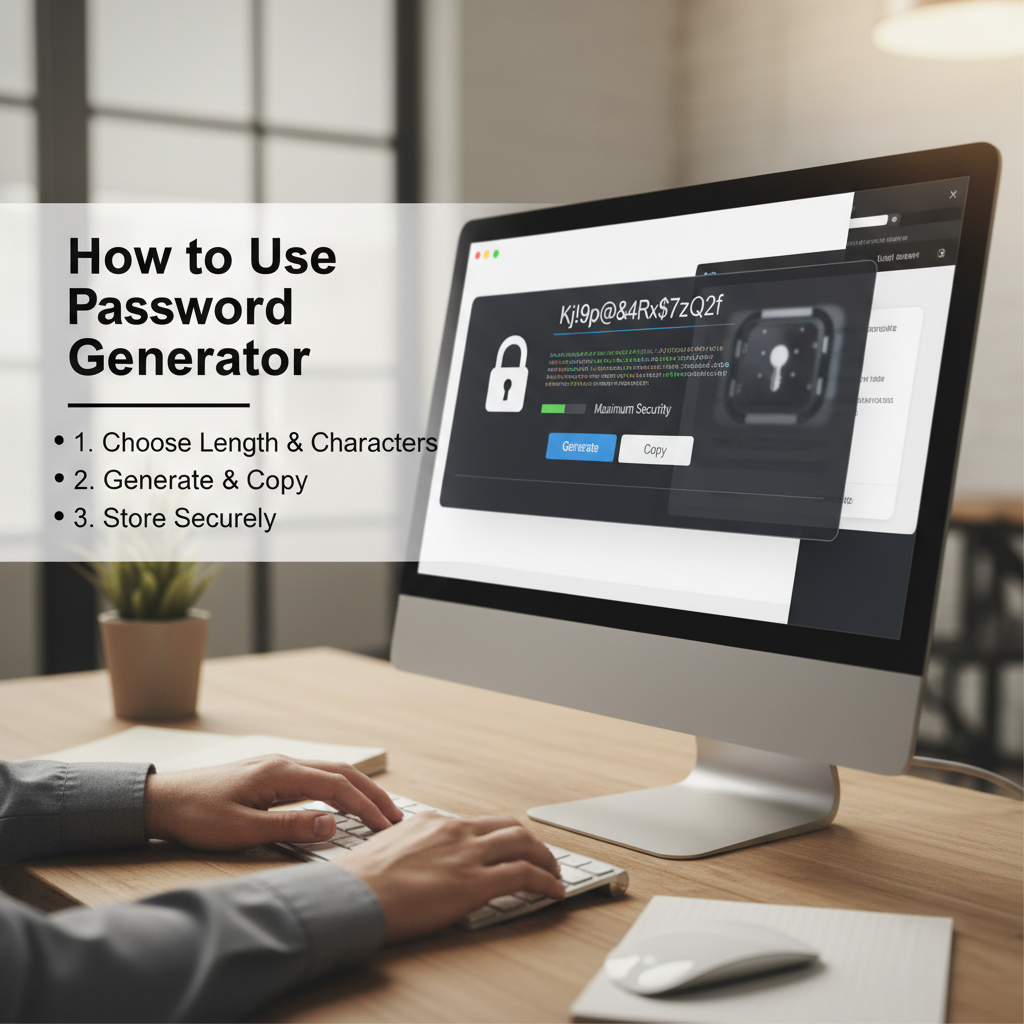
The Imperative Need for Automated Password Generation
In the rapidly evolving digital landscape of 2026, relying on human-created passwords is akin to leaving the front door unlocked. Cyber threats are becoming increasingly sophisticated, leveraging brute-force attacks and dictionary lists that can crack simple, predictable passwords in seconds. The single most effective countermeasure against these attacks is high-entropy, complex password creation—and that is precisely where automated tools come in.
This guide provides a comprehensive breakdown of how to use password generator security tools not just to create strong credentials, but to integrate them seamlessly into your overall digital defense strategy for maximum protection.
The core challenge for users is balancing memorability with complexity. Since humans prioritize the former, passwords often lack the necessary randomness. Password generators eliminate this human bias, ensuring every credential is unique, long, and unpredictable. Understanding how to use password generator security effectively is the cornerstone of modern personal and corporate cybersecurity.
Why Manual Passwords Fail and How to Use Password Generator Security
The primary flaw in human password creation is pattern recognition. We reuse names, dates, simple substitutions (like ‘P@$$w0rd1’), or predictable sequences. Attackers know these patterns and exploit them using specialized cracking software.
Understanding Password Entropy
Entropy measures the randomness and unpredictability of a password, calculated based on its length and the size of the character set used (uppercase, lowercase, numbers, symbols). A high-entropy password requires exponentially more computational power to crack. While a human might generate 8-12 character passwords using limited character sets, a generator can easily create 20+ characters spanning all possible sets, drastically increasing the time required for a successful brute-force attack from minutes to millennia.
As security experts often state, “The strongest password is the one you don’t know and can’t remember.”
Essential Features of a High-Security Password Generator
Not all generators are created equal. To ensure maximum security, you must select a tool that meets stringent criteria for randomness and customization. Knowing how to use password generator security starts with selecting the right utility.
High-Entropy Randomness
The generator must use cryptographically secure pseudo-random number generators (CSPRNGs) or true random number generators (TRNGs). Look for generators that incorporate hardware-based entropy sources if possible, ensuring true unpredictability.
Customizable Character Sets
A good tool allows you to explicitly include or exclude specific character types: uppercase letters (A-Z), lowercase letters (a-z), numbers (0-9), and special symbols (!@#$%^&*). Maximum coverage ensures maximum complexity.
Minimum Length Requirement
While 12 characters used to be standard, modern security standards recommend a minimum of 16 characters for high-value accounts. Ensure the generator allows settings up to 30 or more characters to future-proof your credentials.
Avoidance of Common Patterns
The tool should have algorithms that prevent the inclusion of dictionary words, common sequences (e.g., ‘1234’), or repetitive characters (e.g., ‘aaaa’).
Step-by-Step Guide: How to Use Password Generator Security Effectively
Generating a password is only the first step. The true security comes from the process of generation, storage, and deployment. Follow these steps to maximize your protection:
- Set the Length and Complexity: Always aim for the maximum length allowed by the service, ideally 16+ characters. Check all available character sets (uppercase, lowercase, numbers, symbols).
- Utilize a Trusted Tool: For reliable, high-entropy passwords, you should utilize a trusted utility, such as our dedicated Password Generator Tool. This ensures the underlying algorithms are secure and transparent.
- Generate and Verify Uniqueness: Generate the password. Crucially, this password must never have been used before and must be unique to the service it is protecting.
- Immediate and Secure Storage: Never write the generated password down on paper or store it in an unencrypted file. Immediately copy the generated password and paste it directly into a reputable, zero-knowledge password manager (e.g., 1Password, Bitwarden, LastPass).
- Deployment and Confirmation: Use the password manager to autofill the credential on the target service. Confirm that the service accepted the complex string without issue.
Maximizing Protection: Beyond Generation
A generated password is only as secure as its environment. Even the most complex 25-character string can be compromised if stored poorly or if the access vectors are weak. Here is how to use password generator security in conjunction with other crucial defense layers.
The Critical Role of Password Managers
If you generate a unique, complex password for every service, you cannot possibly remember them all. This is why password managers are mandatory. They act as encrypted vaults, storing your generated credentials and requiring only one strong master password (which should also be generated and highly complex).
Password managers mitigate risks associated with keylogging (by using autofill) and phishing (by verifying the site URL before filling credentials). They are the essential link between generation and daily usability.
Implementing Multi-Factor Authentication (MFA)
MFA, often referred to as Two-Factor Authentication (2FA), is the single greatest defense against compromised passwords. Even if an attacker somehow obtains your generated password, they cannot access the account without the second factor (typically a temporary code from an authenticator app or a physical security key).
According to the Cybersecurity and Infrastructure Security Agency (CISA), implementing MFA can block over 99% of account compromise attacks. Always enable the strongest available form of MFA, prioritizing hardware keys or authenticator apps over SMS codes.
The combination of a unique, generated password and mandatory MFA ensures that even if one layer fails, the other holds firm. This layered defense is paramount for robust security in 2026.
Common Pitfalls to Avoid When Using Password Generators
While generators provide tremendous security benefits, user error in deployment can negate these advantages. Knowing what not to do is just as important as knowing how to use password generator security tools correctly.
Pitfall 1: Reusing Generated Passwords
The Risk: Credential Stuffing
If you use the same generated password across multiple sites, a breach on one low-security site immediately compromises all others. Every account must have a unique, generated password.
Pitfall 2: Storing Passwords Insecurely
The Risk: Local Compromise
Storing generated passwords in browser autofill, unencrypted spreadsheets, or cloud notes exposes them to local malware and remote access. Use only zero-knowledge, encrypted password managers.
Pitfall 3: Using Weak Master Passwords
The Risk: Vault Access
The master password for your vault is the single key to your digital life. If it is weak, all the generated complexity inside the vault is useless. This master key must be the longest, most complex generated credential you possess, stored only in your memory or an extremely secure physical backup.
Future-Proofing Your Digital Identity: The 2026 Security Landscape
As technology advances, so do the threats. In the near future, quantum computing poses a theoretical risk to current encryption standards. While immediate quantum attacks are unlikely, adopting forward-thinking security practices is vital.
One key strategy is the continuous rotation of generated passwords. While the traditional advice was to change passwords only after a breach, modern security favors periodic changes (e.g., every 6–12 months for high-value accounts) to mitigate the risk of long-term credential exposure from unknown breaches.
Furthermore, look for password managers and generators that are beginning to integrate or discuss post-quantum cryptography standards. Adhering to guidelines from organizations like the National Institute of Standards and Technology (NIST) ensures you maintain a baseline of robust security practices. NIST guidance on digital identity provides excellent resources for staying ahead of evolving standards.
Auditing Your Generated Credentials
Many advanced password managers now include built-in audit features. These tools scan your stored credentials for common weaknesses, duplicates, or passwords that have appeared in known data breaches (via databases like Have I Been Pwned). Regularly running these audits and replacing any compromised or weak generated passwords is an essential maintenance task in mastering how to use password generator security.
By treating generated passwords as disposable, high-value assets that must be managed and rotated, you ensure that your digital identity remains resilient against the sophisticated threats projected for 2026 and beyond.
Conclusion
The era of simple, memorable passwords is over. Mastering how to use password generator security is no longer optional; it is a fundamental requirement for digital citizenship. By choosing a high-quality generator, mandating 16+ character lengths, utilizing secure password managers, and rigorously enforcing MFA, you build a layered defense that can withstand the vast majority of modern cyberattacks.
Take control of your digital security today by replacing every weak or reused password with a unique, high-entropy credential generated by a trusted tool. Your protection depends on consistency and complexity.
FAQs
Most reputable online password generators are safe, provided they generate the password client-side (in your browser) and do not transmit the generated password over the internet. To be absolutely certain of security, use generators built directly into trusted password managers or reputable security tools. Always avoid generators that require you to download software or provide personal information.
While standards vary, for maximum security in 2026, a password should ideally be a minimum of 16 characters long. For high-value accounts (banking, primary email, or master vault key), aim for 20 to 30 characters, ensuring the inclusion of all four character sets: uppercase, lowercase, numbers, and symbols.
Yes, though the frequency depends on the account’s sensitivity. While older guidance suggested changing passwords only after a breach, modern security practices, especially for critical accounts, favor periodic rotation (every 6-12 months) as a preventative measure. The crucial element is ensuring the new generated password is completely unique and stored securely in a password manager.
A generated password (e.g., A!t$b9Xp@3LzRk7S) emphasizes high complexity and randomness, making it difficult for machines to guess. A passphrase (e.g., correct-horse-battery-staple) emphasizes length and uses multiple unrelated words, making it easier for humans to remember but still complex due to length. While passphrases are strong, generated passwords offer superior entropy when managed by a password manager.
Including special characters greatly increases the size of the character set (the pool of possible characters), thus dramatically boosting the password’s entropy. For example, moving from 62 characters (A-Z, a-z, 0-9) to 94 characters (including symbols) significantly increases the number of attempts an attacker needs to make, exponentially increasing security.
Read Also:
- Color Palette Generator Tools: The Ultimate Guide for Designers
- Mastering Your Digital Identity: The Ultimate Creative Username Generator for Gaming Profiles 2026 Guide
- How to Use Keyword Research Tools: A Comprehensive Beginner’s Tutorial
- Mastering the GST Calculation Formula: Practical Examples for India Business Success
- 10 Essential File Converter Strategies: The Ultimate Guide to Managing Digital Formats
- 7 Powerful Ways a Retirement Calculator Can Secure Your Financial Future
- 7 Powerful Ways a Grammar Checker Transforms Your Writing Success
- Master the Math: How to Convert Tenths to Inches (2026 Guide)

