
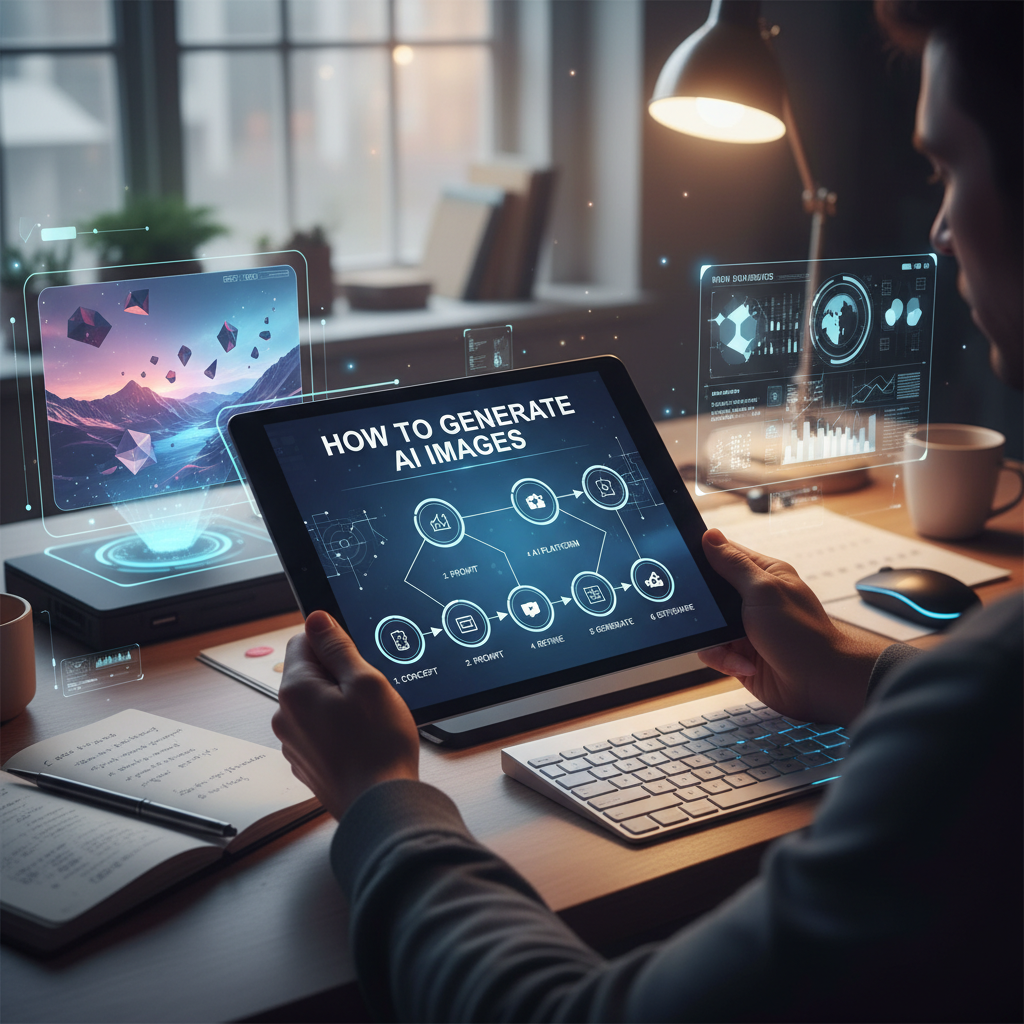
The New Era of Digital Creativity
In the last few years, the landscape of digital art has undergone a seismic shift. If you have ever wondered how to generate AI images, you are not alone. Millions of creators, marketers, and hobbyists are now using artificial intelligence to turn simple text descriptions into breathtaking visuals. This technology, powered by neural networks and massive datasets, allows anyone to become an artist without ever picking up a physical brush. Whether you need a realistic portrait, a futuristic landscape, or a technical sketch, mastering how to generate AI images is a skill that can significantly boost your creative output and productivity.
The process might seem like magic, but it is actually a structured interaction between human intent and machine learning. By providing a ‘prompt’—a written instruction—you guide the AI through a process called diffusion, where it clears up a noisy image into a coherent masterpiece. In this guide, we will walk you through everything from the basic concepts to advanced prompt engineering, ensuring you have the tools to create professional-grade visuals in minutes.
Why You Should Learn How to Generate AI Images Today
The demand for high-quality visual content is higher than ever. From social media posts to blog headers, visuals drive engagement. Learning how to generate AI images allows you to bypass expensive stock photo subscriptions and long wait times for commissioned art. Instead, you can generate exactly what you need, when you need it.
Speed is perhaps the most significant advantage. What used to take a professional graphic designer hours or days can now be prototyped in seconds. This allows for rapid iteration. If the first result isn’t perfect, you can simply tweak your prompt and try again. Furthermore, AI tools are becoming increasingly integrated into professional workflows. For instance, if you are looking for powerful thumbnail hacks for your YouTube channel, AI-generated backgrounds can give you a competitive edge that generic stock photos simply cannot match.
Cost Efficiency
Eliminate the need for high-end equipment or expensive software licenses. Most AI tools offer generous free tiers or affordable monthly plans.
Infinite Variety
AI doesn’t get ‘creative block.’ You can generate thousands of variations of a single concept, from steampunk to minimalism, in seconds.
Accessibility
You don’t need to know how to draw or paint. If you can describe it in words, the AI can visualize it for you, democratizing the world of art.
Choosing the Best Tools: How to Generate AI Images with High Quality
Not all AI generators are created equal. Some excel at photorealism, while others are better for abstract art or technical drawings. When deciding how to generate AI images, you must choose a tool that fits your specific needs. Popular options like Midjourney are known for their artistic flair, while DALL-E 3 is praised for its incredible prompt adherence and ease of use through ChatGPT.
However, for those who want a streamlined, web-based experience without complex discord commands, specialized tools are often the better choice. For example, the Adobe Firefly engine is fantastic for commercial use, while DALL-E 3 remains a top contender for general creativity. Choosing the right platform is the first step in mastering how to generate AI images that actually serve your purpose.
Mastering Styles: How to Generate AI Images in Different Artistic Mediums
One of the most exciting aspects of AI is its ability to mimic virtually any artistic style. You can instruct the AI to produce an oil painting in the style of Van Gogh, a 3D render using Unreal Engine 5, or a simple pencil sketch. Understanding these styles is crucial when learning how to generate AI images that look intentional rather than accidental. For designers, combining these styles with a solid understanding of color theory is vital; you might even use a color palette generator guide to help define the specific hex codes you want the AI to emphasize in its creation.
Step-by-Step Tutorial: How to Generate AI Images Using Tools River
Tools River provides a powerful and accessible suite of tools for creators. Specifically, their Image to Sketch Converter is a unique way to explore the world of AI-driven transformation. While traditional generators create images from scratch, this tool allows you to take existing photos and reimagine them through an AI lens. Here is how to use it effectively.
- Access the Tool: Navigate to the Tools River Image to Sketch Converter. The interface is clean and designed for quick navigation.
- Upload Your Base Image: Choose a high-resolution photo. The clearer the original image, the better the AI can interpret the edges and shadows for the sketch.
- Select Your Style Settings: The tool allows you to define the intensity of the sketch. Do you want a light pencil drawing or a heavy charcoal look? Selecting the right parameters is key to how to generate AI images that fit your aesthetic.
- Run the Conversion: Click the generate button. The AI analyzes the pixels and redraws them based on artistic principles.
- Refine and Download: Once the image is generated, review the details. If it’s too dark, you may need to adjust the brightness of your original photo and re-upload.
This specific tool is excellent for architects, storyboard artists, or anyone who needs to turn a complex photo into a simplified, professional-looking diagram or piece of art. It demonstrates that learning how to generate AI images isn’t just about text; it’s about transforming existing data into new creative formats.
Advanced Prompt Engineering: How to Generate AI Images with Precision
The difference between a mediocre AI image and a stunning one usually lies in the prompt. Prompt engineering is the art of talking to the AI in a language it understands. When you are learning how to generate AI images, you should follow a specific formula: Subject + Action + Setting + Style + Lighting + Composition.
Instead of typing “a cat,” try “A majestic Maine Coon cat (subject) sitting on a velvet throne (action/setting) in a dark gothic castle, digital art style (style), dramatic rim lighting (lighting), wide-angle shot (composition).” The more detail you provide, the less the AI has to guess. This precision is the secret to how to generate AI images that look exactly like what you envisioned in your mind.
Use Descriptive Adjectives
Instead of ‘big,’ use ‘colossal’ or ‘monolithic.’ Specificity helps the AI choose the right textures and scales.
Define the Camera
Mentioning ’35mm lens,’ ‘depth of field,’ or ‘bokeh’ tells the AI to simulate real-world photography physics.
Avoid Negatives
AI often struggles with ‘no’ or ‘without.’ Instead of ‘no trees,’ try ‘a barren desert’ or ‘an empty cityscape.’
Refinement Tips: How to Generate AI Images that Look Professional
Rarely is the first generation perfect. To truly master how to generate AI images, you must learn the art of refinement. Many tools offer ‘variations’ or ‘upscaling.’ Upscaling is particularly important because it increases the resolution and adds fine details that weren’t present in the initial low-res thumbnail. If a hand has six fingers (a common AI quirk), you can use ‘in-painting’ to highlight that specific area and ask the AI to regenerate just that part. This iterative process is how professionals achieve high-end results.
Common Mistakes to Avoid
When beginners first learn how to generate AI images, they often fall into a few common traps. The most frequent mistake is being too vague. Vague prompts lead to generic, ‘stock-photo-ish’ results. Another mistake is ignoring the aspect ratio. If you are creating a wallpaper, you need a 16:9 ratio; for Instagram, a 1:1 or 4:5 ratio is better. Most AI tools allow you to set this with a simple command like ‘–ar 16:9’.
Furthermore, don’t forget about the importance of ‘negative prompts’ if your tool supports them. These are things you explicitly do not want in the image, such as ‘blurry,’ ‘distorted,’ or ‘low resolution.’ Mastering these nuances is a big part of understanding how to generate AI images at a high level.
The Ethics and Future of AI Art
As you explore how to generate AI images, it is important to stay informed about the ethical considerations. AI models are trained on vast amounts of data, which has sparked conversations about artist rights and copyright. Always ensure that your use of AI-generated content complies with the terms of service of the platform you are using. As the technology evolves, we can expect even more control, perhaps even moving into AI-generated video and 3D environments that are indistinguishable from reality.
Expert designers often say, “AI won’t replace artists, but artists who use AI will replace those who don’t.” This sentiment highlights the importance of staying ahead of the curve. By integrating these tools into your workflow now, you are future-proofing your creative career.
FAQs
This depends on the tool’s terms of service. Most paid plans for tools like Midjourney or Adobe Firefly grant you commercial rights, but always check the specific license before selling the work.
AI models understand patterns but don’t always understand the underlying anatomy or physics. As models improve, these ‘hallucinations’ are becoming less common, and they can often be fixed with in-painting tools.
No. Most modern AI generators run on the cloud. You only need a standard web browser and an internet connection to use platforms like Tools River or DALL-E.
The best way is through experimentation. Study ‘prompt galleries’ where other users share their results and the exact text they used to achieve them.
Most platforms have a credit system or a daily limit on their free tiers. Paid subscriptions usually offer faster processing and higher generation limits.
Conclusion
Mastering how to generate AI images is a journey of discovery and technical skill. By understanding the basics of how these models work, choosing the right tools like the Tools River Image to Sketch Converter, and honing your prompt engineering skills, you can unlock a world of infinite creative possibilities. Remember that the AI is a tool, an extension of your own creativity. The more clearly you can communicate your vision, the more impressive your results will be. Start experimenting today, and watch your ideas come to life in ways you never thought possible.

