
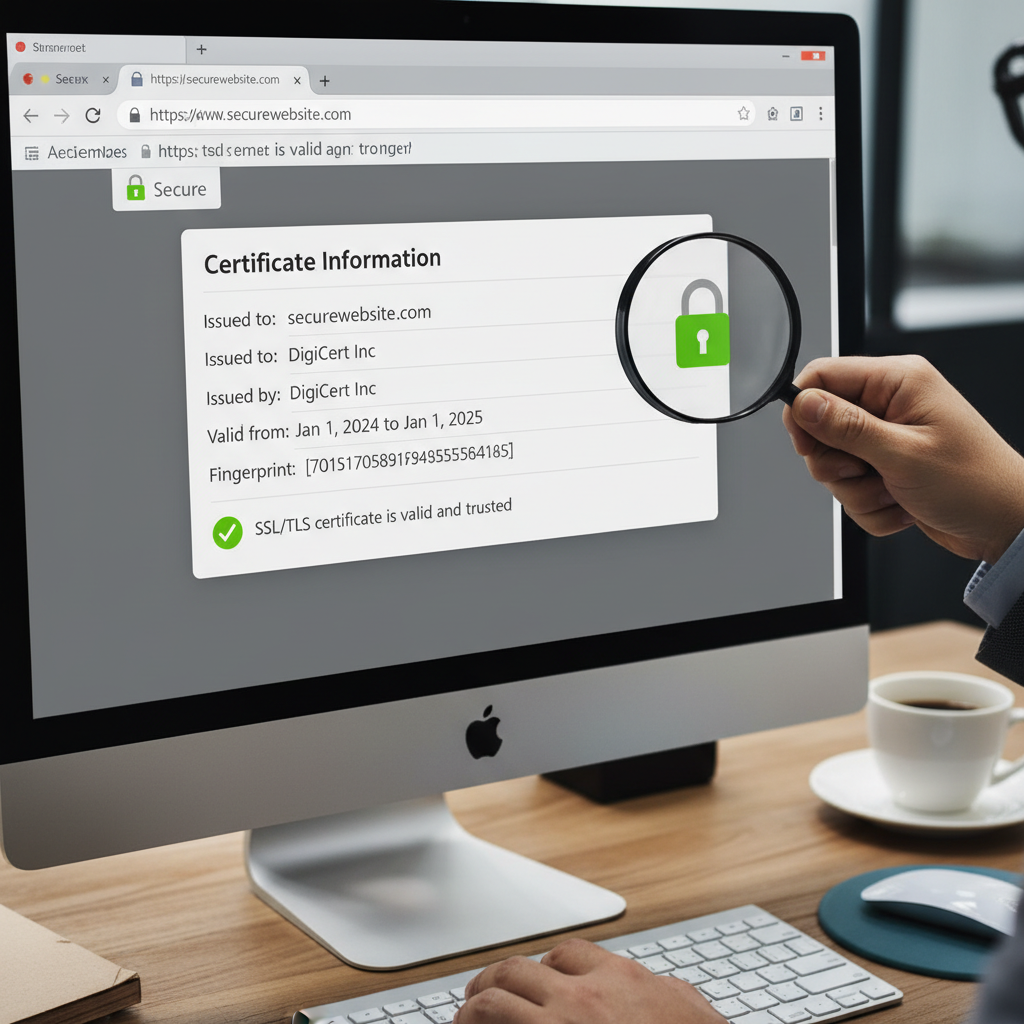
The Importance of SSL Verification in Today’s Digital Landscape
In an age where data breaches are rampant and phishing scams lurk behind every corner, ensuring the legitimacy and security of the websites you visit is paramount. How do you know if the site you’re about to enter your password or credit card details into is trustworthy? The answer lies in robust SSL verification. Using a dedicated check if website is safe tool has become a necessity, not just for security professionals, but for everyday users.
SSL (Secure Sockets Layer), or its successor TLS (Transport Layer Security), is the foundational technology that encrypts the connection between a web server and a browser. Verification is the process of confirming that the digital certificate presented by the website is valid, current, and issued by a recognized Certificate Authority (CA). If you are looking for a reliable way to check if website is safe tool options provide instant feedback on these critical security factors.
The primary goal of this verification process is identity assurance. It confirms that the server you are talking to is, in fact, the owner of the domain name it claims to be, preventing Man-in-the-Middle attacks and ensuring data integrity. Ignoring these checks is equivalent to leaving your front door unlocked in a bustling city.
Understanding SSL Verification: Why You Need a Reliable Check If Website Is Safe Tool
SSL verification isn’t just about seeing the padlock icon in your browser bar. While the padlock is the most visible indicator, the verification process involves a complex series of steps known as the SSL handshake. This handshake must be successfully completed before any secure data transfer begins.
The Core Function of SSL/TLS and the Handshake
When your browser requests a secure page (HTTPS), the server responds by sending its SSL certificate. The browser then immediately begins verification. It checks:
- Expiration Date: Is the certificate still valid?
- Revocation Status: Has the CA revoked the certificate due to compromise?
- Domain Match: Does the certificate common name match the domain name you typed?
- Trust Chain: Is the certificate signed by a root CA that is trusted by your operating system or browser?
If any of these checks fail, your browser displays a prominent security warning, often preventing you from proceeding. However, malicious actors are getting smarter, sometimes deploying expired or self-signed certificates that don’t immediately trigger obvious browser warnings to the average user. This is where a dedicated check if website is safe tool provides deeper insights, running diagnostics that go beyond basic browser checks.
Identifying Red Flags Without a Dedicated Tool
While tools offer comprehensive verification, there are some basic indicators you should always look for:
- Missing Padlock: If you see “Not Secure” or the HTTP protocol in the address bar, leave immediately.
- Mixed Content Warnings: Some secure sites might load insecure elements (like images or scripts) via HTTP. Browsers usually flag this as insecure, weakening the encryption.
- Mismatched Domain Name: If the certificate details show a domain name different from the one displayed in the address bar, it’s a significant threat signal.
The Mechanics of SSL Handshake and Trust Validation
The trust model of the internet relies heavily on Certificate Authorities (CAs). These organizations issue digital certificates, essentially guaranteeing that the public key belongs to the entity listed in the certificate. When a browser verifies a certificate, it is verifying the CA’s signature.
Step 1: Client Hello
The browser sends the server its supported SSL/TLS versions, cipher suites, and a random byte string.
Step 2: Server Hello & Certificate
The server selects the best cipher suite, sends its own random string, and delivers its digital SSL certificate, signed by the CA.
Step 3: Key Exchange
The browser validates the certificate against its list of trusted CAs and uses the server’s public key to encrypt a secret key (pre-master secret).
Step 4: Secure Connection
Both parties now use the derived shared secret key to encrypt all subsequent communication, initiating the secure HTTPS session.
As cybersecurity expert Bruce Schneier famously noted, “Security is a process, not a product.” This process includes continuous monitoring of certificate health, which is challenging to do manually. A sophisticated check if website is safe tool automates the inspection of the entire trust chain, ensuring the integrity of the root certificate all the way down to the leaf certificate presented by the website.
Choosing and Using a Check If Website Is Safe Tool for Advanced Analysis
While the browser offers basic validation, specialized tools provide a comprehensive diagnostic report, revealing potential vulnerabilities that might otherwise go unnoticed. These tools are crucial for website owners ensuring compliance and for users performing deep security due diligence before making major transactions.
A high-quality check if website is safe tool verifies elements like Certificate Transparency (CT) logs, which helps prevent CAs from issuing fraudulent certificates without public record. It also tests the server configuration, looking for support for outdated or weak protocols (like SSLv3 or obsolete ciphers) that could expose the connection to compromise. For a full diagnostic report on any site’s security status, utilizing an SSL Certificate Checker is highly recommended.
What Advanced Tools Look For (Certificate Chain, Expiry, Revocation)
When you use a security auditing tool, it performs three major checks that are crucial for full verification:
- Chain of Trust Validation: It ensures that the Intermediate Certificate Authority (ICA) and the Root Certificate Authority (RCA) are correctly linked and present. A broken chain often leads to “untrusted connection” errors, even if the primary certificate is valid.
- OCSP/CRL Checks: Online Certificate Status Protocol (OCSP) and Certificate Revocation Lists (CRL) are used to determine if the certificate has been explicitly revoked by the CA before its expiration date. This is vital if the CA suspects the private key has been compromised.
- Configuration Strength: The tool assesses the server’s security headers, the supported cipher suite strength, and whether it enforces practices like HSTS (HTTP Strict Transport Security), which protects against protocol downgrade attacks.
Beyond SSL: Comprehensive Security Checks (The Full Check If Website Is Safe Tool Approach)
While SSL verification confirms identity and encryption, true website safety involves much more. A comprehensive check if website is safe tool often integrates checks for malware, phishing indicators, and domain reputation scores. This holistic view is necessary because a site can have a perfectly valid SSL certificate yet still host malicious content or be used for fraudulent activities.
For instance, Extended Validation (EV) certificates offer the highest level of assurance, requiring the CA to conduct a rigorous, manual investigation into the organization’s legal, physical, and operational existence before issuance. Knowing the type of certificate a website uses tells you a great deal about the level of scrutiny the owner has undergone.
Domain Validated (DV)
Verification Level: Lowest. Automated email confirmation to prove domain ownership.
Best For: Blogs, small informational sites, internal systems.
Trust Indicator: Basic encryption, padlock visible.
Organization Validated (OV)
Verification Level: Medium. Requires manual verification of the organization’s legal existence and address.
Best For: E-commerce stores, B2B platforms, medium-sized businesses.
Trust Indicator: High encryption, organization name listed in certificate details.
Extended Validation (EV)
Verification Level: Highest. Extensive vetting of legal, operational, and physical presence.
Best For: Banks, major financial institutions, government portals, major brands.
Trust Indicator: Highest assurance, organization details prominently displayed in the certificate information.
If you are interacting with financial or government services, always look for evidence of OV or EV certificates. This extra layer of verification significantly reduces the risk of encountering sophisticated phishing sites masquerading as legitimate entities. Organizations like the Center for Internet Security (CIS) emphasize that layered security, starting with robust authentication protocols like those offered by high-level SSL certificates, is foundational to protecting public data. CISA provides numerous resources detailing these security best practices.
Common Verification Failures and Troubleshooting
Even legitimate websites occasionally experience verification failures, causing users concern. These issues are generally technical and fall into a few categories:
- Expired Certificates: The most common issue. The site owner failed to renew the certificate before the validity period ended.
- Incorrect Server Time: If the server or the client device has the wrong time, it can incorrectly assess the certificate’s validity period.
- Missing Intermediate Certificates: The server might present its own certificate but fail to send the necessary intermediate certificates that link it back to the trusted root CA. This breaks the chain of trust.
- Subdomain Mismatch: Using a certificate intended for the main domain (e.g., example.com) on a subdomain (e.g., test.example.com) without proper wildcards or SAN (Subject Alternative Name) entries.
If you encounter a persistent verification error on a site you believe should be safe, first try clearing your browser cache or checking your device’s time settings. If the error persists, the issue lies with the server configuration, and the site owner needs to use a diagnostic check if website is safe tool to identify the exact cause of the broken verification chain.
The Role of Certificate Transparency
Certificate Transparency (CT) is a relatively modern security mechanism designed to detect misissued or malicious certificates. It maintains publicly auditable logs of all SSL certificates issued by CAs. When a certificate is issued, the CA must log it publicly. Security tools and browsers can then cross-reference these logs. If a certificate is not logged, or if an unauthorized certificate is discovered, it can be flagged immediately.
This transparency is a massive leap forward in preventing fraudulent certificates from being used in phishing campaigns. When utilizing a comprehensive safety tool, always ensure it checks CT logs. This provides an additional layer of assurance that the certificate you are viewing is legitimate and part of a publicly recorded transaction.
The global shift toward HTTPS, largely driven by major browsers requiring secure connections, underlines the necessity of proper verification. As Google Chrome, Mozilla Firefox, and other leading browsers continue to tighten security standards, ensuring your site passes all verification checks is essential for maintaining SEO rankings and user trust. For more detailed insights into browser security requirements, resources like the Mozilla Security Blog offer excellent, authoritative information on current standards. Mozilla Security Blog.
Conclusion: Making SSL Verification a Priority
SSL verification is the cornerstone of online trust. While browsers provide initial safeguards, relying solely on the padlock icon is insufficient in the face of increasingly sophisticated cyber threats. Whether you are a website visitor or a site administrator, utilizing a robust check if website is safe tool is the most proactive step you can take to ensure the encryption is strong, the identity is confirmed, and the connection is truly secure. By understanding the verification process and regularly auditing connections, you maintain control over your digital safety and contribute to a more trustworthy internet ecosystem.
FAQs
SSL (Secure Sockets Layer) is the older protocol. TLS (Transport Layer Security) is the modern, more secure successor to SSL. While the term “SSL” is still widely used colloquially (e.g., “SSL certificate”), virtually all modern secure connections rely on TLS protocols (versions 1.2 or 1.3).
A security warning indicates that the SSL verification process failed. Common reasons include an expired certificate, a broken chain of trust (missing intermediate certificate), or a domain name mismatch. This warning means the browser cannot guarantee the identity of the server or the integrity of the connection.
Yes. An SSL certificate only guarantees that the connection is encrypted and the domain owner is verified (to some degree). It does not guarantee that the website content itself is safe. Malicious sites, such as phishing operations, frequently purchase valid DV certificates to appear legitimate. Always check the domain name and content, even with a padlock.
If you are a regular user, rely on your browser’s indicators for daily browsing. However, if you are planning to conduct a major transaction, sign up for a new service, or if you are suspicious of a link received via email, running a quick diagnostic using a safety tool is highly recommended. Website administrators should use these tools immediately after certificate installation and regularly throughout the certificate lifecycle to monitor for configuration errors.
A self-signed certificate is one that is signed by the website owner themselves, rather than a trusted third-party CA. Browsers do not inherently trust these certificates because there is no independent authority guaranteeing the identity. They are often used for internal testing or intranet sites but should never be used on public-facing commercial websites, as they will trigger security warnings for external users.
Read Also:
- Mastering the Art of Text Flipping: Your Comprehensive Guide to the Upside Down Text Generator
- The Ultimate Guide to Finding Your SBI IFSC Code Search by Branch and Bank Details
- Mastering Content Rewriting: Finding the Best Free Article Spinner Without Login
- The Ultimate Guide to Tracking the USD to INR Currency Converter Live Rate
- Ovulation Tracking Mastery: Finding Your Fertile Window and Using a Calculator to Know When Is the Best Time to Get Pregnant
- Quiz Funnels: Your 2026 Lead Secret
- Schema Secrets to Dominate Google in 2026

