
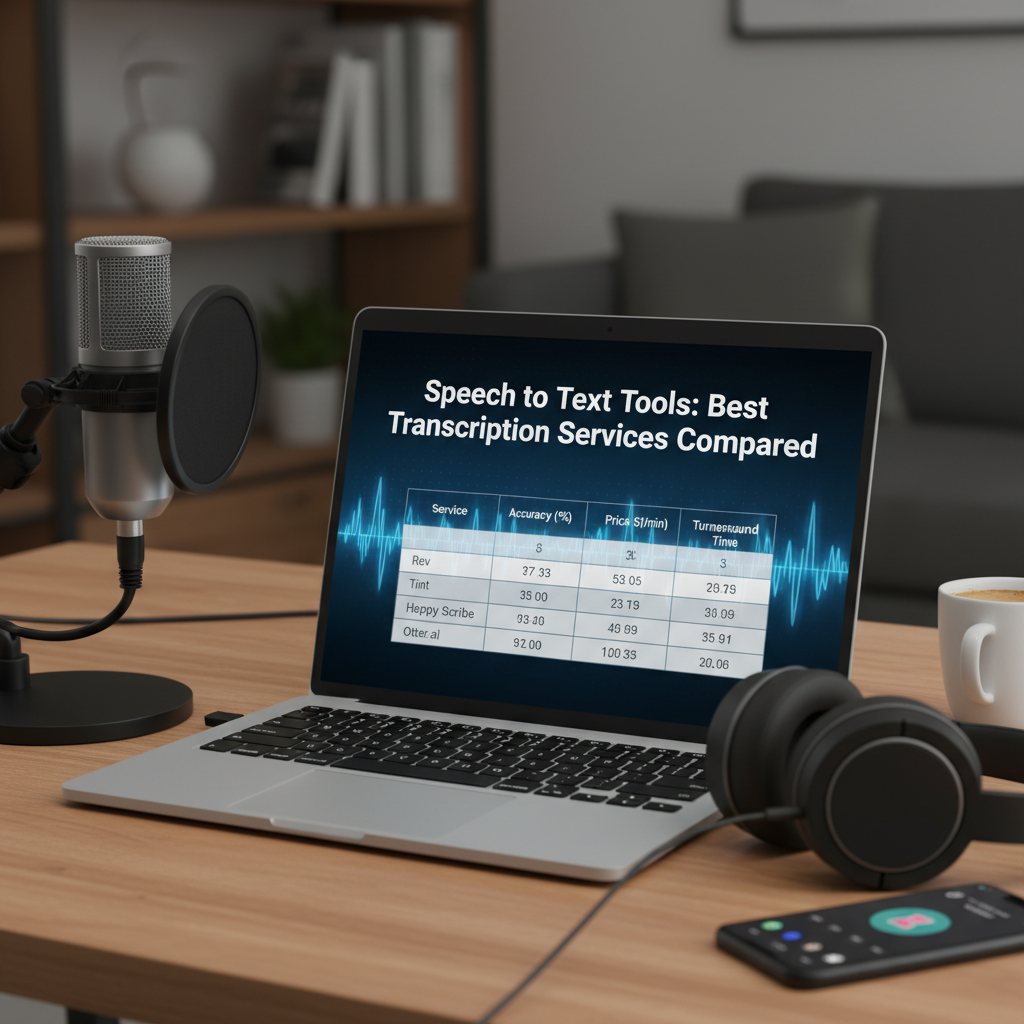
The Rising Importance of Speech to Text Tools
In our fast-paced digital environment, the ability to convert spoken words into written text has become a critical skill for professionals across all industries. The efficiency of speech to text tools has transformed how we document meetings, create content, and ensure accessibility for all users. Gone are the days of manual transcription that took hours of tedious labor; today, sophisticated algorithms and artificial intelligence handle the heavy lifting with remarkable precision. Whether you are a journalist capturing a breaking story or a developer building voice-controlled applications, these tools are the bridge between human thought and digital record.
As voice-first technology continues to evolve, the market for speech to text tools has expanded significantly. From enterprise-grade solutions to lightweight browser-based applications, the options are vast. However, the challenge lies in choosing a tool that balances accuracy, cost, and ease of use. In this comprehensive guide, we will explore the landscape of transcription technology, comparing the industry leaders and highlighting accessible alternatives like Tools River that provide professional results without the premium price tag.
Enhanced Productivity
Speech to text technology allows users to dictate notes up to three times faster than typing, significantly reducing the time spent on administrative tasks and documentation.
Universal Accessibility
These tools are essential for creating captions and transcripts, making audio and video content accessible to individuals with hearing impairments or those in sound-sensitive environments.
Seamless Organization
Digital transcripts are searchable, allowing you to quickly locate specific keywords or topics within hours of recorded audio without listening to the entire file.
Comprehensive Review of Top Speech to Text Tools
When evaluating the best speech to text tools, we must look at several key players that have defined the market. One of the most prominent names is Otter.ai, which has become a staple for remote teams. Otter excels at real-time transcription during live meetings on platforms like Zoom or Microsoft Teams. It offers speaker identification and an automated summary feature, though its accuracy can sometimes dip if the background noise is high or if multiple people speak simultaneously.
For those requiring the highest possible accuracy, Rev.ai is often the go-to choice. Rev utilizes a combination of advanced AI and human editors to ensure transcripts are nearly perfect. While their automated service is fast and affordable, their human-verified transcription is the gold standard for legal and medical documentation where every word counts. However, for the average content creator, the per-minute pricing of Rev can add up quickly.
On the enterprise side, IBM Watson and Microsoft Azure AI Speech offer robust APIs that allow developers to integrate transcription directly into their own software. These services are highly customizable and support a wide array of languages and technical vocabularies, making them ideal for specialized industries.
Speech to Text Tools for Content Creators
Content creators, including podcasters and YouTubers, have unique needs when it comes to speech to text tools. They require tools that can handle long-form audio and produce clean text for show notes or blog posts. Descript is a popular choice here, as it allows users to edit audio by editing the text transcript. This revolutionary approach has simplified the post-production workflow for thousands of creators.
When publishing these transcripts as part of an SEO strategy, it is important to ensure your website is properly optimized. For instance, using a Free Internal Link Checker Tool can help you verify that your newly created transcript pages are correctly linked to other relevant content on your site, boosting your overall search engine rankings.
Factors That Determine the Accuracy of Speech to Text Tools
Not all speech to text tools are created equal, and their performance often depends on the environment in which they are used. Accuracy is the most important metric, and several variables can influence how well a tool performs. Understanding these factors can help you prepare your recordings for better results.
- Audio Quality: The clarity of the original recording is paramount. Using a high-quality external microphone instead of a built-in laptop mic will drastically improve transcription results.
- Background Noise: Ambient sounds like air conditioners, traffic, or office chatter can confuse AI models, leading to errors or missing words.
- Speaker Enunciation: Clear, steady speech is easier for algorithms to parse than rapid-fire delivery or heavy accents.
- Technical Jargon: Specialized fields like law or engineering use unique terminology. Some tools allow you to upload a custom dictionary to help the AI recognize these specific terms.
Otter.ai Comparison
Accuracy: ~85-90%
Best For: Live meetings and collaboration.
Pricing: Free tier available; paid plans for higher limits.
Rev.ai Comparison
Accuracy: ~95%+
Best For: High-stakes professional transcription.
Pricing: Pay-as-you-go per minute.
Tools River Comparison
Accuracy: ~90%
Best For: Quick, free, and private browser-based use.
Pricing: 100% Free.
Why Tools River Offers the Best Free Speech to Text Tools
While many services require expensive monthly subscriptions or complex software installations, Tools River’s Speech to Text Tool stands out as a highly accessible and powerful alternative. It is an online solution that functions entirely within your web browser, meaning you don’t need to download any heavy applications or worry about system compatibility. This makes it an ideal choice for students, freelancers, and small business owners who need reliable transcription without the financial commitment.
One of the primary advantages of using Tools River for speech to text tools is its simplicity. You can simply click a button and start speaking, and the tool will transcribe your voice in real-time. It supports multiple languages and provides a clean interface that focuses on the task at hand. Furthermore, because it is a web-based tool, it is frequently updated with the latest recognition models, ensuring that users always have access to high-level accuracy without needing to manually update software.
For developers or data analysts who might be working with transcription data in different formats, managing the output is also a consideration. If you are using APIs to fetch transcription data, you might receive it in a structured format. In such cases, using a JSON Viewer and Formatter can help you organize and read the data more clearly, ensuring that your workflow remains streamlined from audio capture to data management.
Maximizing Productivity with Speech to Text Tools
To get the most out of your speech to text tools, you should integrate them into a broader productivity workflow. For example, instead of typing out long emails, try dictating them first. You can then use the transcribed text as a draft, which is often much faster than starting from a blank screen. This “voice-first” approach helps overcome writer’s block and allows your ideas to flow more naturally.
Another tip is to use transcription for brainstorming sessions. When you speak out loud, you often explore ideas more deeply than when you type. By recording these sessions and using a tool like Tools River, you can capture every nuance of your creative process without the distraction of a keyboard. This method is particularly effective for authors, marketers, and researchers who need to capture complex thoughts quickly.
Conclusion
Choosing the right speech to text tools depends entirely on your specific needs, budget, and technical requirements. While premium services like Rev and Otter offer advanced features for teams and high-accuracy demands, free tools like the one provided by Tools River offer an incredible balance of convenience and performance for daily tasks. By understanding the factors that affect transcription quality—such as audio clarity and background noise—you can leverage these powerful technologies to save time, improve accessibility, and enhance your overall digital productivity. As AI continues to advance, we can only expect these tools to become even more integrated into our professional and personal lives.
FAQs
Rev.ai is widely considered one of the most accurate tools due to its combination of AI and human review. However, for automated tools, Google Cloud Speech-to-Text and Tools River offer high levels of accuracy for standard English and many other languages.
Yes, there are several free options. Tools River provides a completely free, browser-based speech to text tool that requires no subscription or installation. Many other services like Otter.ai offer a limited free tier.
To improve accuracy, use a high-quality microphone, minimize background noise, speak clearly at a moderate pace, and ensure only one person is speaking at a time whenever possible.
Most modern tools, including the solution at Tools River, support a wide range of global languages. Enterprise tools from IBM and Microsoft offer the most extensive language and dialect support for specialized needs.
Privacy depends on the service provider’s terms. Reputable tools like Tools River and major enterprise services prioritize user data security. Always check the privacy policy if you are transcribing sensitive or confidential information.

