
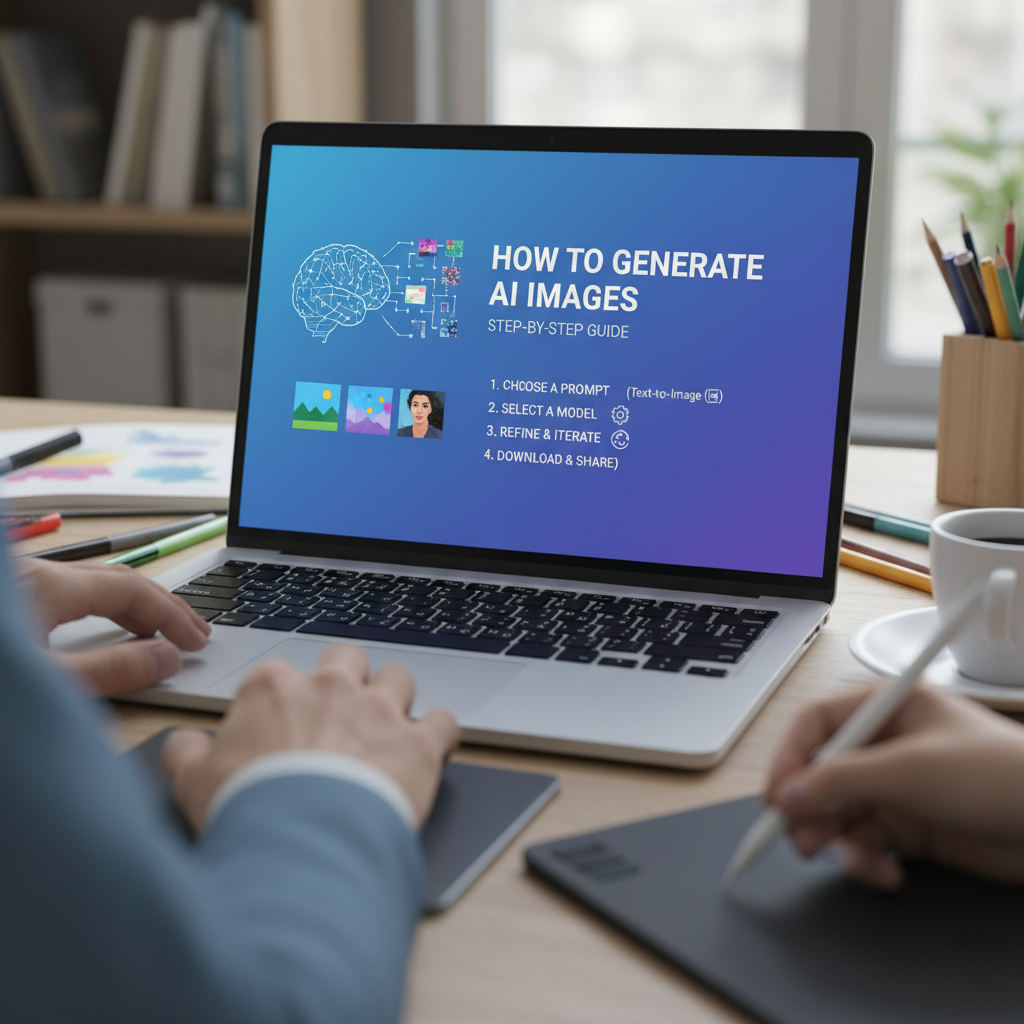
Introduction to the World of AI Art
Learning how to generate AI images has transformed from a niche technical skill into a mainstream creative powerhouse. Only a few years ago, creating high-quality digital art required years of training in complex software like Photoshop or Illustrator. Today, anyone with an internet connection and a bit of imagination can produce stunning visuals in seconds. This shift is driven by Generative Adversarial Networks (GANs) and Diffusion models, which have been trained on millions of images to understand the relationship between text and visual concepts.
In this guide, we will explore the nuances of this technology, providing you with a definitive roadmap on how to generate AI images that look professional, unique, and purposeful. Whether you are a blogger looking for the best content creation tools for bloggers or a designer seeking inspiration, this tutorial covers everything from basic prompting to advanced refinement techniques. For more on the underlying technology that makes this possible, you can explore the research at OpenAI’s DALL-E research page.
The Fundamental Mechanics: How to Generate AI Images
Before diving into the specific steps, it is essential to understand the core logic behind the process. When you ask an AI to create an image, you are not just searching a database; you are directing a model to synthesize new pixels based on a mathematical understanding of patterns. The quality of your output depends heavily on the clarity of your instructions, often referred to as ‘prompts.’
To successfully how to generate AI images, you must think of the AI as a highly skilled but literal-minded artist. It knows what a ‘cyberpunk city’ looks like because it has seen thousands of images labeled as such, but it doesn’t know your specific vision unless you describe the lighting, the angle, and the mood. Understanding this collaborative relationship is the first step toward mastery.
1. Text-to-Image
The most common method where you type a descriptive sentence and the AI interprets it into a visual format.
2. Image-to-Image
Using an existing photo as a structural guide, allowing the AI to transform or ‘re-skin’ the original content.
3. Inpainting
The process of highlighting a specific area of an image and asking the AI to fill it with a new object or texture.
The Artistic Advantage: Why You Should Learn How to Generate AI Images
The primary reason to learn how to generate AI images is efficiency. In a fast-paced digital environment, the ability to iterate on visual concepts rapidly is invaluable. For instance, if you are designing a website, you might need a specific color scheme. Using the ultimate guide to color palette generators alongside AI art can help you maintain brand consistency while generating unique assets.
Furthermore, AI allows for the democratization of creativity. It removes the barrier of physical dexterity, allowing those with visionary ideas but limited drawing skills to bring their concepts to life. From marketing materials to conceptual architecture, the applications are virtually limitless.
Step-by-Step Guide: How to Generate AI Images Using Tools River
Tools River offers a streamlined interface that simplifies the often-daunting world of AI generation. While many tools are cluttered with complex sliders, the Tools River Image Generator (and its specialized sketch converter) focuses on delivering high-quality results with minimal friction. Follow these steps to get started:
- Access the Tool: Navigate to the Tools River Image Generator interface. Ensure you have a clear idea of the subject matter you wish to create or convert.
- Define Your Subject: In the prompt box, start with the core subject. For example, instead of just ‘a cat,’ try ‘a majestic Maine Coon cat sitting on a velvet throne.’
- Select Your Style: If you are using the sketch converter, the style is pre-defined, but for general generation, you should specify if you want ‘photorealistic,’ ‘oil painting,’ ‘3D render,’ or ‘pencil sketch.’
- Adjust Quality Settings: Look for options regarding resolution and aspect ratio. Higher resolutions take longer to process but are essential for print or high-quality web use.
- Generate and Iterate: Hit the generate button. If the first result isn’t perfect, don’t worry. Refine your prompt by adding more adjectives or removing confusing words.
Expert Tip: When using the sketch converter specifically, high-contrast photos work best. The AI thrives on clear lines and distinct shadows to create a compelling sketch output.
Mastering Prompt Engineering for Better Results
The secret sauce to knowing how to generate AI images effectively lies in prompt engineering. A prompt is more than just a description; it is a set of coordinates for the AI to follow. To get the best results, your prompts should follow a structured hierarchy: Subject > Action > Environment > Lighting > Style > Technical Parameters.
The Subject
Be specific. Instead of ‘man,’ use ‘elderly fisherman with a weathered face and a yellow raincoat.’
The Lighting
Lighting defines the mood. Use terms like ‘golden hour,’ ‘cinematic lighting,’ ‘neon glow,’ or ‘soft studio light.’
The Camera
Specify the perspective. Terms like ‘wide-angle lens,’ ‘macro photography,’ or ‘low-angle shot’ change the composition entirely.
Example of a poor prompt: “A dog in a park.”
Example of a professional prompt: “A golden retriever running through a sun-drenched meadow, autumn leaves swirling, 8k resolution, cinematic lighting, shot on 35mm lens, highly detailed fur.”
The Role of Parameters When You Generate AI Images
Many advanced users leverage parameters like ‘Negative Prompts.’ This tells the AI what *not* to include. If you find the AI is consistently adding unwanted elements like ‘extra fingers’ or ‘blurry backgrounds,’ you can explicitly list those in the negative prompt field to clean up the final output. For a deeper look at how AI trends are evolving, check out MIT Technology Review’s AI section.
Refining Your Technique: How to Generate AI Images with Precision
Once you have the basics down, the next level of how to generate AI images involves refinement. Rarely is the first image perfect. This is where ‘seed numbers’ and ‘variations’ come into play. If you find an image you like, you can use its ‘seed’ (a unique numerical ID) to generate similar images with slight modifications. This is crucial for character consistency or creating a series of themed visuals.
Another advanced technique is ‘Prompt Weighting.’ Some tools allow you to use syntax like (sunset:1.5) to tell the AI to prioritize the sunset element over other parts of the prompt. This level of control is what separates hobbyists from professional AI artists.
Common Pitfalls and How to Avoid Them
While the technology is impressive, it isn’t perfect. A common mistake when people learn how to generate AI images is being too vague. The AI will fill in the gaps with its own ‘imagination,’ which often leads to generic or messy results. Another issue is ‘prompt stuffing,’ where users add too many conflicting keywords, causing the AI to become confused and produce a visual ‘word salad.’
- Avoid Over-complicating: Stick to 3-5 key descriptive phrases rather than a paragraph of 50 words.
- Check Anatomy: AI often struggles with hands and eyes. Use tools that offer ‘face restoration’ or ‘inpainting’ to fix these specific areas.
- Mind the Aspect Ratio: Ensure your aspect ratio matches your intended use (e.g., 16:9 for YouTube, 9:16 for TikTok).
Practical Examples: Before and After Refinement
Consider a scenario where a user wants a futuristic car.
Initial Attempt: “Future car on street.” (Result: A blurry, generic silver car).
Refined Attempt: “Sleek aerodynamic electric supercar driving through a neon-lit Tokyo street at night, wet pavement reflecting lights, synthwave aesthetic, photorealistic, 8k.” (Result: A stunning, vibrant, and professional-grade visual).
Conclusion: Embracing the Future of Creativity
Understanding how to generate AI images is a journey of constant experimentation. The technology moves fast, and the best way to stay ahead is to keep prompting, keep refining, and keep exploring new tools like those offered by Tools River. By combining your human creativity with the raw processing power of AI, you can produce work that was previously impossible. Start small, master the art of the prompt, and soon you will be creating digital masterpieces with just a few keystrokes.
FAQs
In most cases, yes, but it depends on the platform’s terms of service. Generally, images generated through paid subscriptions or open-source models allow for commercial use, though copyright laws are still evolving globally.
You can use ‘face restoration’ features found in many AI suites or use ‘inpainting’ to mask the face and re-generate just that specific area with a more detailed prompt.
Using a fixed ‘Seed’ number and keeping the core character description identical while only changing the action or environment is the most effective way to maintain consistency.
Yes, this is called ‘Image-to-Image’ generation. You upload your photo as a base, and the AI applies styles or modifications based on your text prompt while keeping the original composition.
No. While you can run models locally if you have a powerful GPU, most users use cloud-based tools like Tools River, which handle all the heavy processing on their servers.
Read Also:
- Image Merger Tool
- Mulank Calculator
- Pregnancy Weight Gain Calculator
- Mastering the Math: Your Guide to the Discount Percentage Calculator Shopping Savings Hacks
- 7 Strategic Ways to Master the Use of Budget Planner for Financial Freedom
- Web Stories
- Math Myth: Your 2026 Percent Change Guide
- Master Your Retirement in 2026
- How to Convert SGPA to Percentage: The Ultimate 2026 Guide – Visual Story
- Targeta de Crédito Falsa Generar: The 2026 Guide to Safe Test Cards

